

Family and your data
Backup and restore
Automatic daily backups to your own iCloud Drive, a manual backup any time, and bringing everything back on a new phone.
Your records live on your phone. A backup is a copy of all of them — babies, records, photos — written as one encrypted file into the BabyMemos folder of your own iCloud Drive, where you can see it in the Files app like any other document. The key that opens it is kept in your iCloud Keychain, so a new iPhone signed in to the same Apple ID can restore it.
The Backup & Restore screen
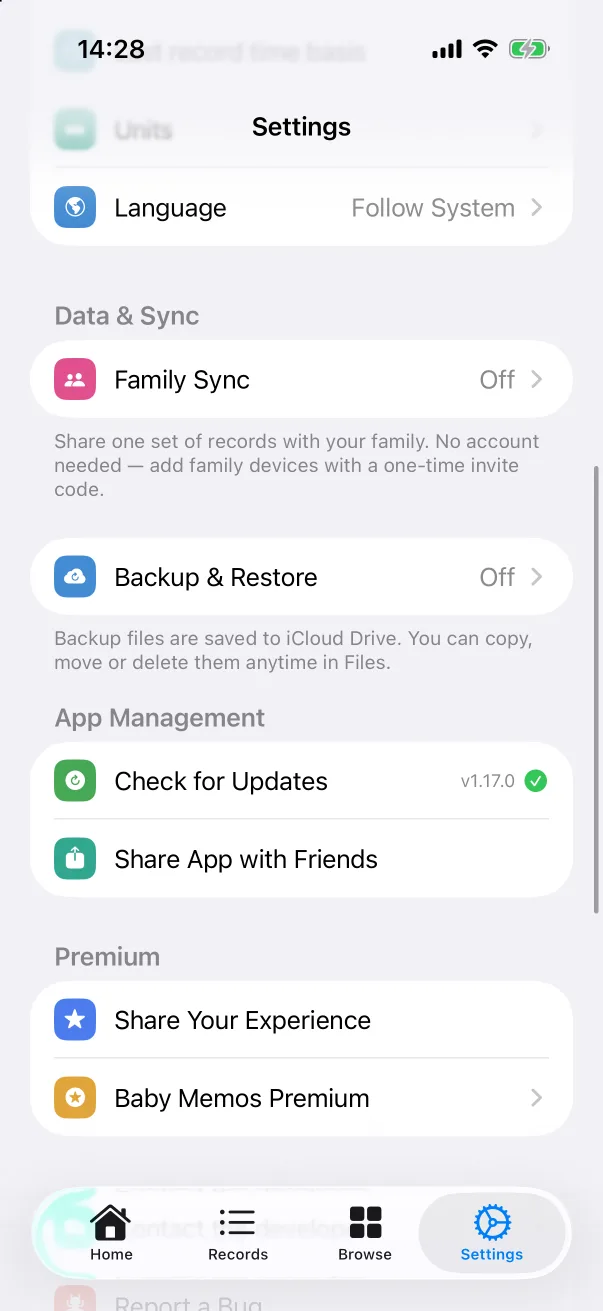
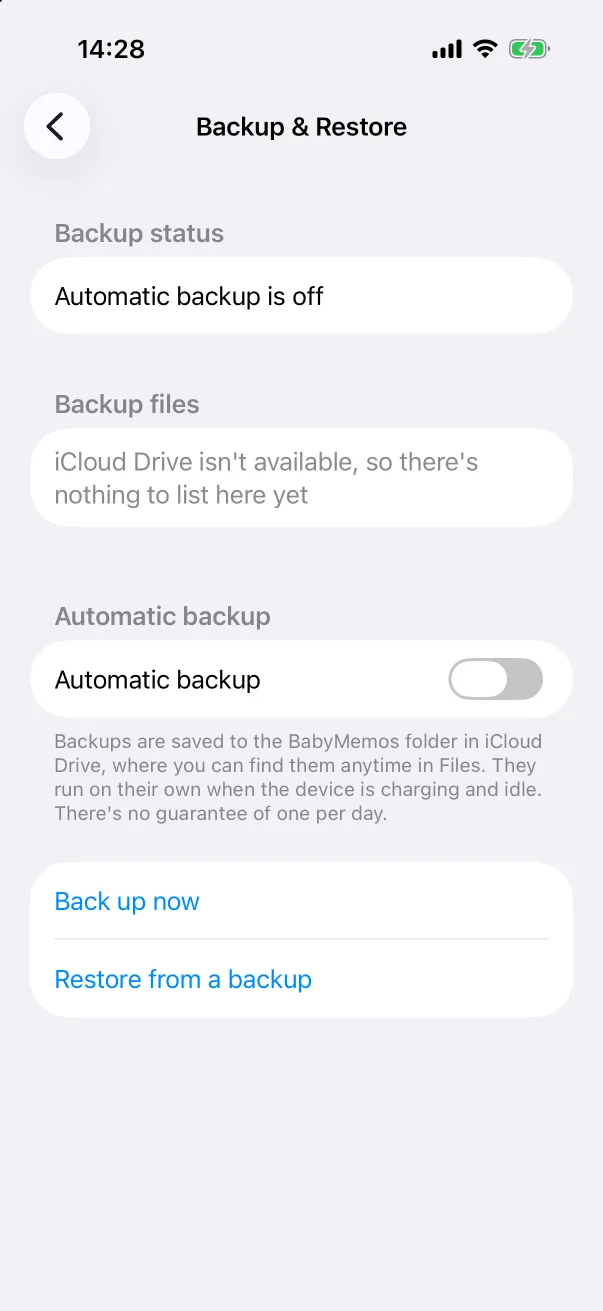
Open Settings → Backup & Restore. The screen has three parts:
- Backup status — whether automatic backup is on, and when the last one ran.
- Backup files — the backups already in iCloud Drive. This needs the phone to be signed in to iCloud with iCloud Drive turned on; until then it says iCloud Drive isn't available.
- Automatic backup — the switch. Below it, Back up now and Restore from a backup.
Automatic backups
Turn on Automatic backup. From then on the app backs itself up when the phone is charging and idle, roughly once a day — iOS decides the exact moment, so there is no guarantee of exactly one per day. Each backup is a complete copy; older files can be deleted in Files whenever you like.
Backing up now
Tap Back up now to write a backup immediately — worth doing right before you switch phones or hand one over.
Restoring
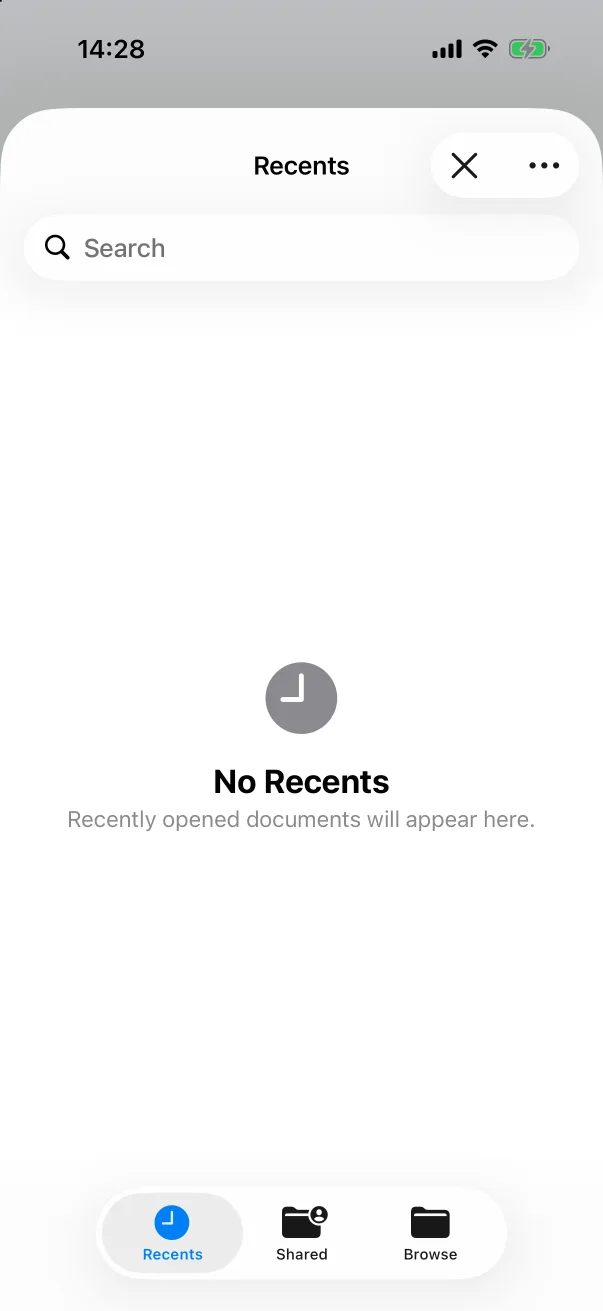
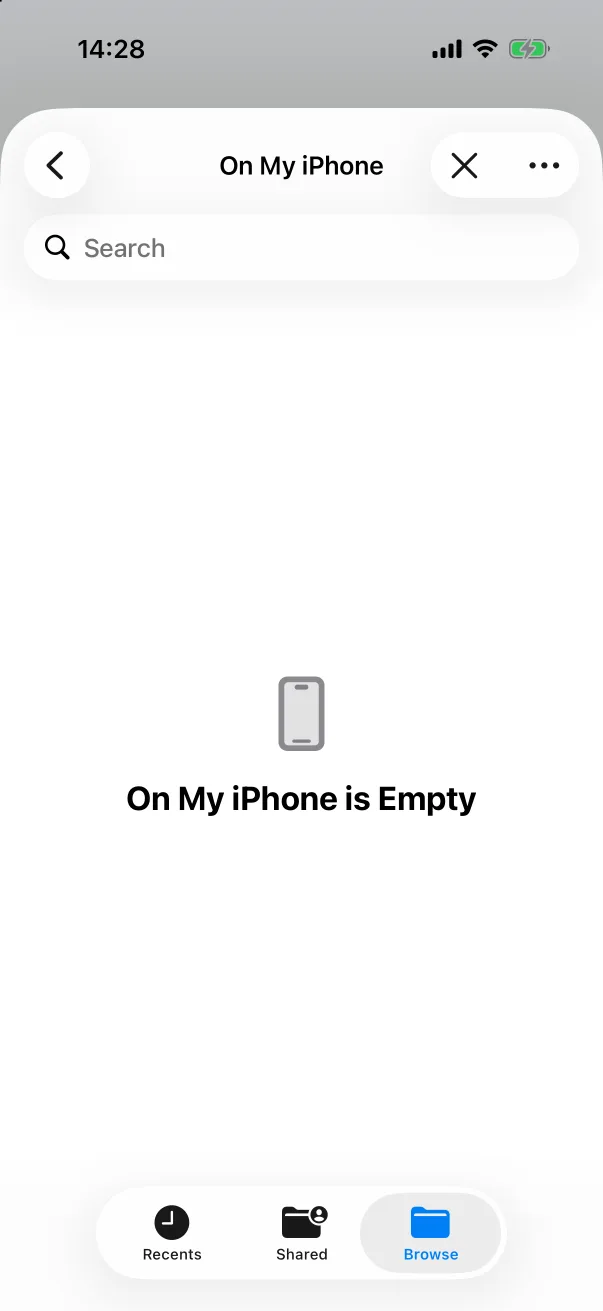
- On the new phone, install Baby Memos and sign in to iCloud with iCloud Drive on.
- Open Settings → Backup & Restore → Restore from a backup — or, on the very first launch, the document icon in the top-right corner of the welcome screen.
- In the Files picker, choose Browse → iCloud Drive → BabyMemos and tap the backup file.
- Everything comes back in one go: the babies, every record, and the photos.