
Settings and extras
Reminders
Be reminded a set time after the last feed or nap, or at fixed times of day — set from the alarm icon on each home card.
Reminders are set per record type, from the alarm-clock icon on that type's card on the Home tab. There are two kinds: interval reminders that count from the last record, and custom times that fire at the same clock time every day.
Interval reminders
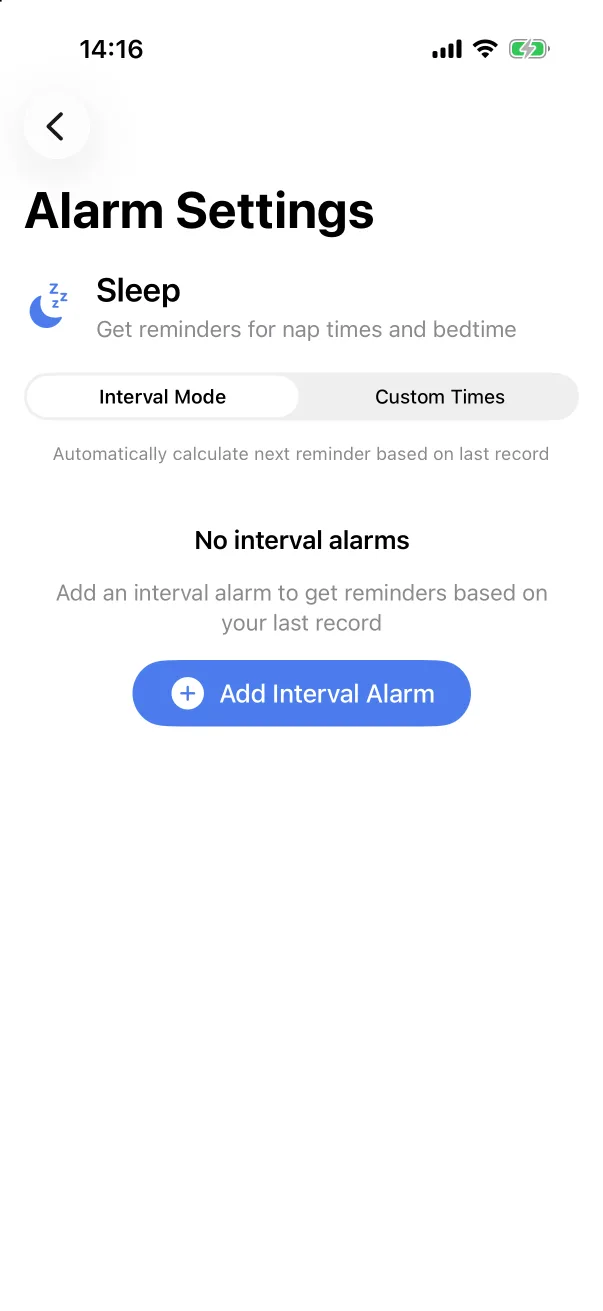
- On the Home tab, tap the alarm icon on the card — the Bottle card for feeds, the Sleep card for naps.
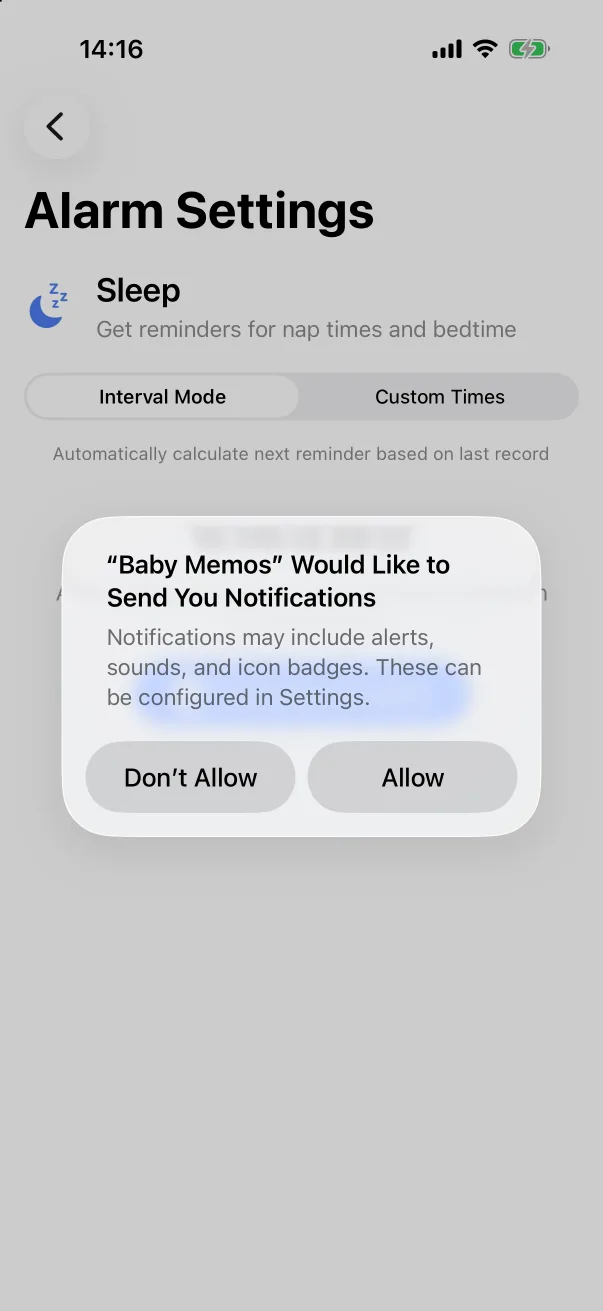
- Alarm Settings opens in Interval Mode. Tap Add Interval Alarm. The first time, iOS asks whether the app may send notifications; tap Allow.
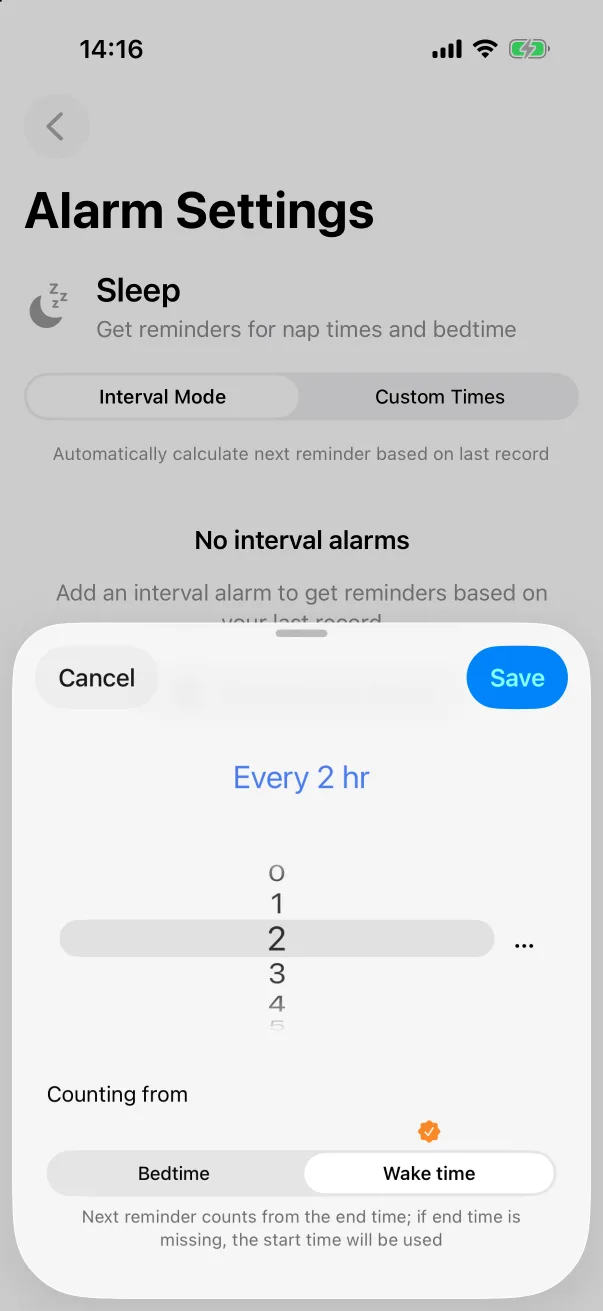
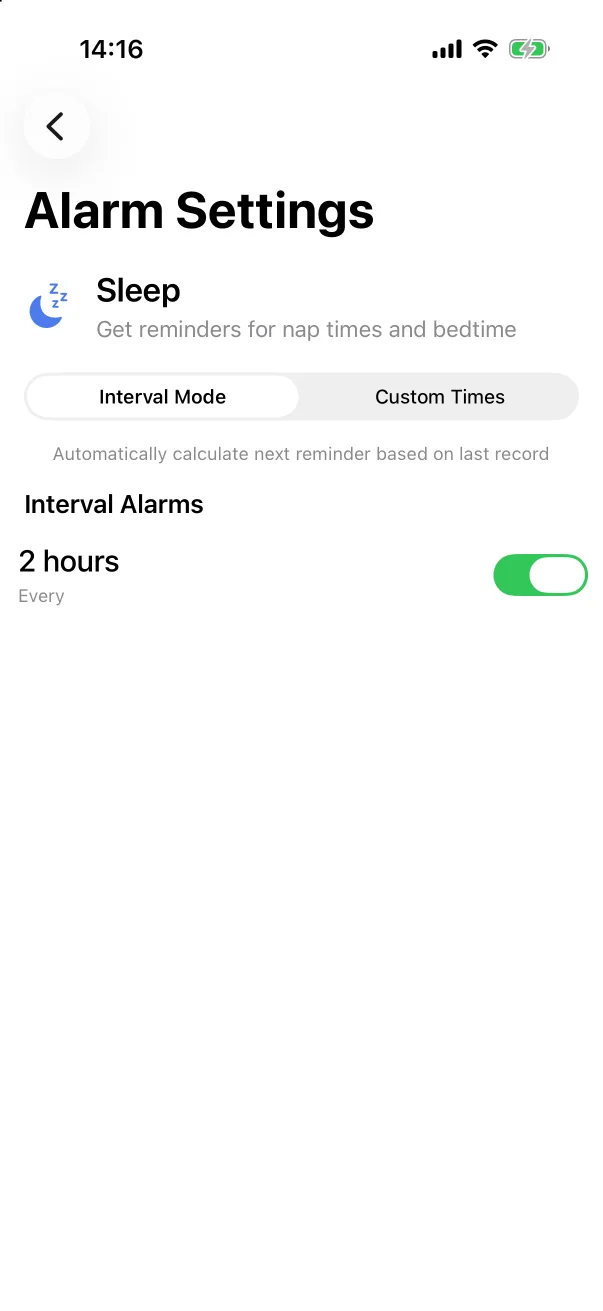
- Pick the interval on the wheel — Every 2 hr — and choose what it counts from. For sleep that is Bedtime or Wake time (recommended); for feeds, the start or end of the feed. The next reminder counts from the record's end time, or from its start when there is no end.
- Tap Save. The alarm appears under Interval Alarms with a switch.
Every time a new record of that type is saved, the next reminder is recalculated from it. The switch pauses a reminder without deleting it; tap the row to change it.
Custom times
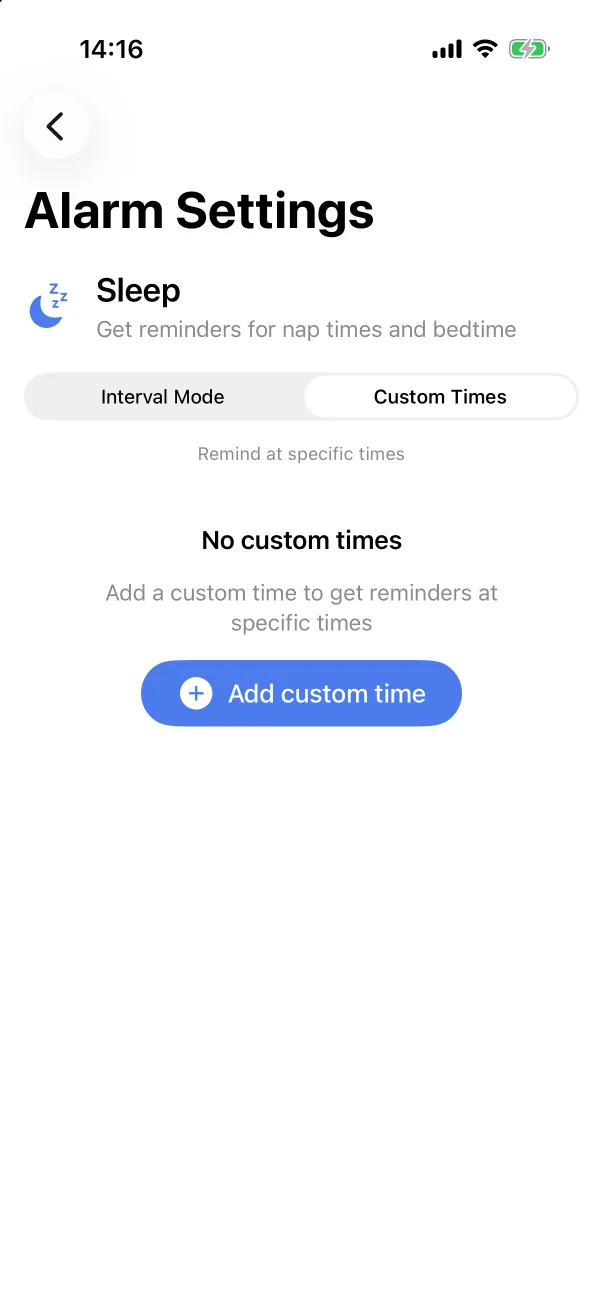
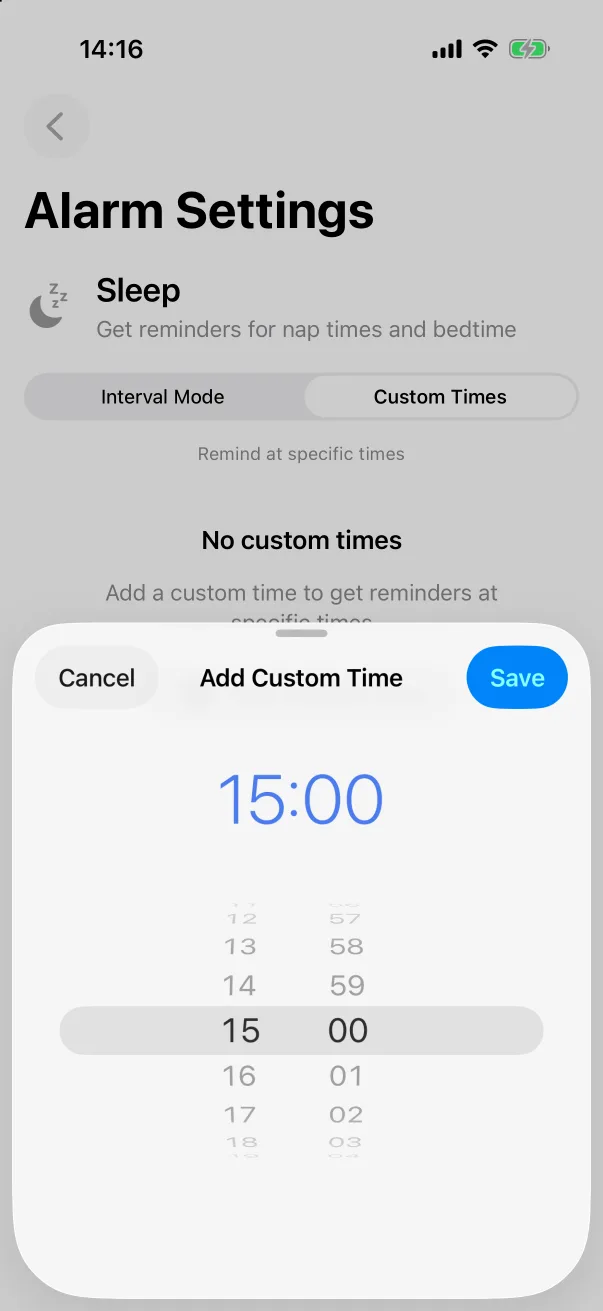
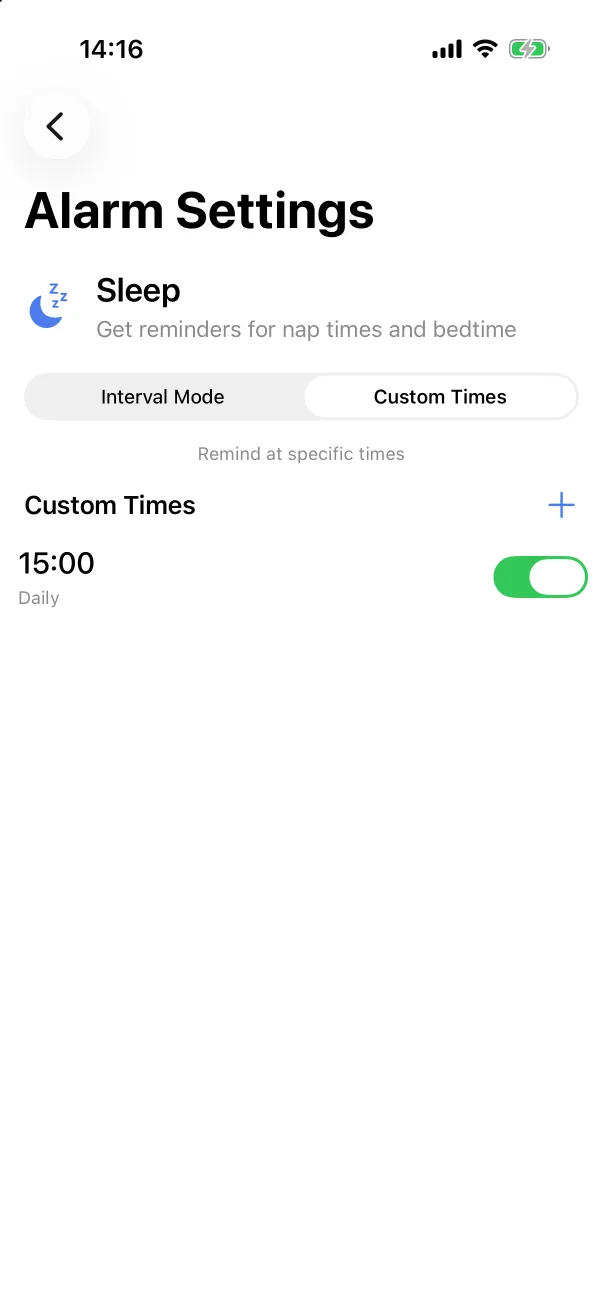
Switch to Custom Times for reminders at fixed times — the evening vitamin D, the 15:00 nap. Tap Add custom time, set the time on the wheel and tap Save. Custom times repeat daily and can be paused with their switch.
On the home screen
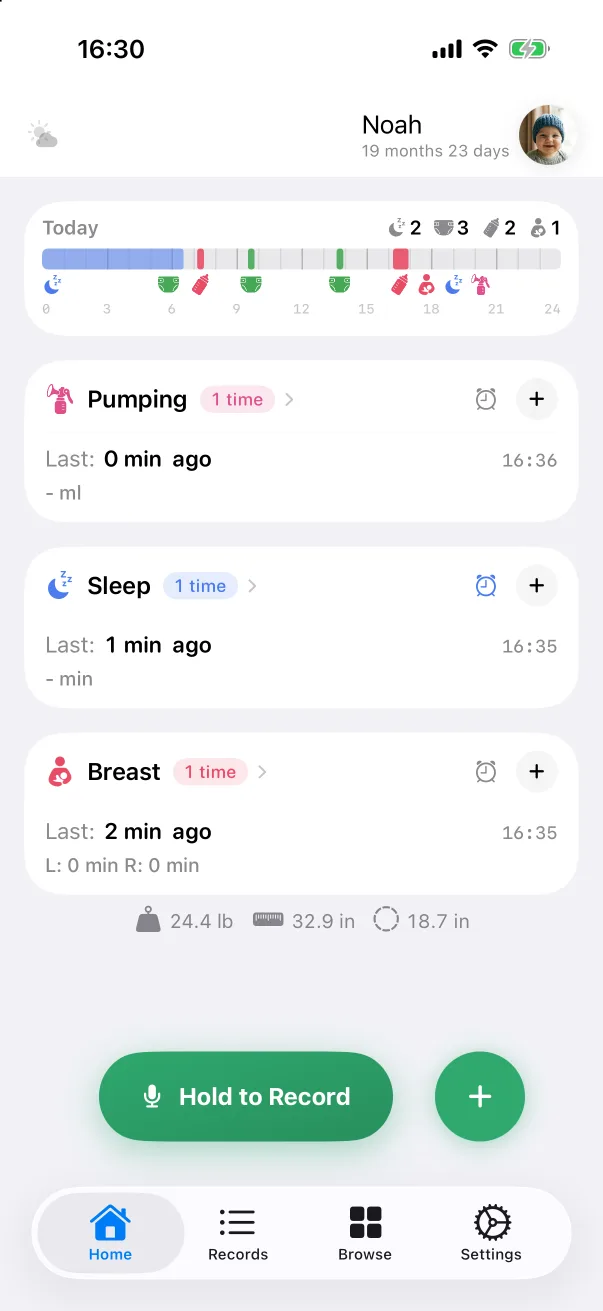
A card with a reminder shows its alarm icon in blue. Reminders are per type and per device; they are not shared with the family. Custom record types have no reminders.
Clearing everything
Settings → Turn off and clear all reminders removes every interval and custom-time reminder in one go — useful when a routine changes.