
Settings and extras
The quick record panel
Put the types you log every day in the first row of the + panel, hide the ones you never use, and reset when the routine changes.
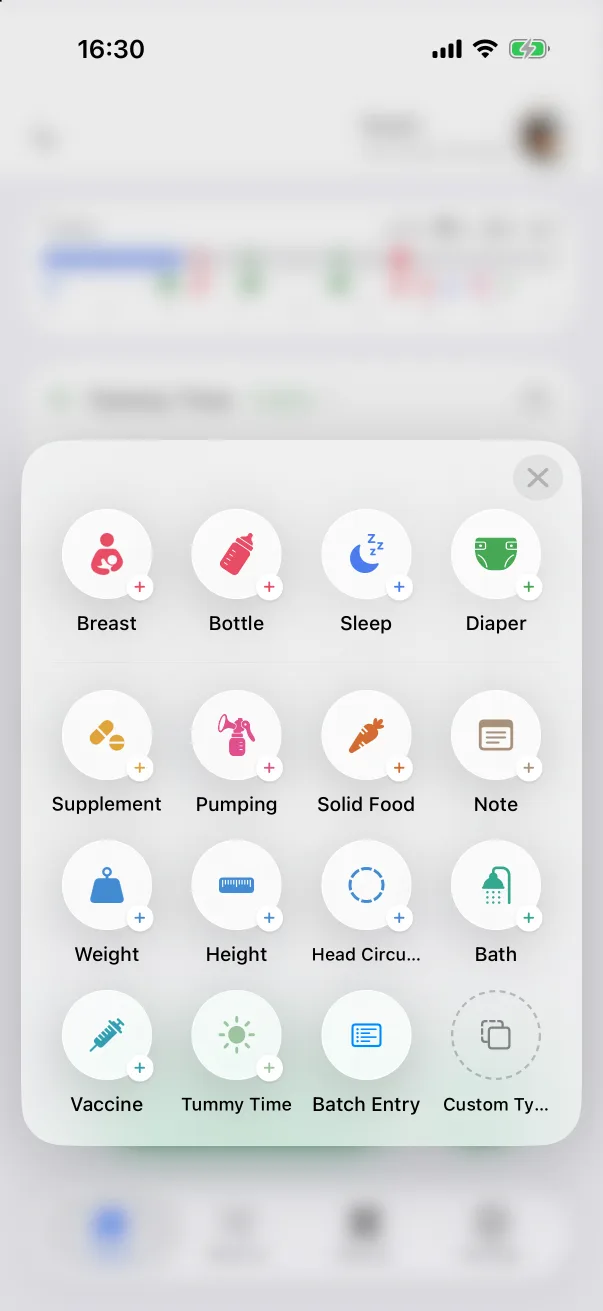
The + panel on the home screen shows every record type. As the baby grows the mix changes — pumping stops, solids start — and the panel can follow: Settings → Quick Record Panel decides which tiles appear and in what order.
Favorites and More
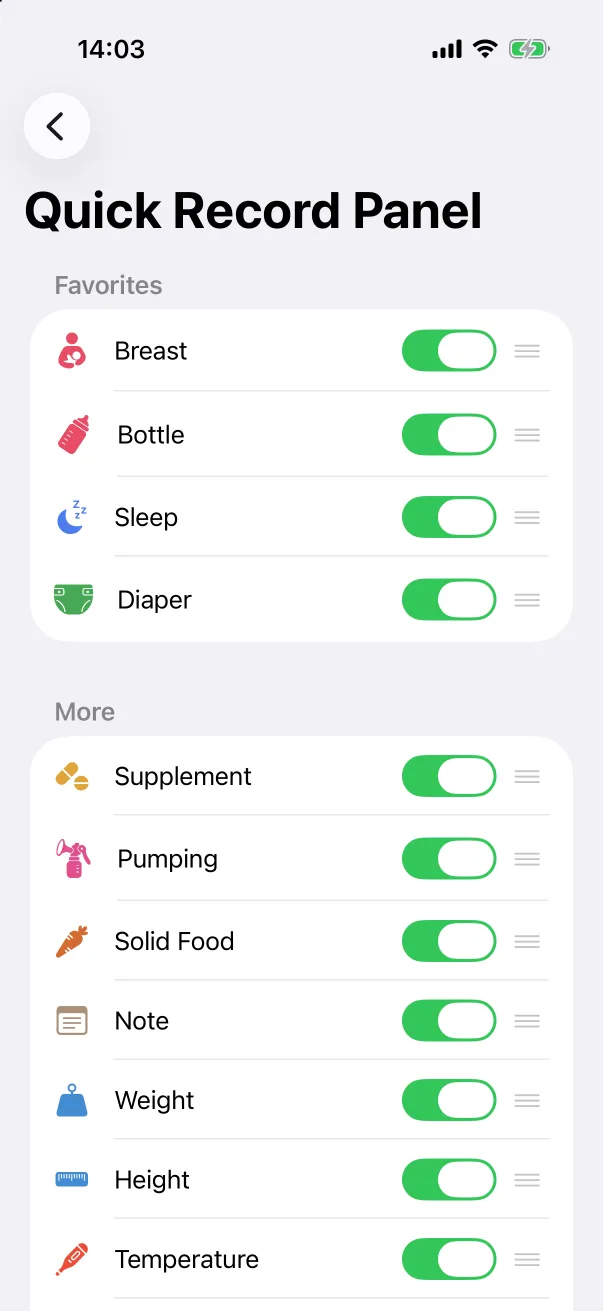
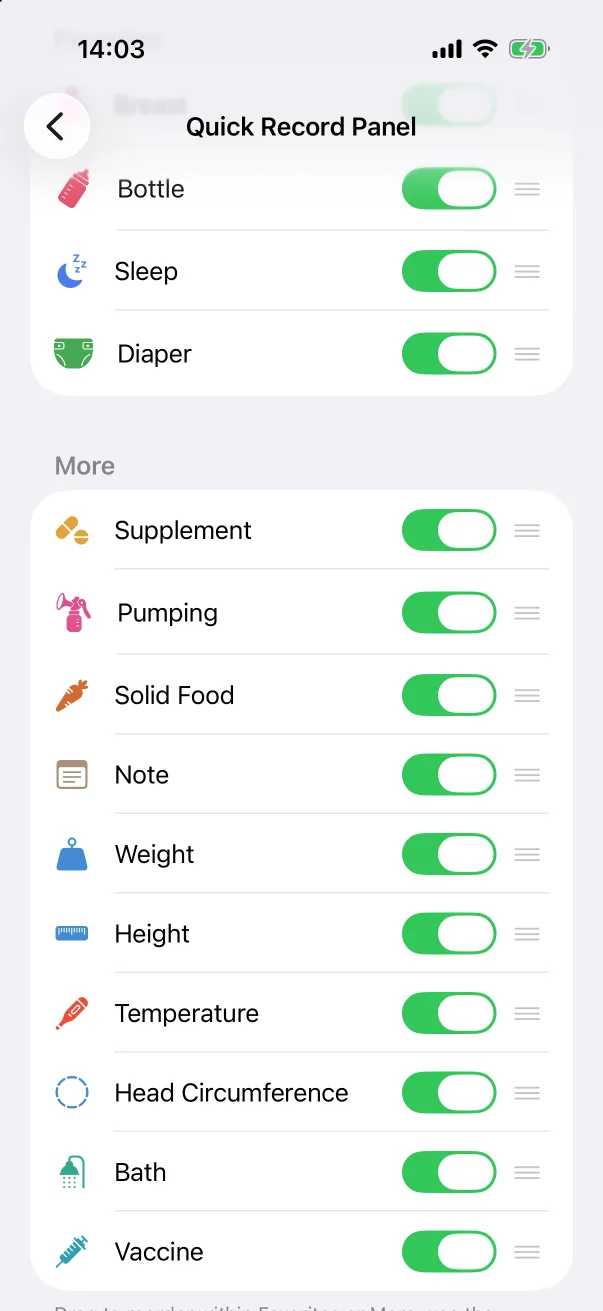
The screen has two groups. Favorites are the first row of the panel — Breast, Bottle, Sleep and Diaper by default. More holds the rest. Each row has a green switch and a drag handle:
- Drag a row by its handle to reorder it within Favorites or within More. The panel follows the order.
- Switch a row off to hide that type from the panel. Its records, statistics page and home card are untouched; only the tile goes.
Changes apply immediately — there is no Save button.
Reset
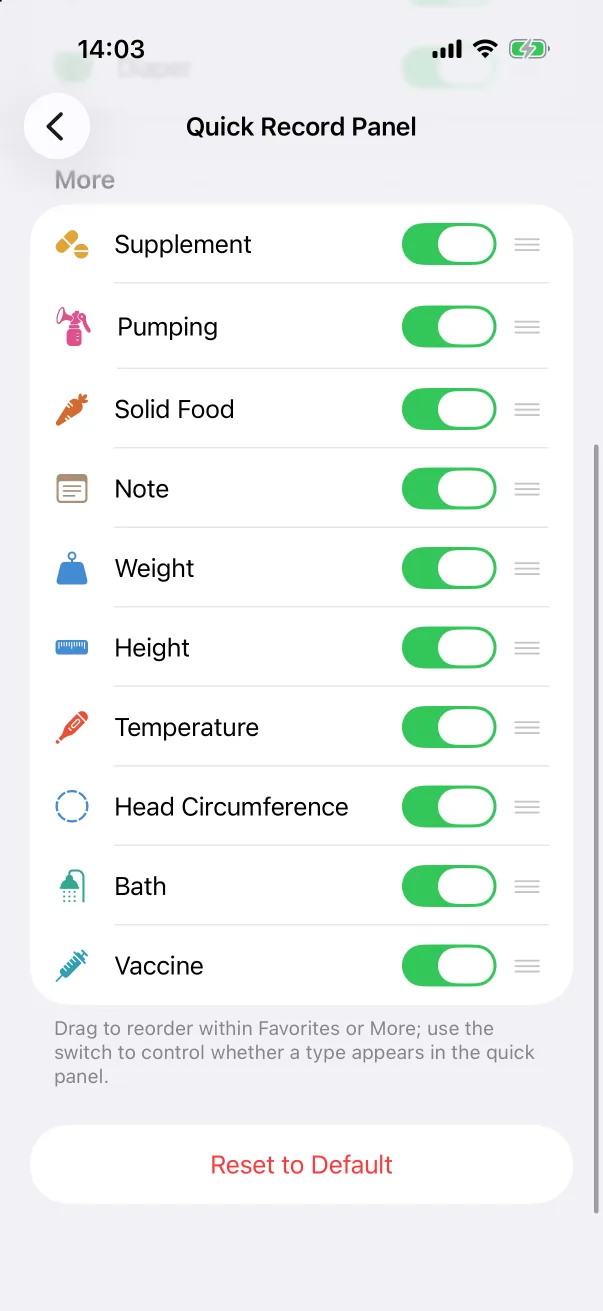
Reset to Default at the bottom restores the original order and switches every type back on.