

Looking back
Vaccines
Record the shots the baby has had, put the next appointment in the future so it stays pinned, and read the reference schedule for your region.
Vaccines are a record type like any other, with two extras: a list of their own that separates the upcoming appointment from the doses already given, and a read-only reference guide that never touches your records.
The vaccine list
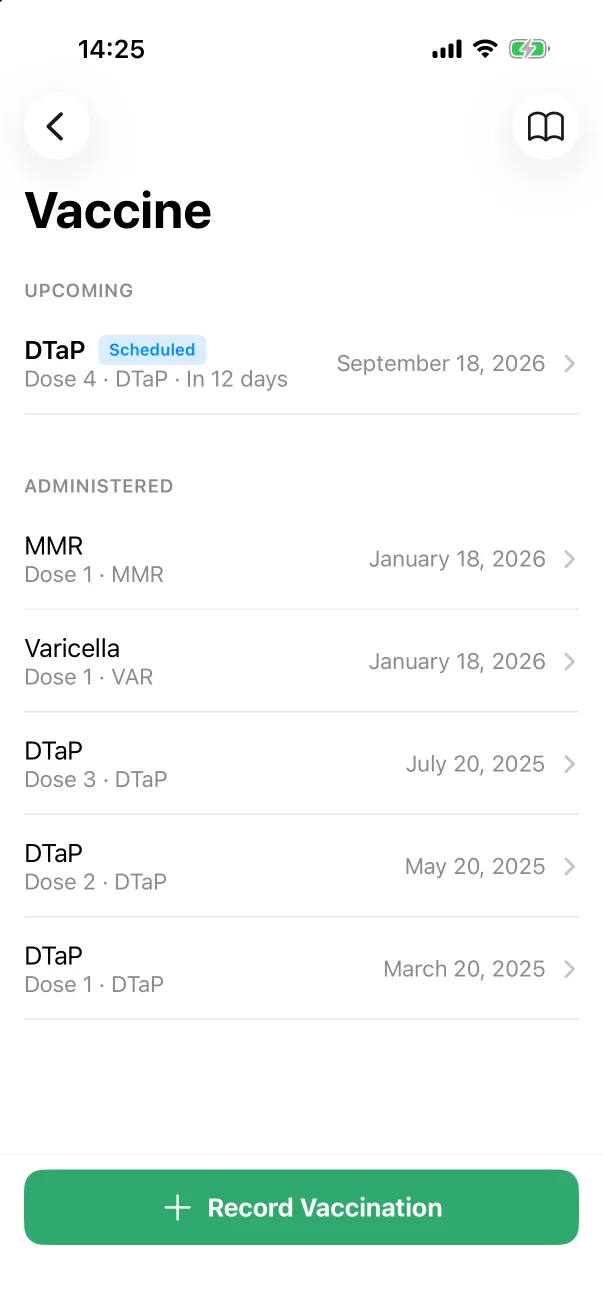
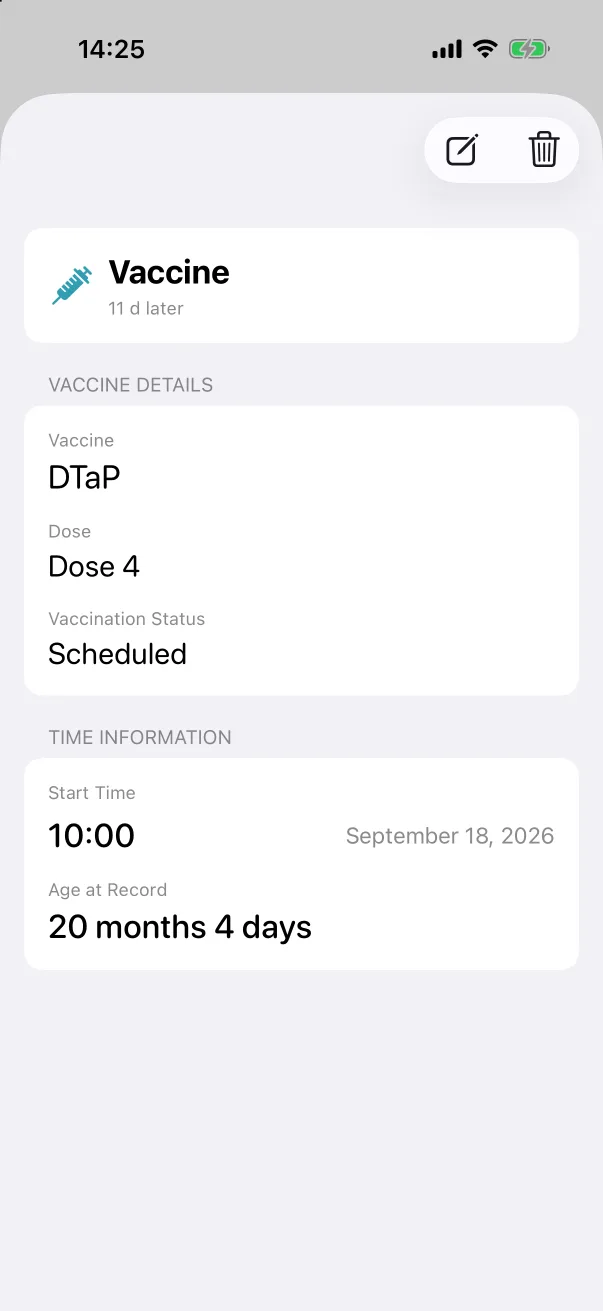
Browse → Features → Vaccines opens the list. Upcoming holds anything scheduled for a future date, with a countdown (Dose 4 · DTaP · In 12 days); Administered lists every dose given, newest first. Tap a row for the detail, where the pencil edits it and the bin deletes it. The book icon in the top right opens the reference guide.
Recording a vaccination
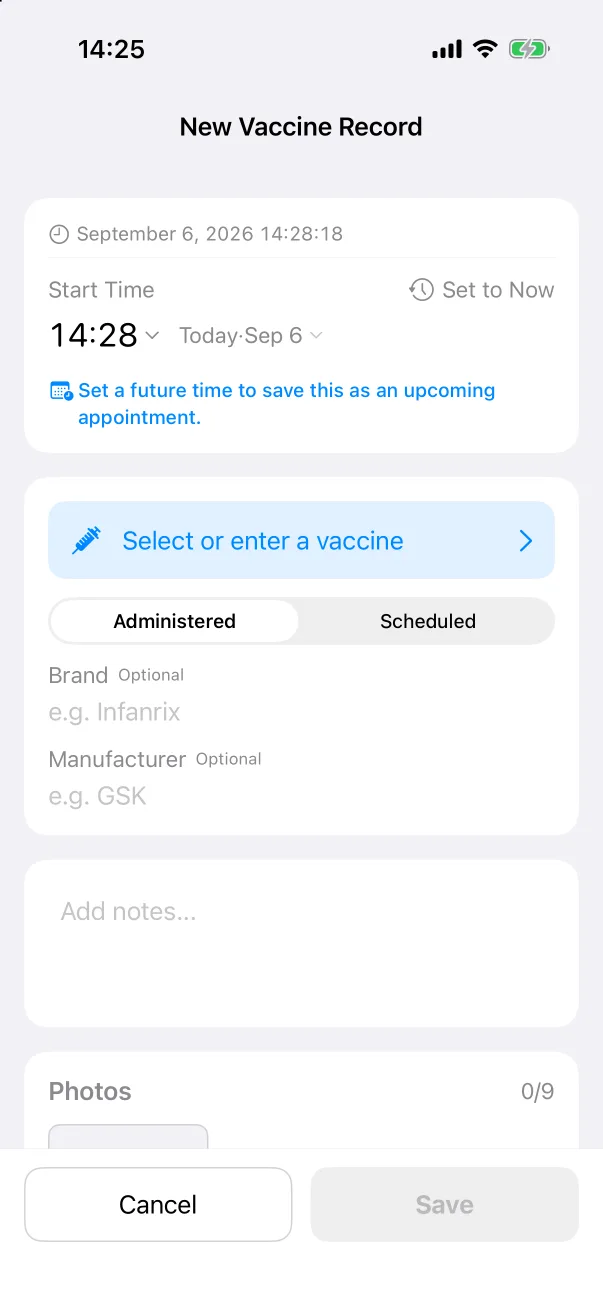
- Tap + Record Vaccination at the bottom of the list (or the Vaccine tile on the quick panel).
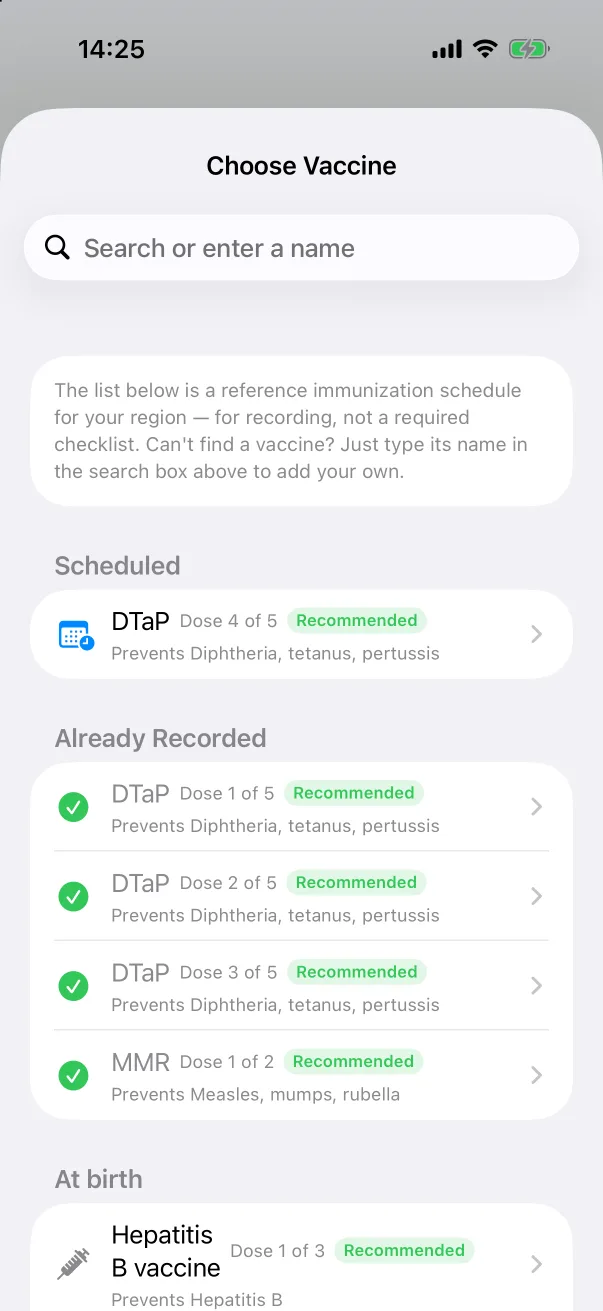
- Tap Select or enter a vaccine. The picker shows the reference schedule for your region: the next scheduled doses first, the ones already recorded with a tick, then everything else by age. For a vaccine that is not listed, type its name in the search box.
- Choose Administered or Scheduled.
- Optionally add the Brand and Manufacturer, notes and a photo of the record card.
- Tap Save.
The reference guide
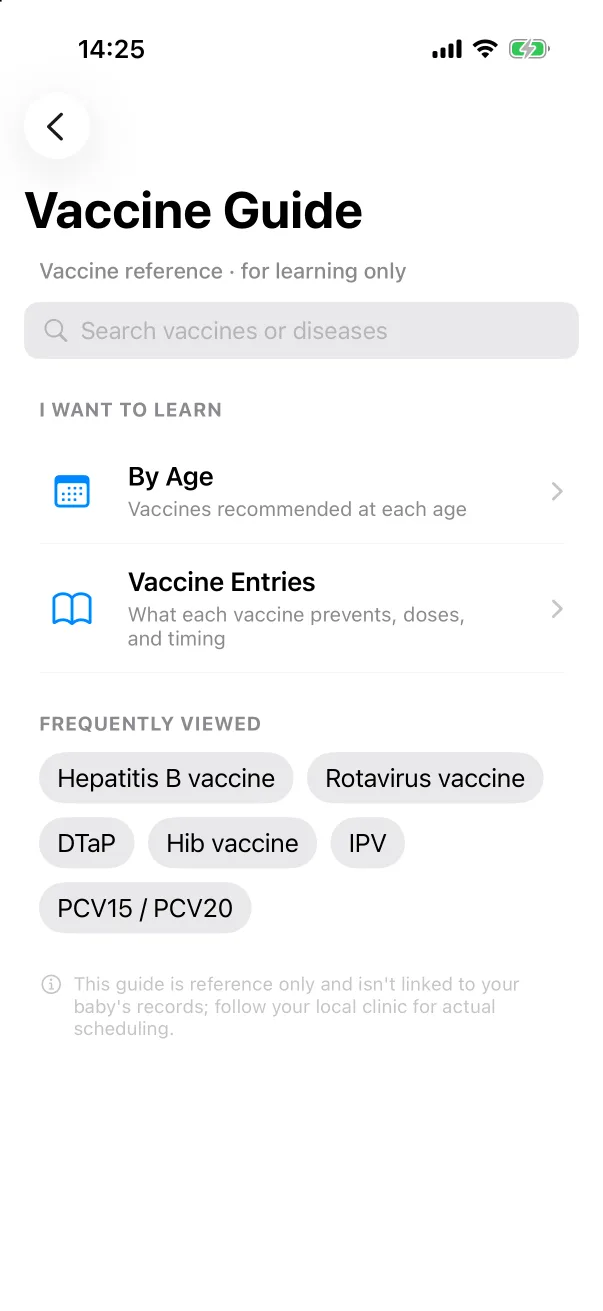
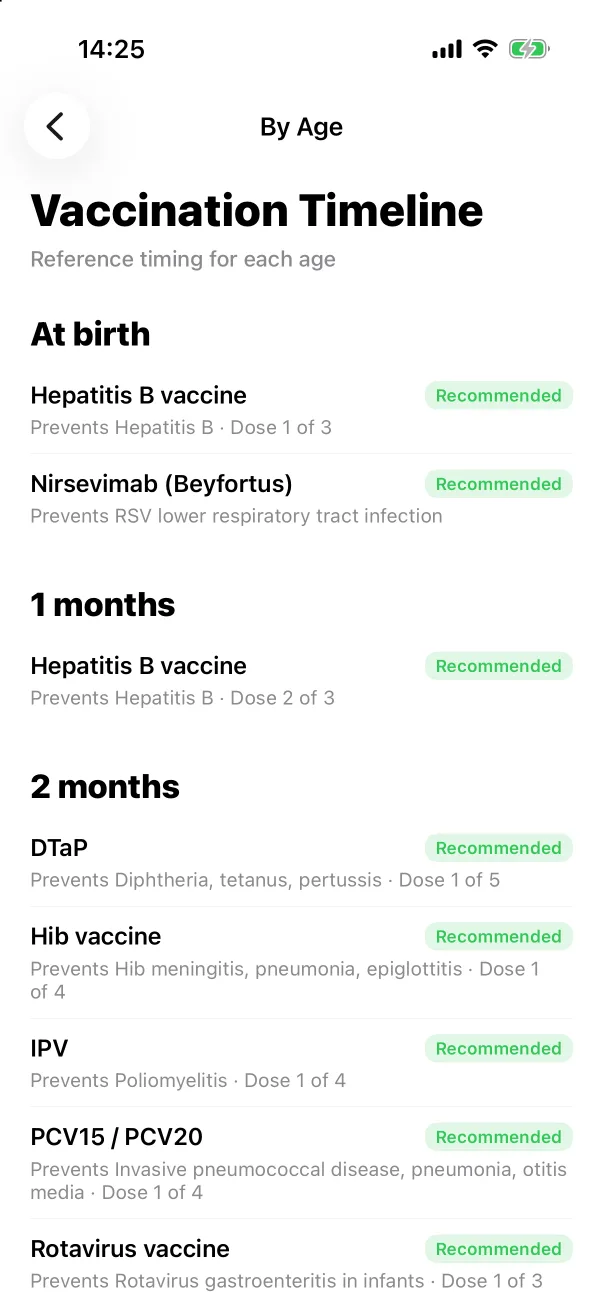
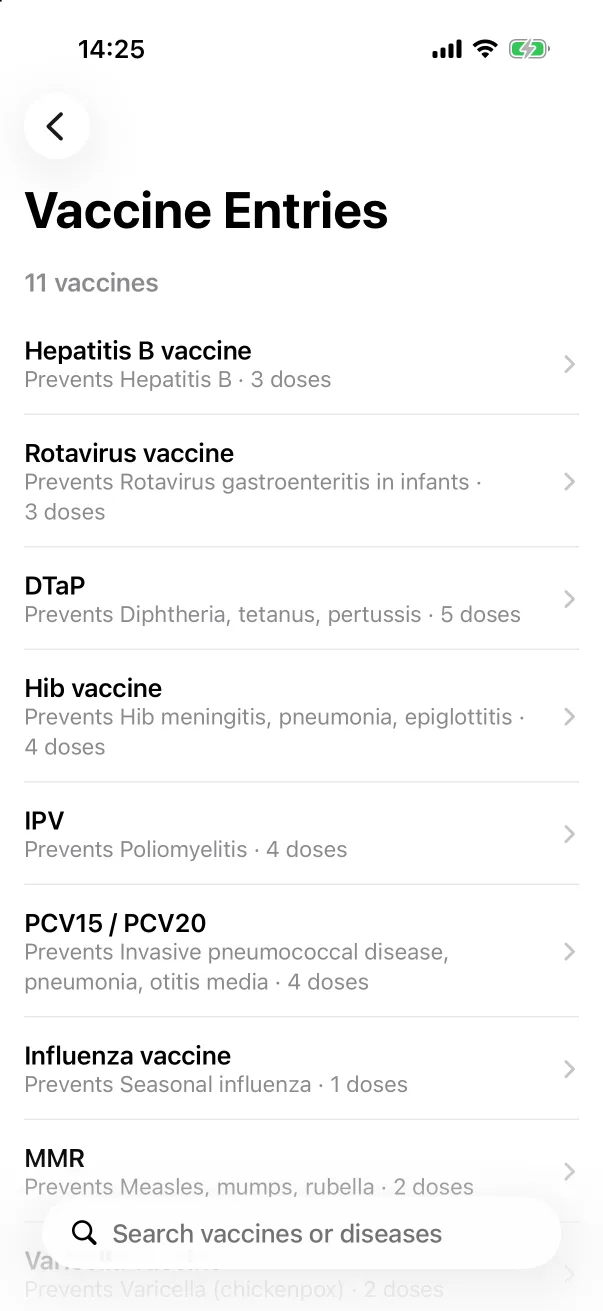
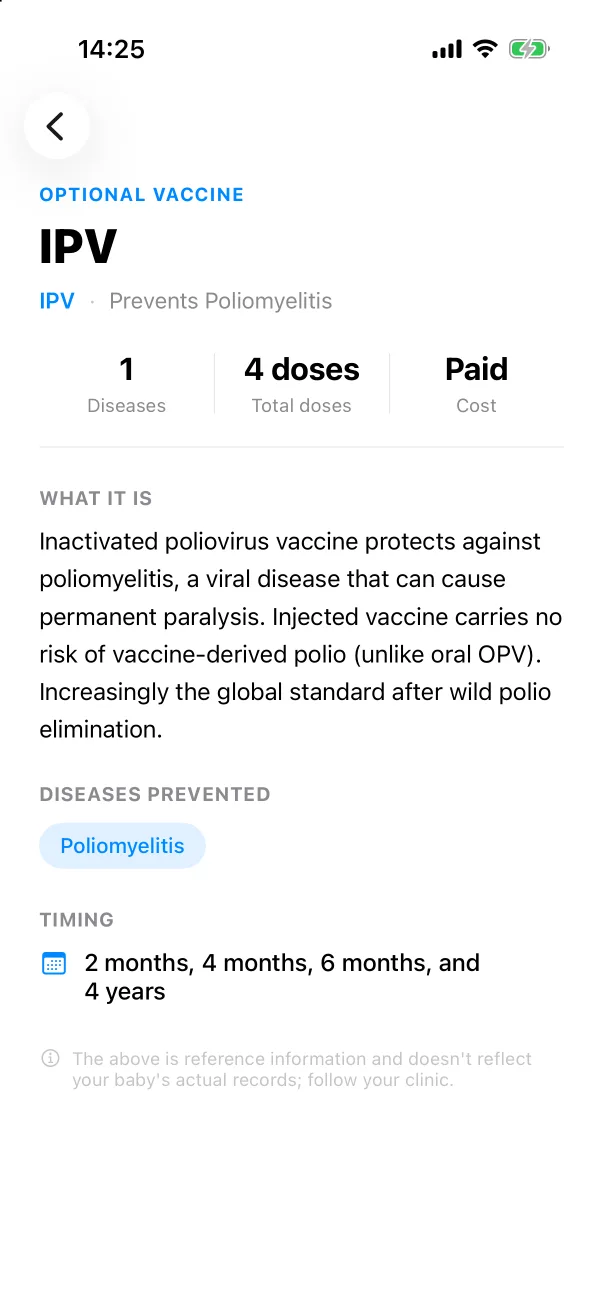
The guide is for reading, not a checklist. By Age lists what the region's schedule recommends at each age; Vaccine Entries describes each vaccine — what it prevents, how many doses, when. Nothing in the guide is linked to the baby's records, and your clinic's schedule takes precedence over it.