

Settings and extras
Custom record types
Make a type of your own — tummy time, medicine, a walk — with its name, icon and colour, and log it like any built-in type.
Fourteen built-in types cover most days, but not every family's. A custom type is a record type you name yourself, with an icon and a colour, and from then on it behaves like the others: a tile on the quick panel, a card on the home screen, a page in Browse.
Creating a type
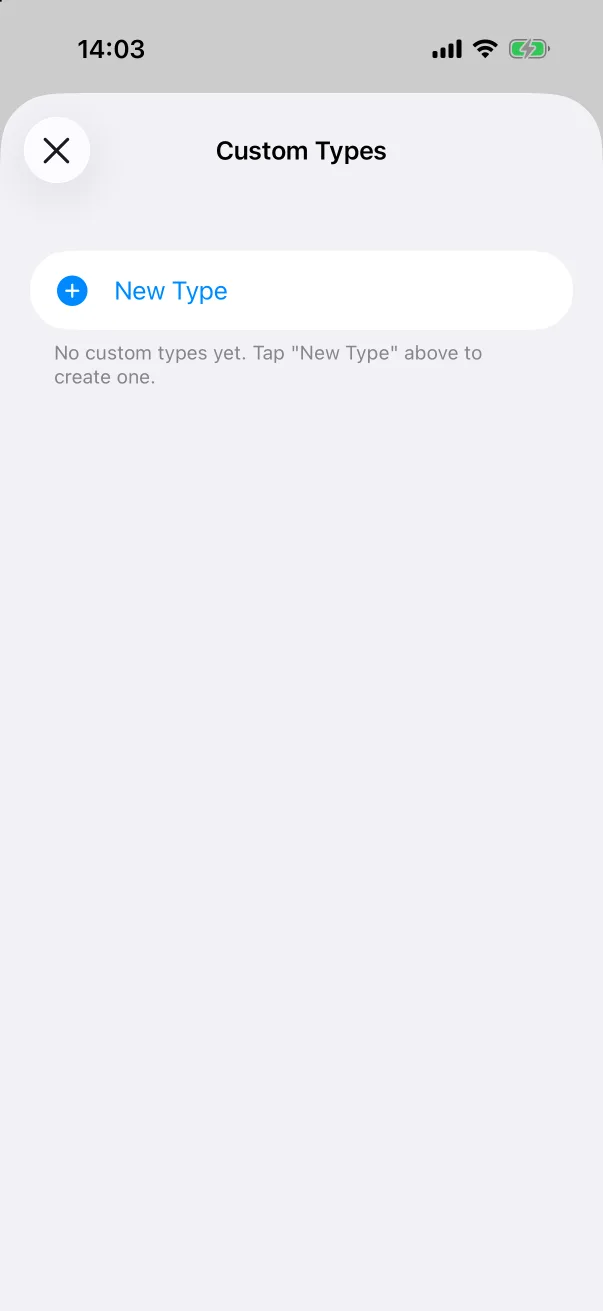
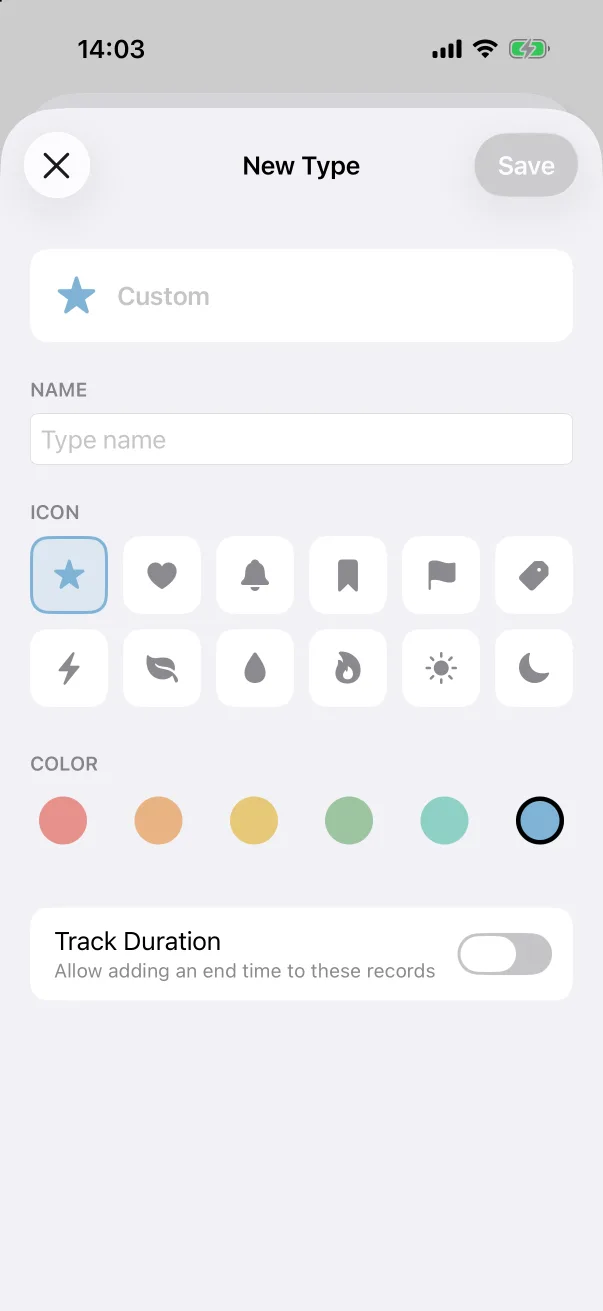
- Open Settings → Custom Record Types, or tap the Custom Types tile at the end of the quick panel.
- Tap + New Type.
- Give it a Name — the preview card at the top updates as you type.
- Pick an Icon (twelve symbols: star, heart, bell, bookmark, flag, tag, bolt, leaf, drop, flame, sun, moon) and a Colour (six swatches).
- Switch on Track Duration if these records have a beginning and an end — a walk, a massage — so the editor offers Add End Time.
- Tap Save.
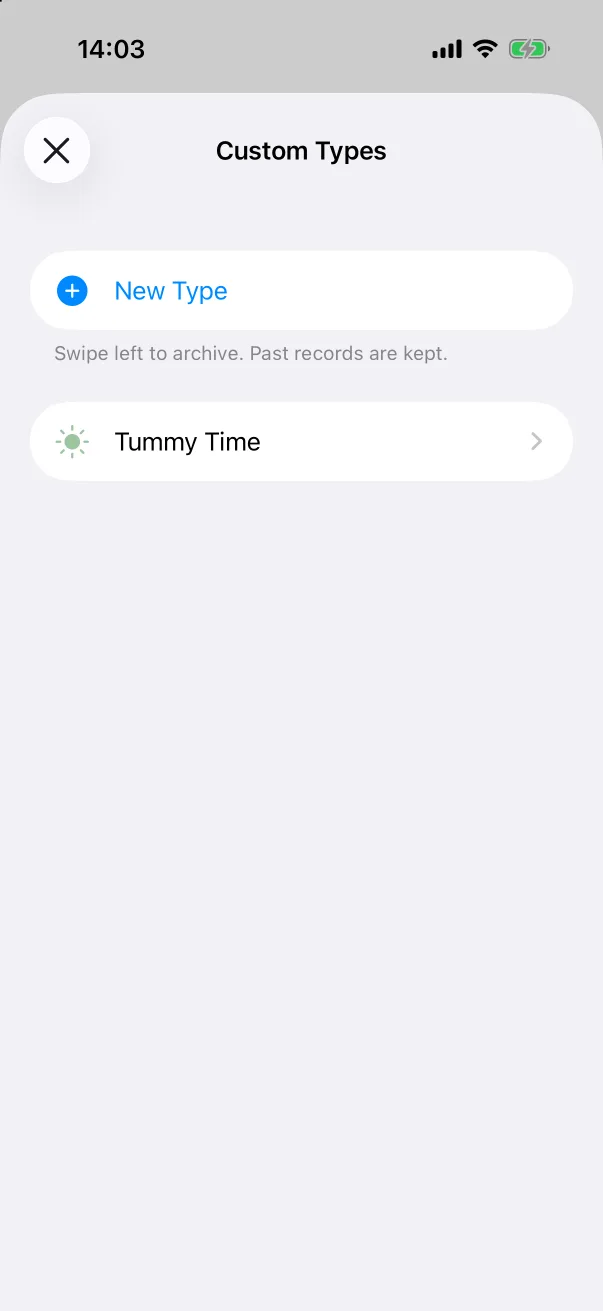
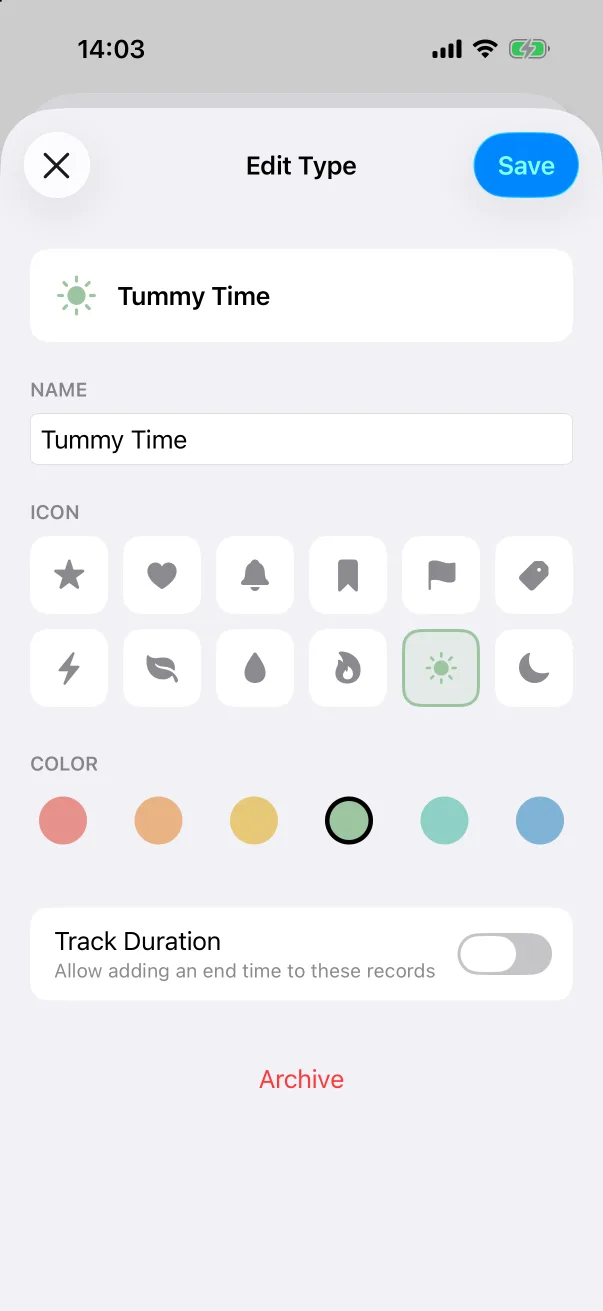
Tap a type in the list to change its name, icon, colour or duration setting later.
Using it
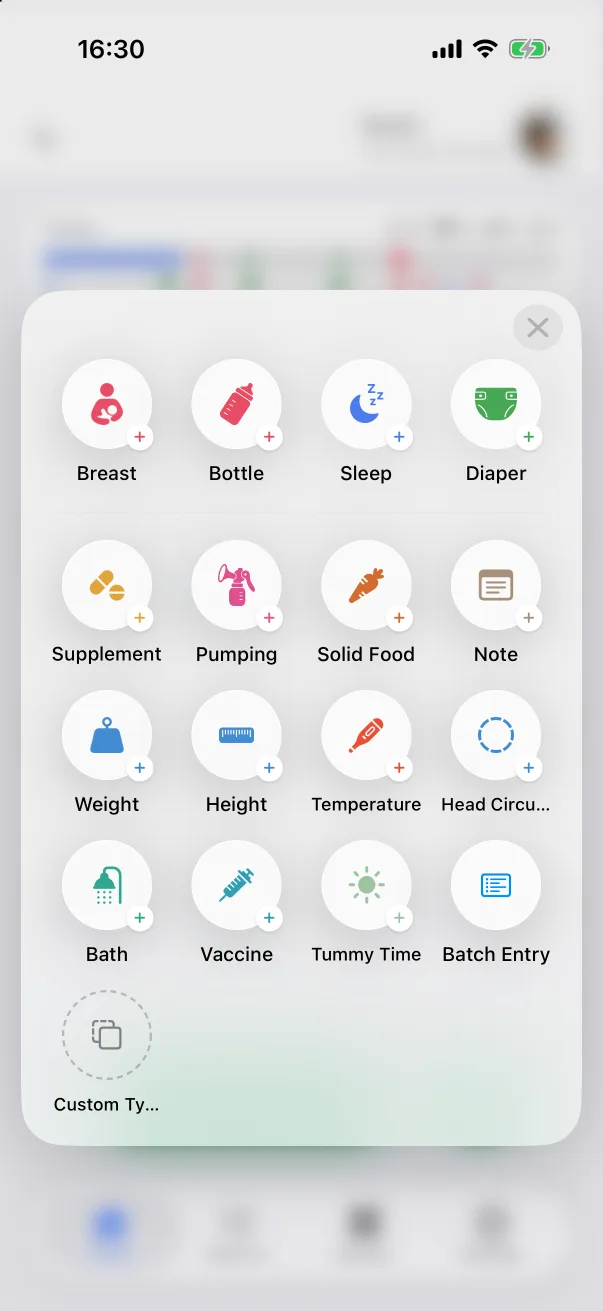
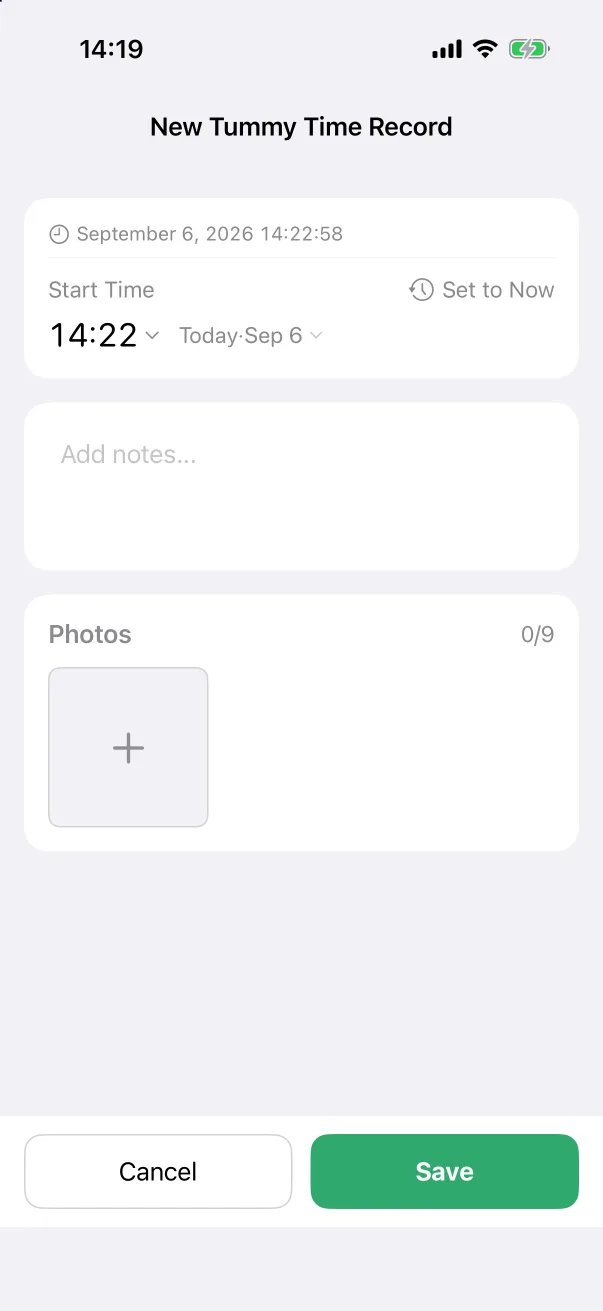
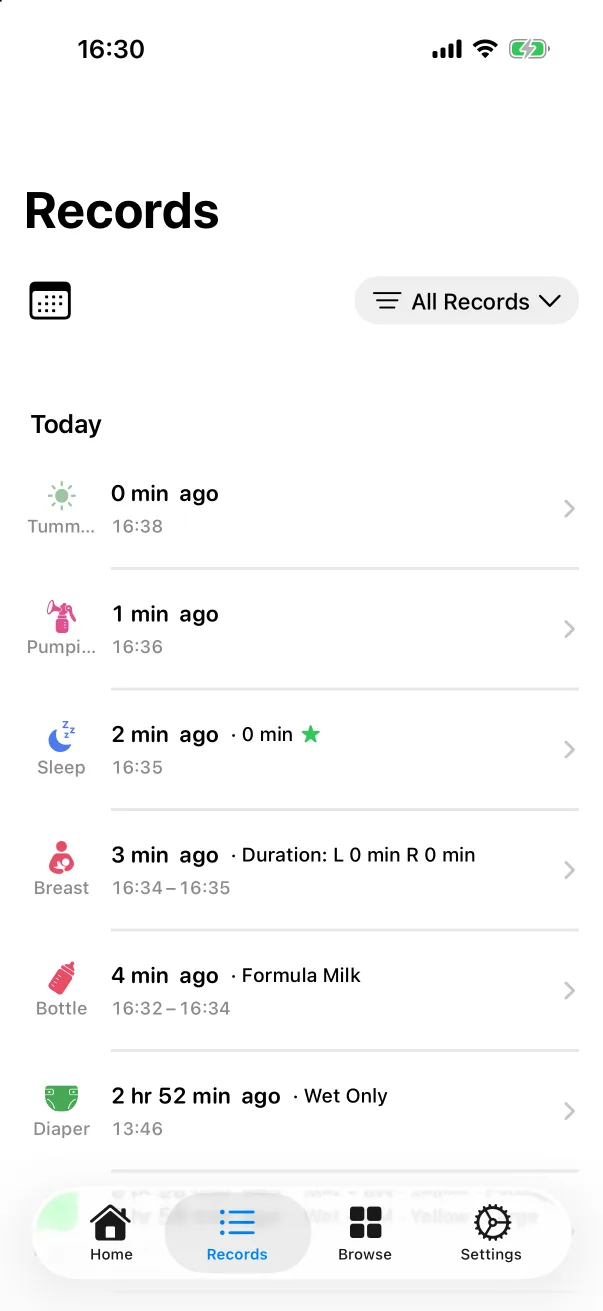
The new type appears as its own tile on the + panel, after the built-in types. Its editor has the shared parts — start time, an end time if you enabled duration, notes and photos — and nothing else. Saved records show up on the Records tab and the timeline with the type's icon and colour, the type gets a card on the home screen and an entry in Browse, and the Records filter lists it with the others.
Archiving
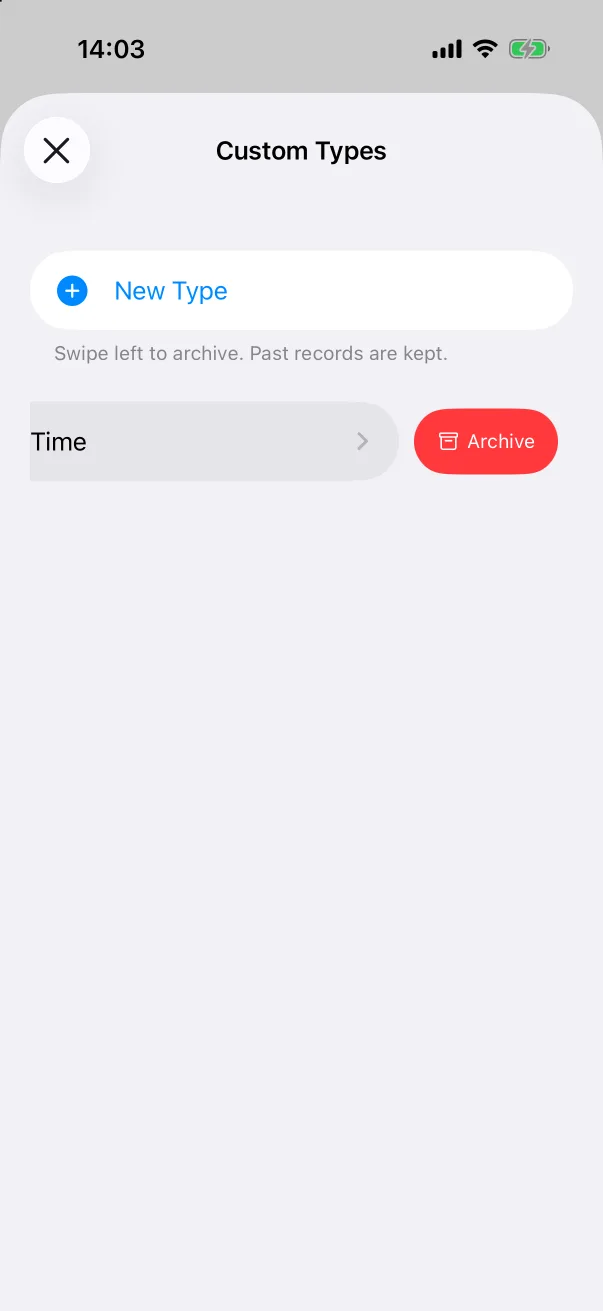
When you no longer need a type, swipe its row left in Custom Types and tap Archive. The type disappears from the panel and the list, but the records already logged with it are kept and stay visible.