

Logging
Logging by voice
Hold the green button, say what happened, let go. The record fills itself in, in any of the fourteen languages.
With a baby in one arm, tapping through an editor is the hard part. Hold to Record replaces it with a sentence: "120 ml of formula", "she just fell asleep", "wet diaper".
The first hold
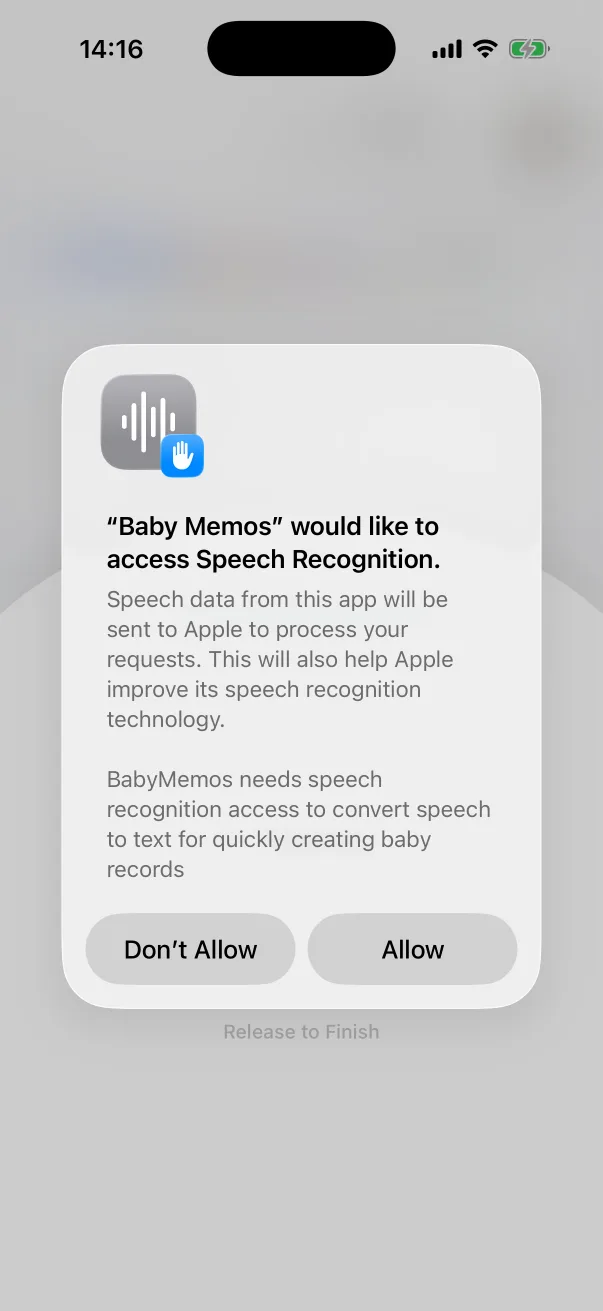
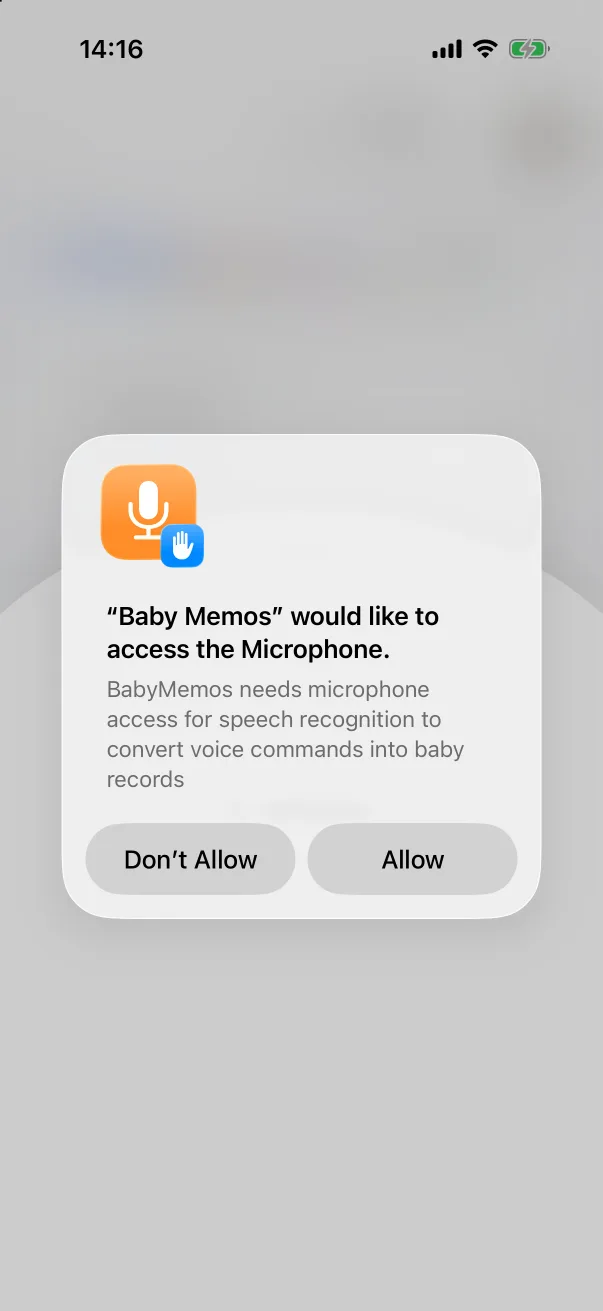
The first time you press the button, iOS asks for two permissions, one after the other: Speech Recognition and the Microphone. Tap Allow on both. Recognition runs on Apple's own speech engine; the app never records anything unless the button is held.
Saying a record
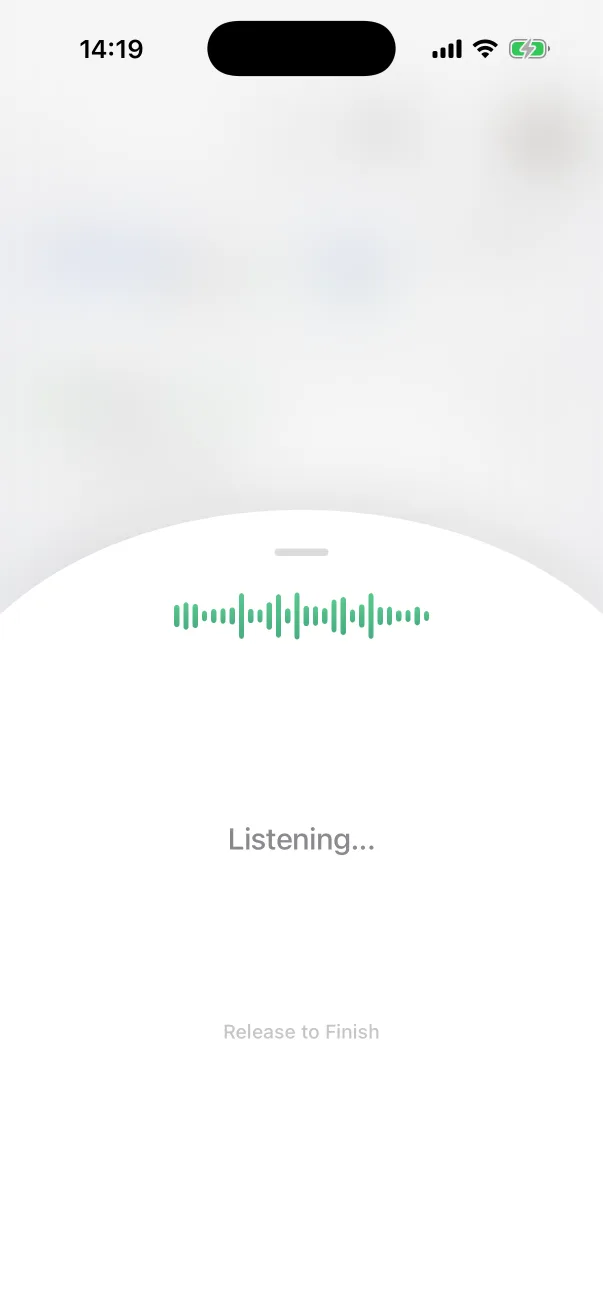
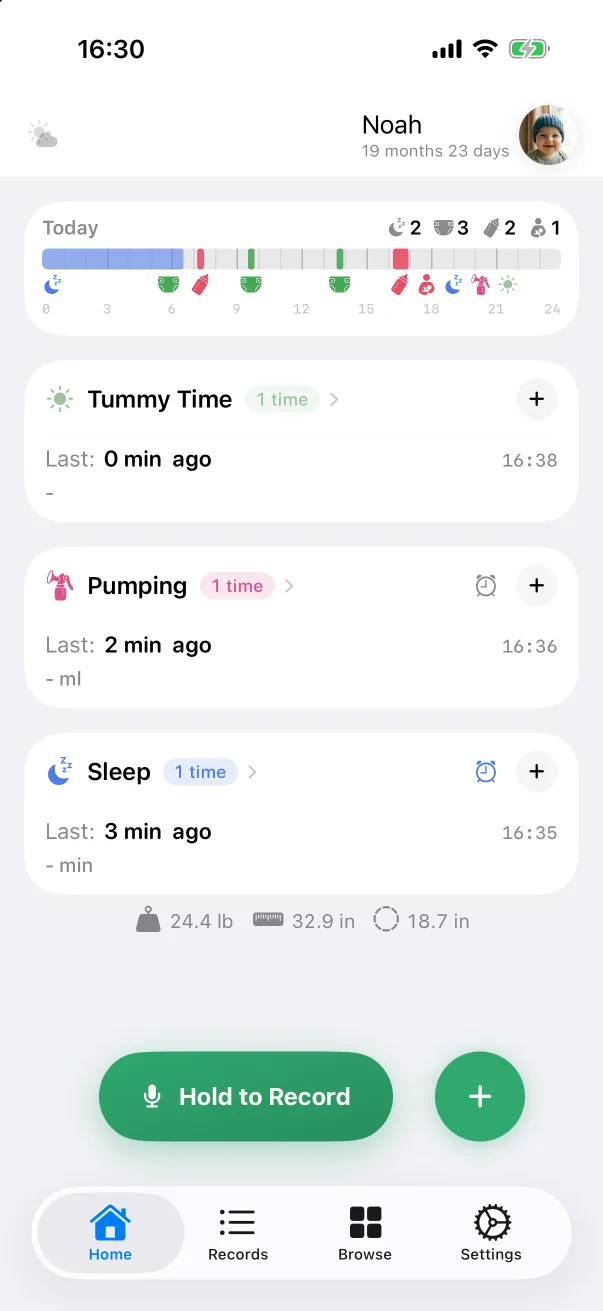
- On the Home tab, press and hold Hold to Record. A panel rises with a waveform and Listening….
- Say what happened, in the language the app is set to. The type, the amount and the side or duration are all understood: "bottle, 150 ml, formula", "left side, ten minutes", "slept from two to three thirty".
- Let go — Release to Finish. A card appears with the record already filled in. Glance at it, then confirm it, or tap Edit to adjust anything before saving.
If you let go without saying anything, the panel simply closes. If a sentence cannot be classified, nothing is lost: it is kept as a Note in your own words, so you can turn it into the right record later.
Turning it off
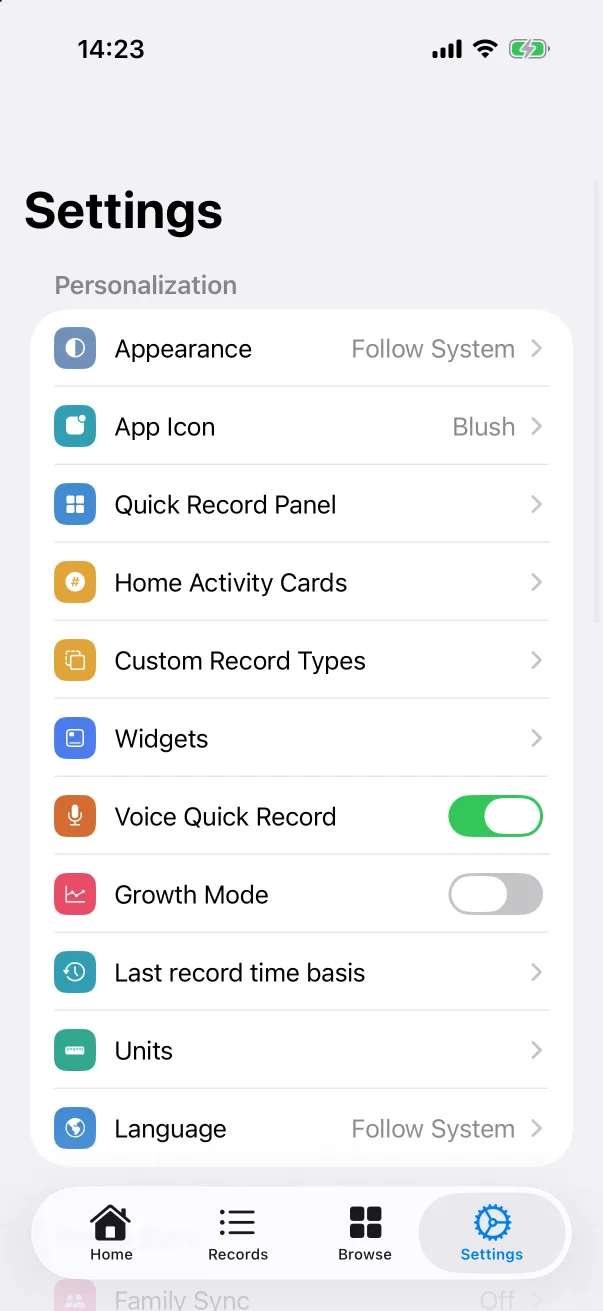
If you never use it, switch off Settings → Voice Quick Record and the button disappears from the home screen. The + panel stays.