

Looking back
The timeline
Whole days stood on end and placed side by side, so the shape of a routine shows up on its own.
The timeline draws each day as a vertical column from midnight to midnight and puts several days next to each other. Sleep is a band, everything else is a mark at its time. Put four nights beside each other and you can see the night getting longer without reading a single number.
Opening it
On the Home tab, tap the Today strip card. The screen is titled Daily Timeline.
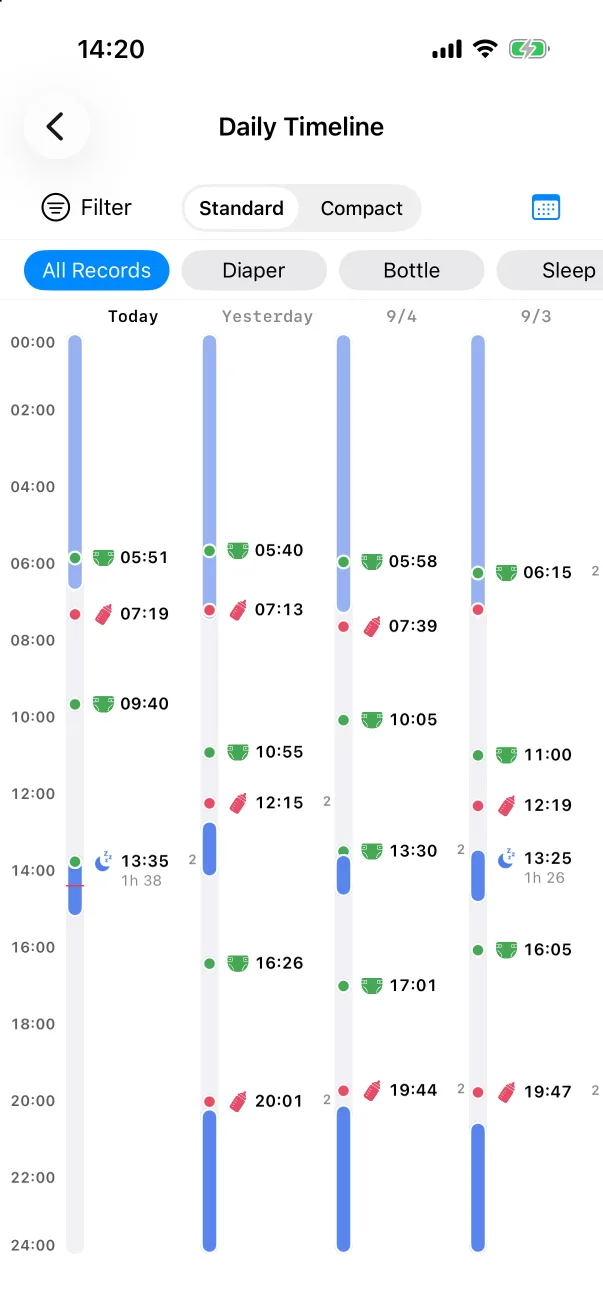
Columns run newest first: Today, Yesterday, then dates. A thin red line in today's column marks the current time. Sleep is a filled blue band with its duration written on it; other records are dots on the track with the type's icon and the clock time. A small superscript number next to a mark means two records share that slot.
Standard and Compact
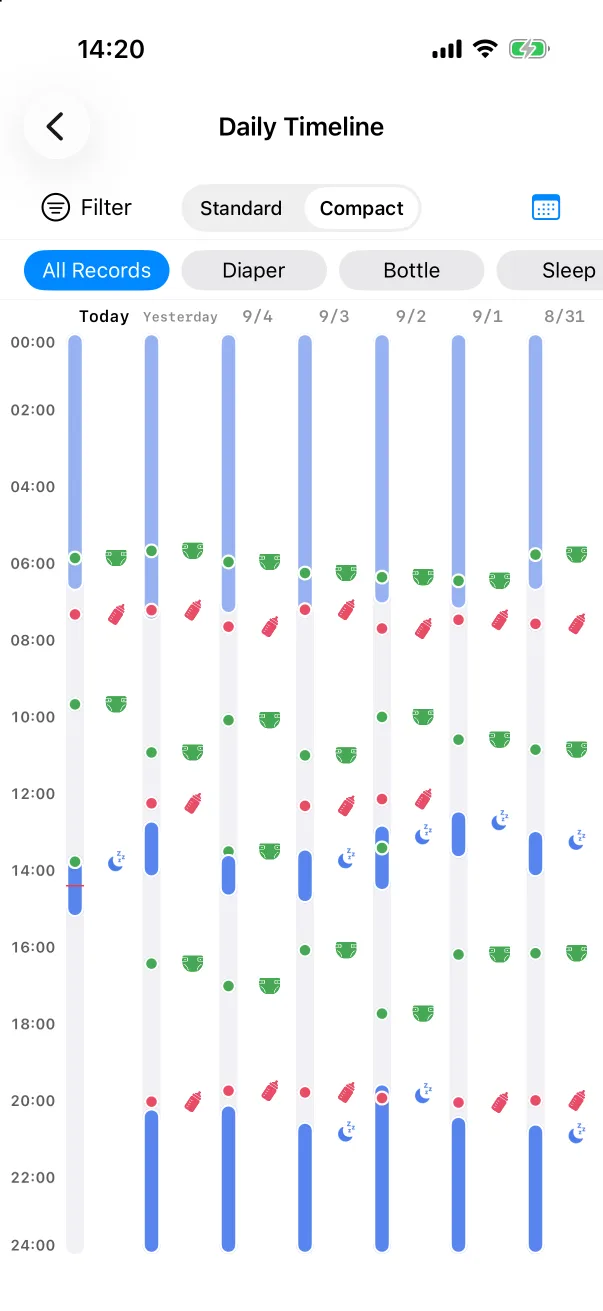
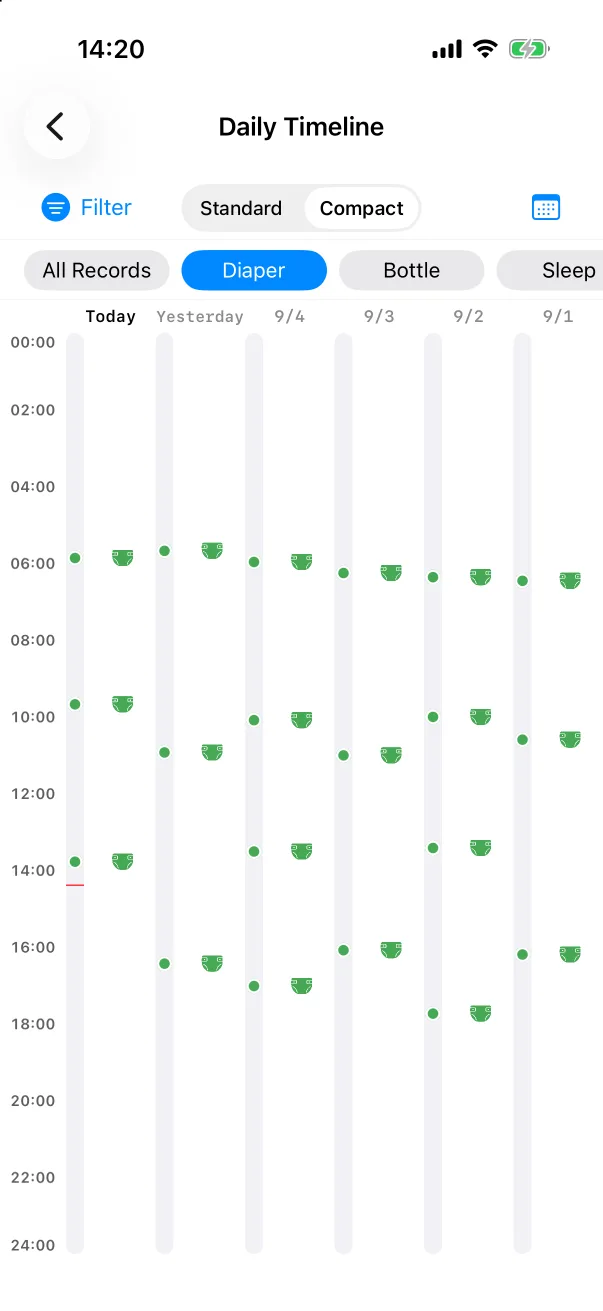
The segmented control at the top switches between Standard — four days with clock times — and Compact — icons only, seven days on one screen. Both keep whatever filter is set.
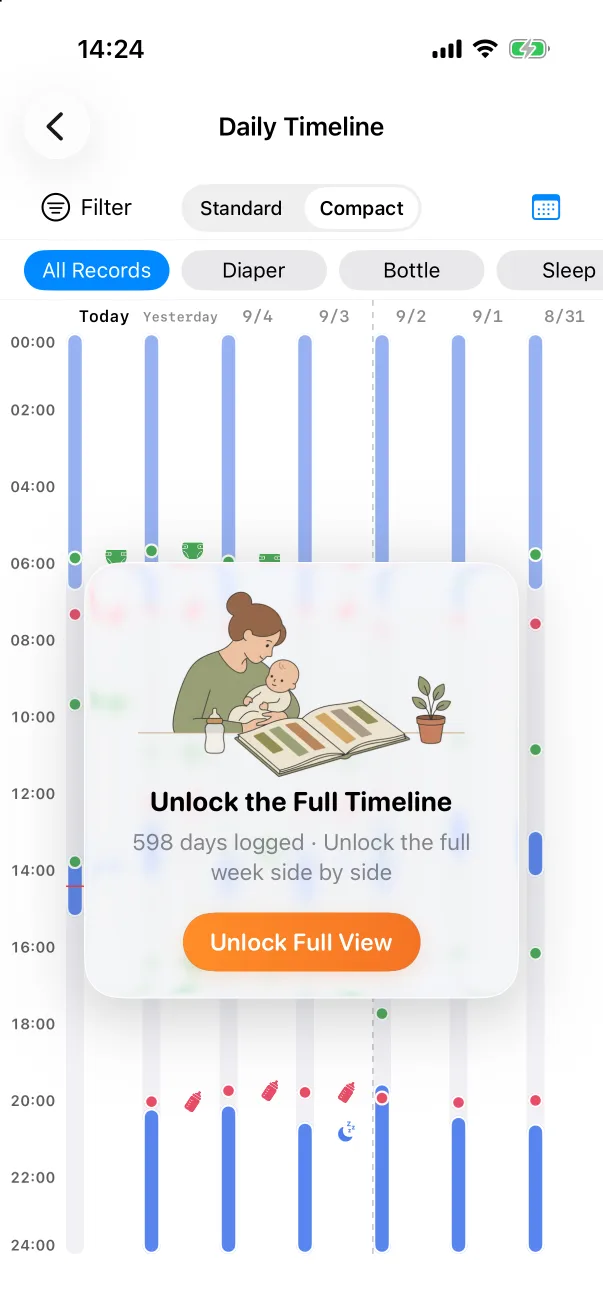
Asking a narrower question
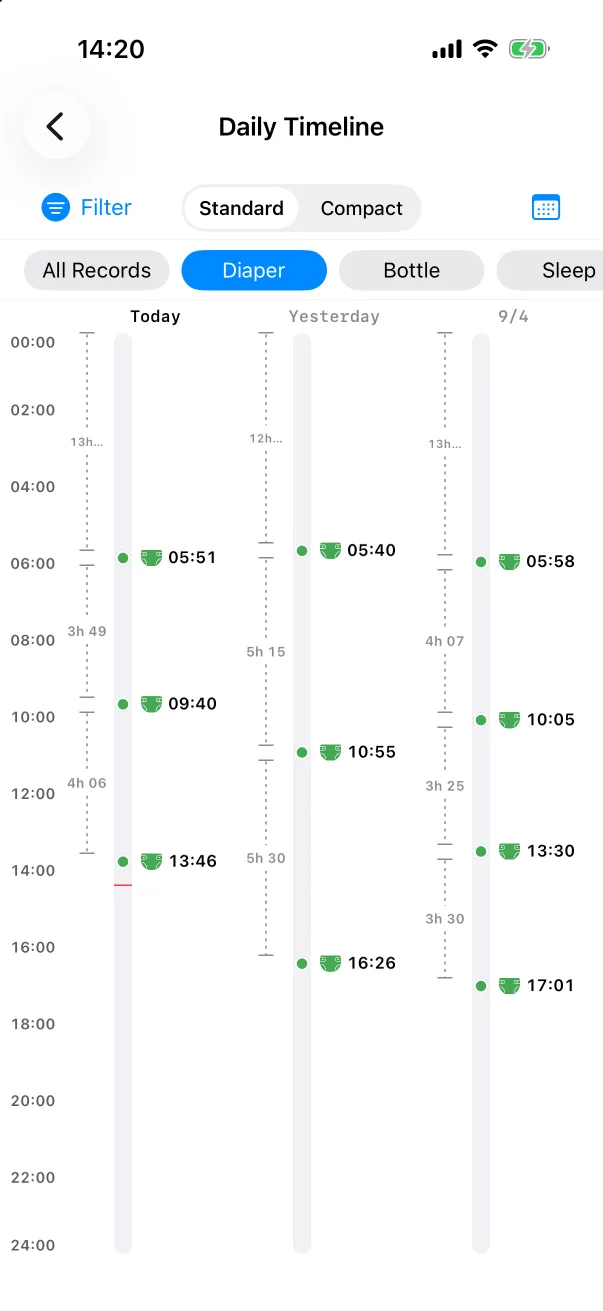
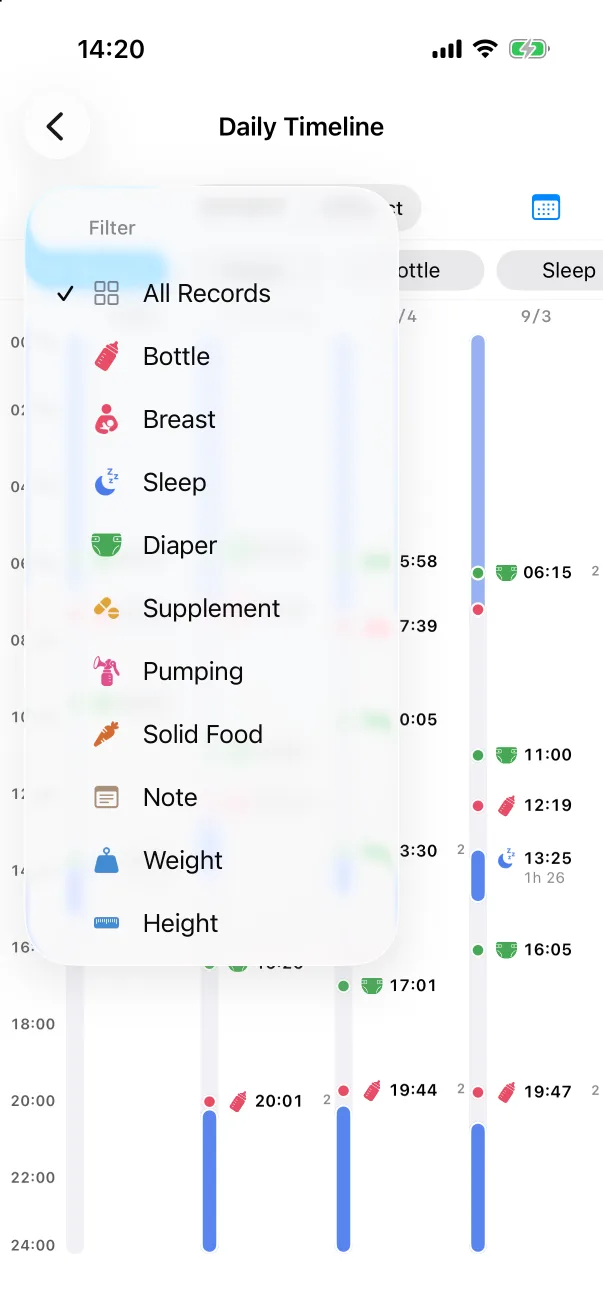
The row of chips under the controls — All Records, then each type that has records — filters the columns to one type. The Filter button does the same from a menu. With a single type selected, a dotted ruler appears between consecutive records showing the gap since the previous one: 3h 49, 4h 06. That is the quickest way to see how the interval between feeds or changes is drifting.
Other days
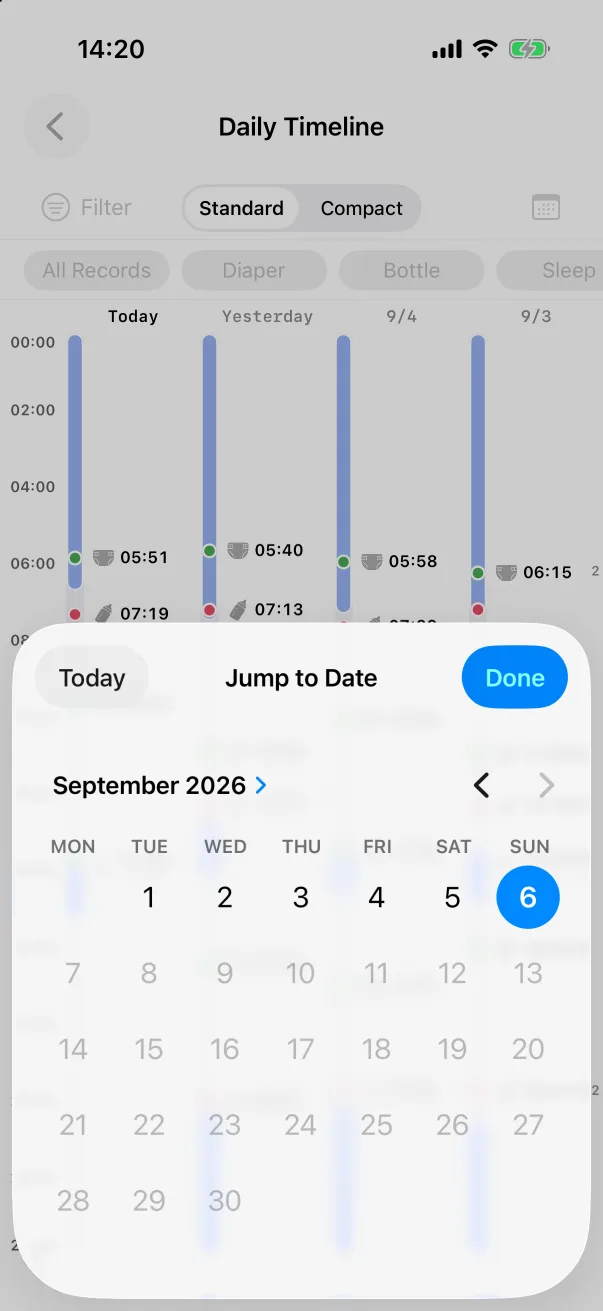
Tap the calendar icon to jump to any day that has records. Today brings you back.