

Logging
Record types
What each of the fourteen built-in types asks for, and what it shows afterwards.
Every type shares the same editor frame — start time, optional end time, notes, photos — described in Adding a record. This page lists what is specific to each one. Required fields are marked; everything else can be left empty.
Bottle
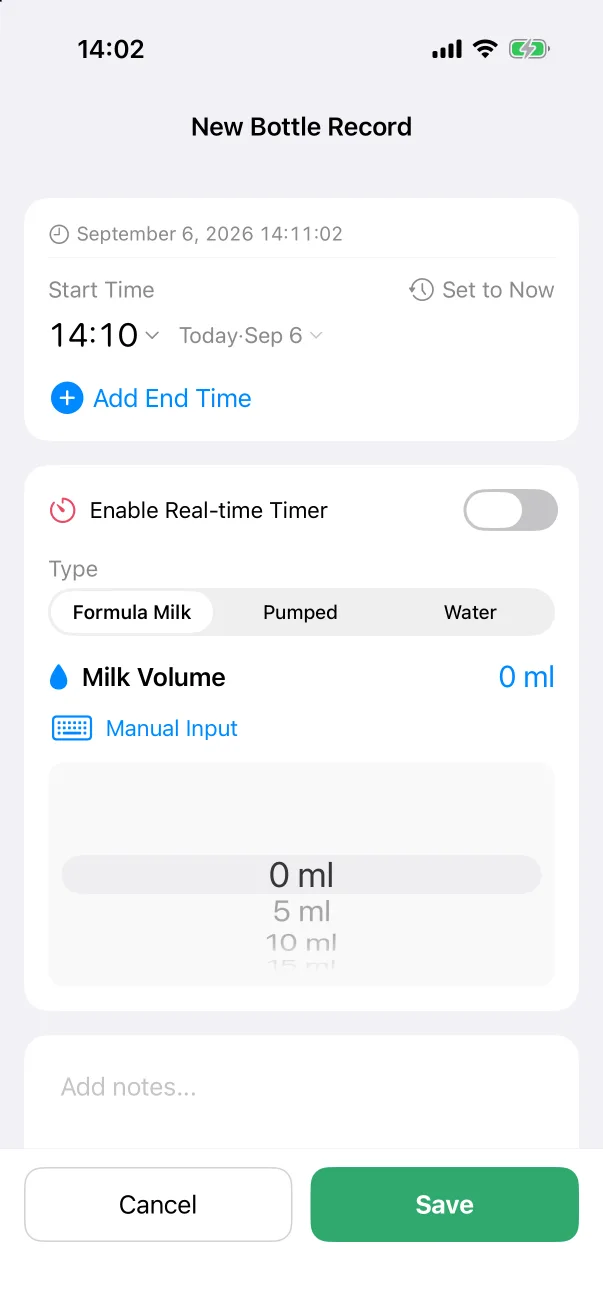
- Type: Formula Milk (default), Pumped or Water.
- Milk Volume: a wheel in 5 ml steps, or Manual Input. In ml or oz depending on your unit setting.
- Optional end time, or the real-time timer.
The home card shows the last bottle's volume and type; the statistics page totals volume per day.
Breast
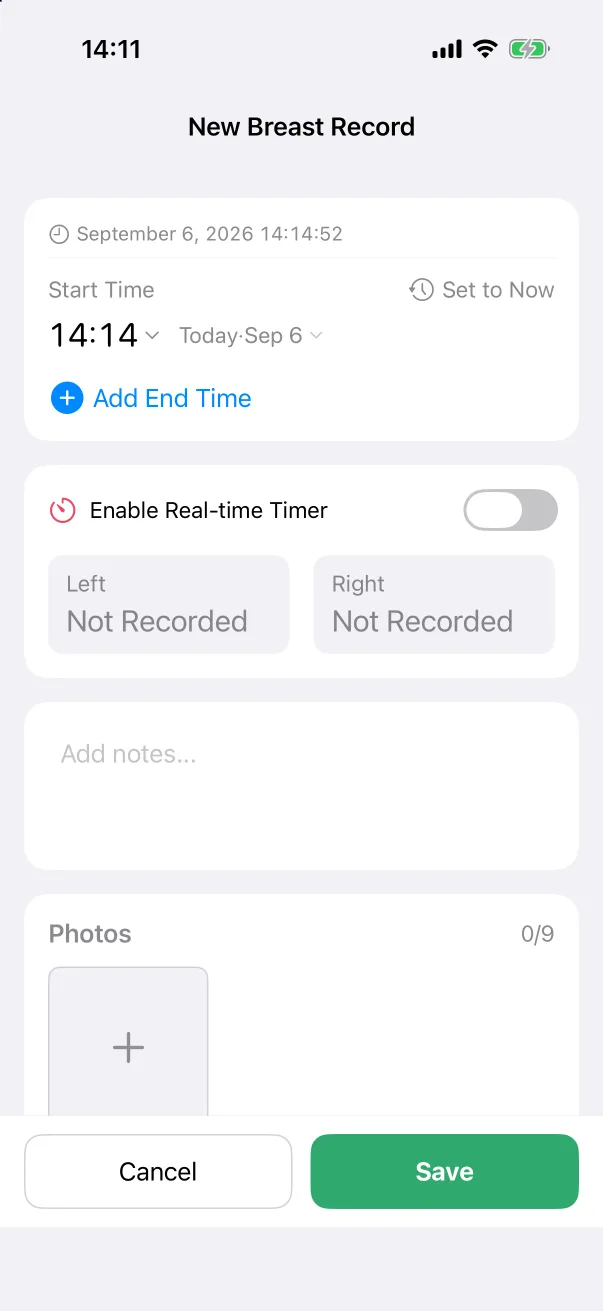
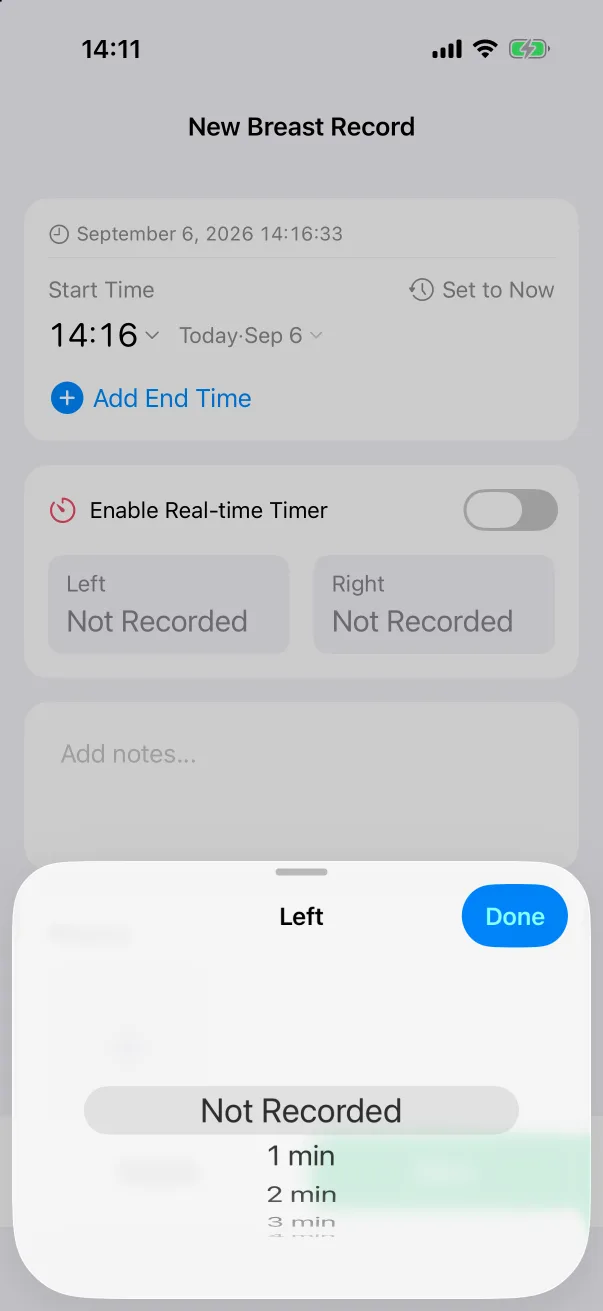
- Left and Right: tap either box to pick a duration on a wheel, from 1 minute up. Either side can stay Not Recorded.
- Or switch on the real-time timer and time each side as you go, with separate left and right clocks — see Timers.
The home card shows L: 8 min R: 4 min for the last feed.
Sleep
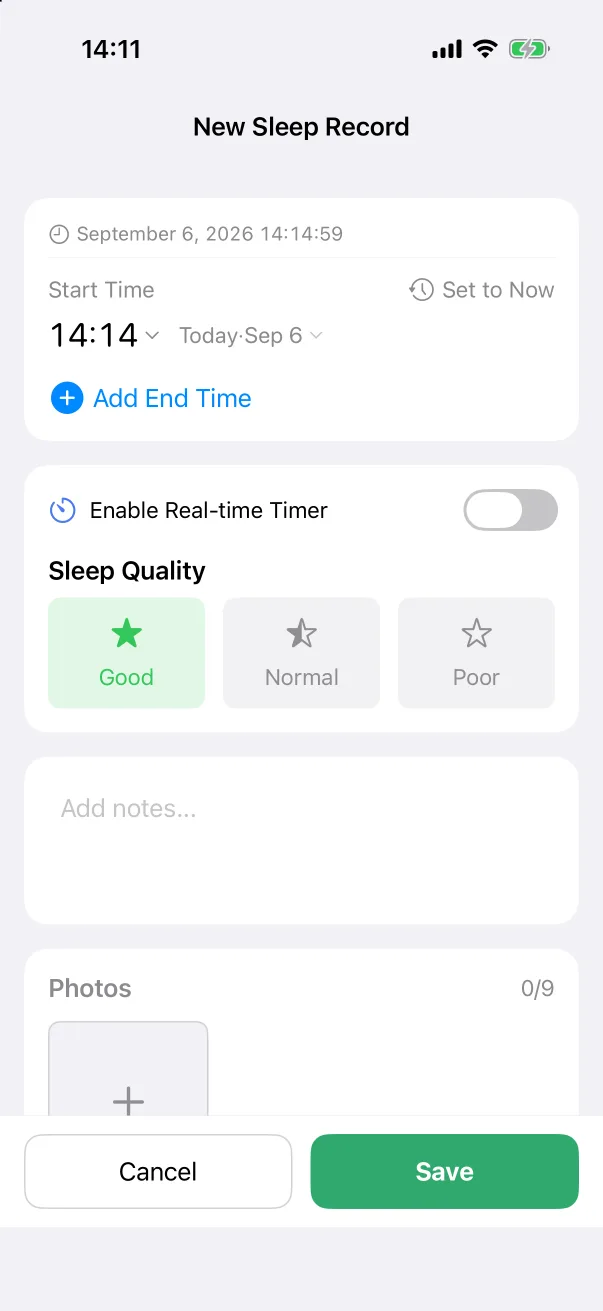
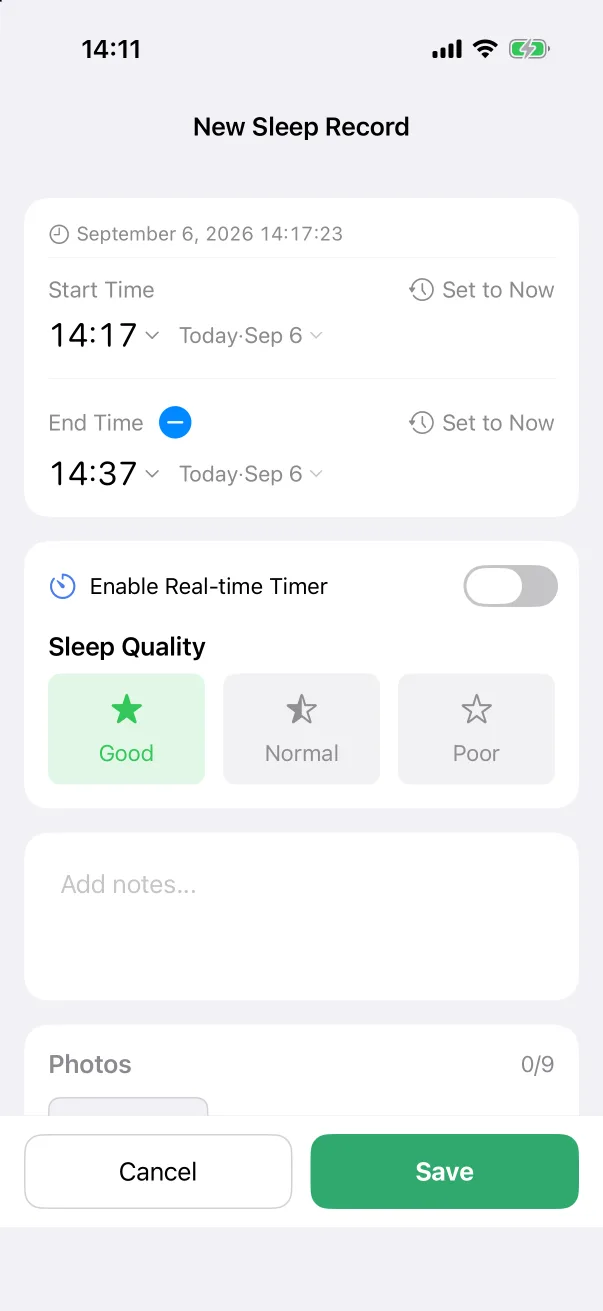
- End Time: add it to record a finished sleep; the duration is worked out from the two times.
- Sleep Quality: Good (default), Normal or Poor.
- Or use the timer when the baby is going down now.
A sleep that crosses midnight is split at 00:00 for the daily totals, so each day gets the hours that fell in it.
Diaper
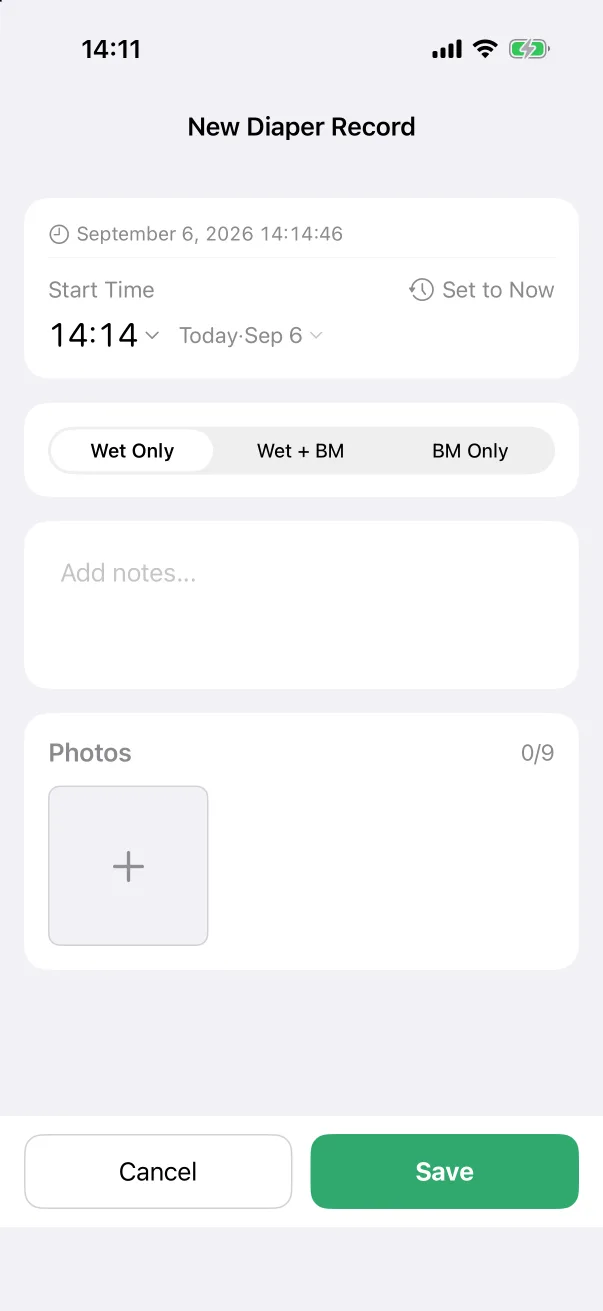
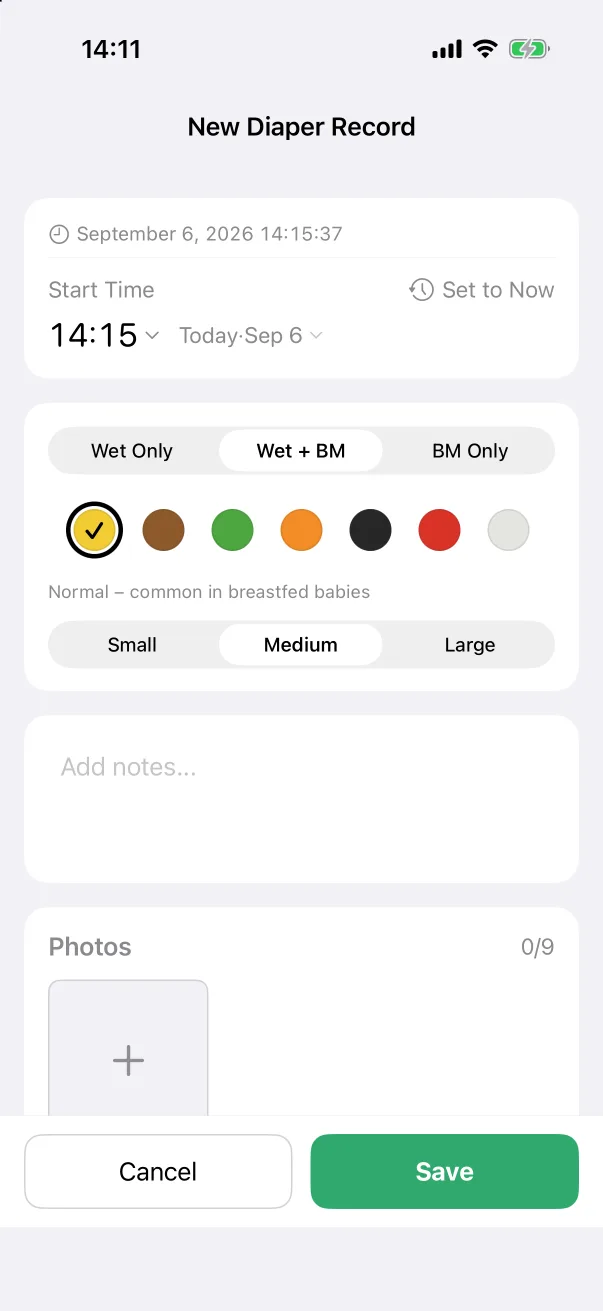
- Wet Only (default), Wet + BM or BM Only.
- With a bowel movement, two more rows appear: a colour (seven dots, with a one-line note under the chosen one, for example Normal – common in breastfed babies) and an amount — Small, Medium (default) or Large.
Solid food
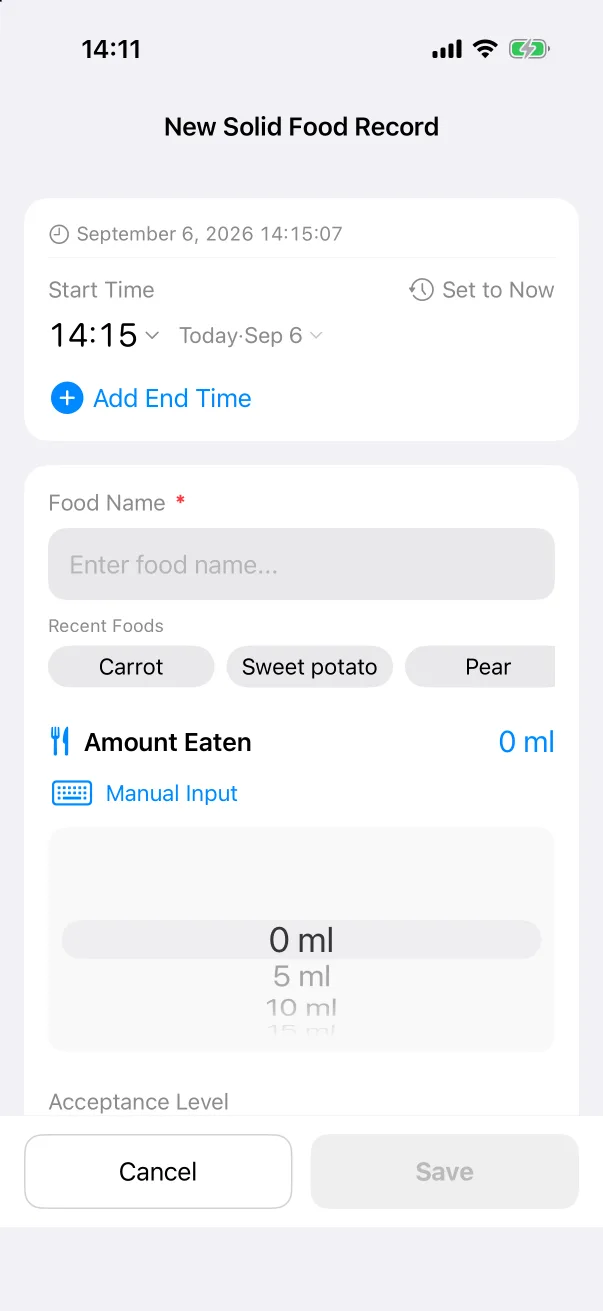
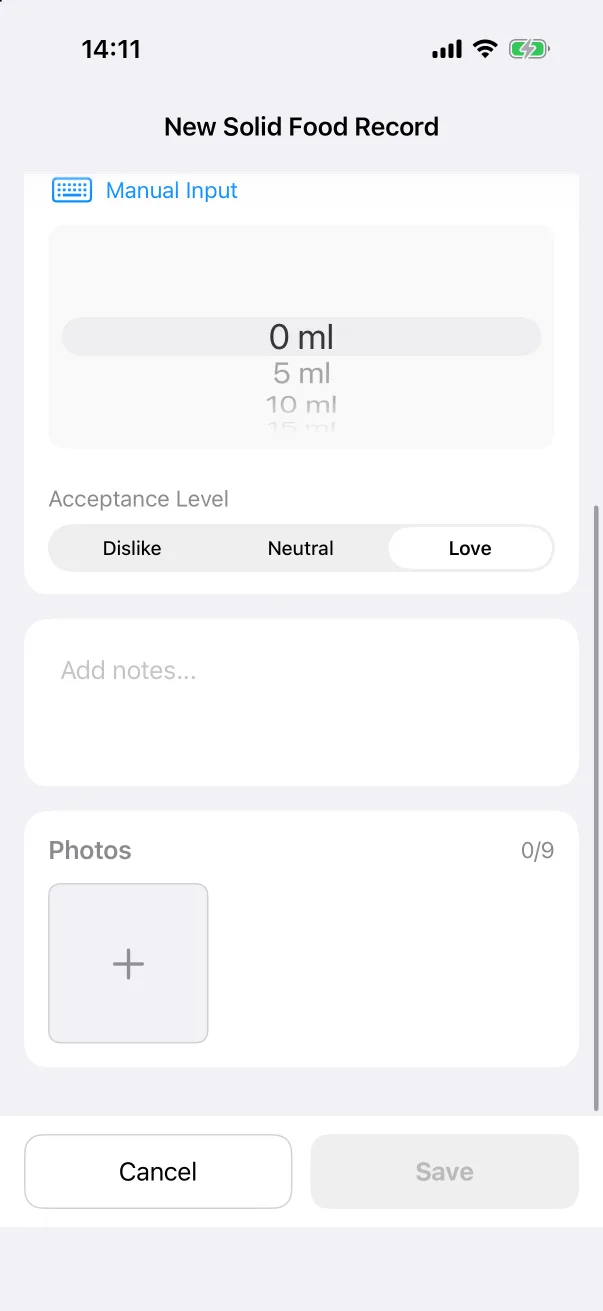
- Food Name (required). Recently used foods appear as chips you can tap.
- Amount Eaten, on a wheel or by manual input.
- Acceptance Level: Dislike, Neutral (default) or Love.
Supplement
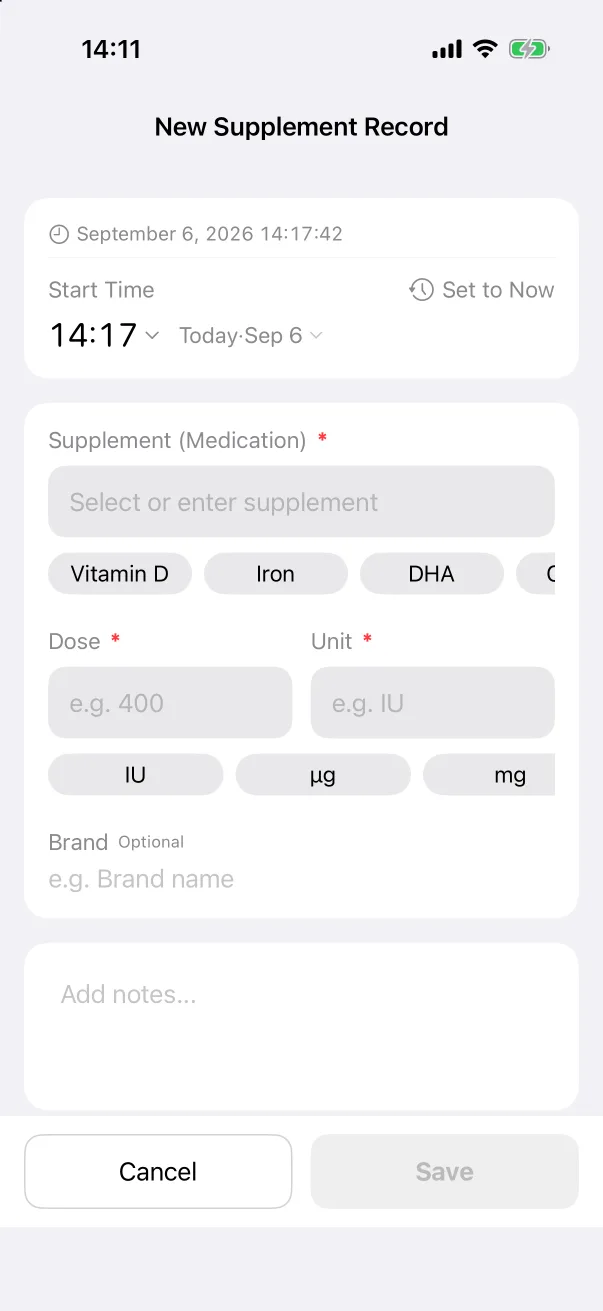
- Supplement (required): pick a chip such as Vitamin D, Iron or DHA, or type your own.
- Dose and Unit (both required), with unit chips like IU, µg and mg.
- Brand, optional.
The statistics page for supplements is a calendar, so you can see at a glance which days were missed.
Pumping
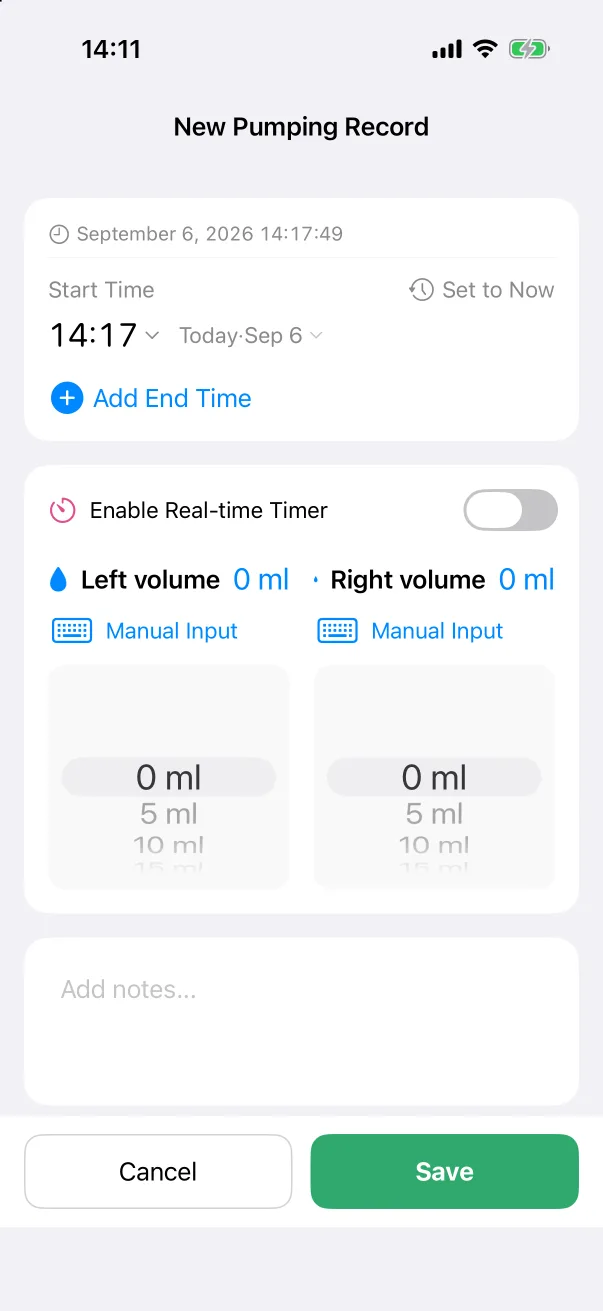
- Left volume and Right volume, each with its own wheel and manual input.
- Optional end time, or the timer with separate left and right clocks.
Weight, height and head circumference
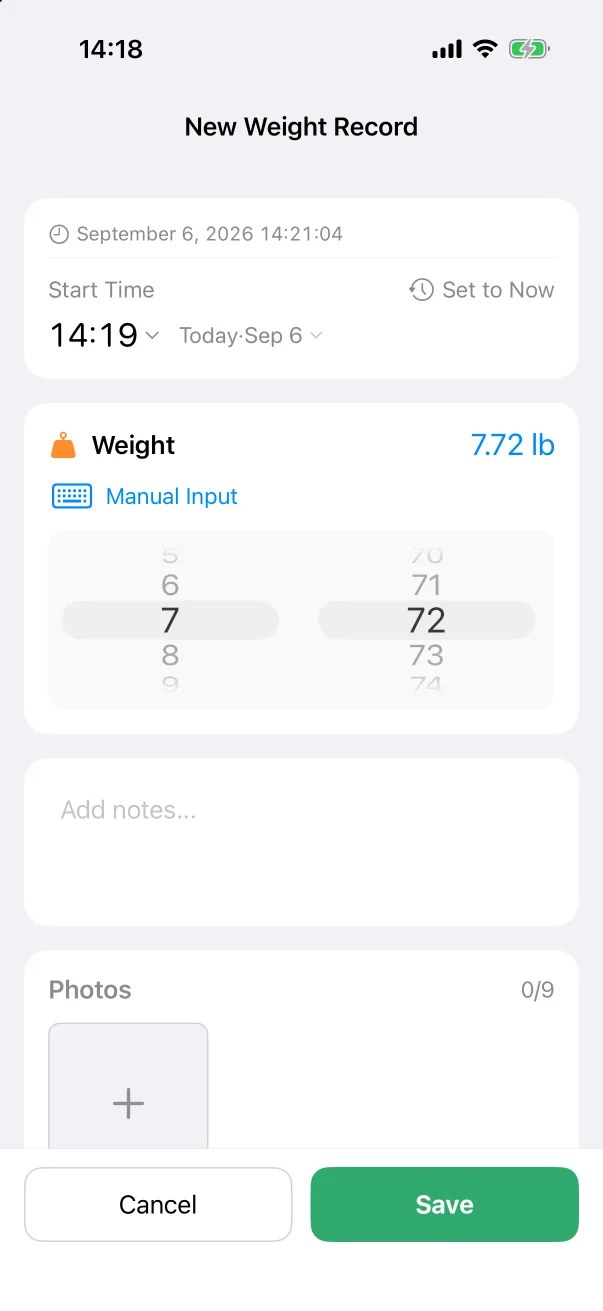
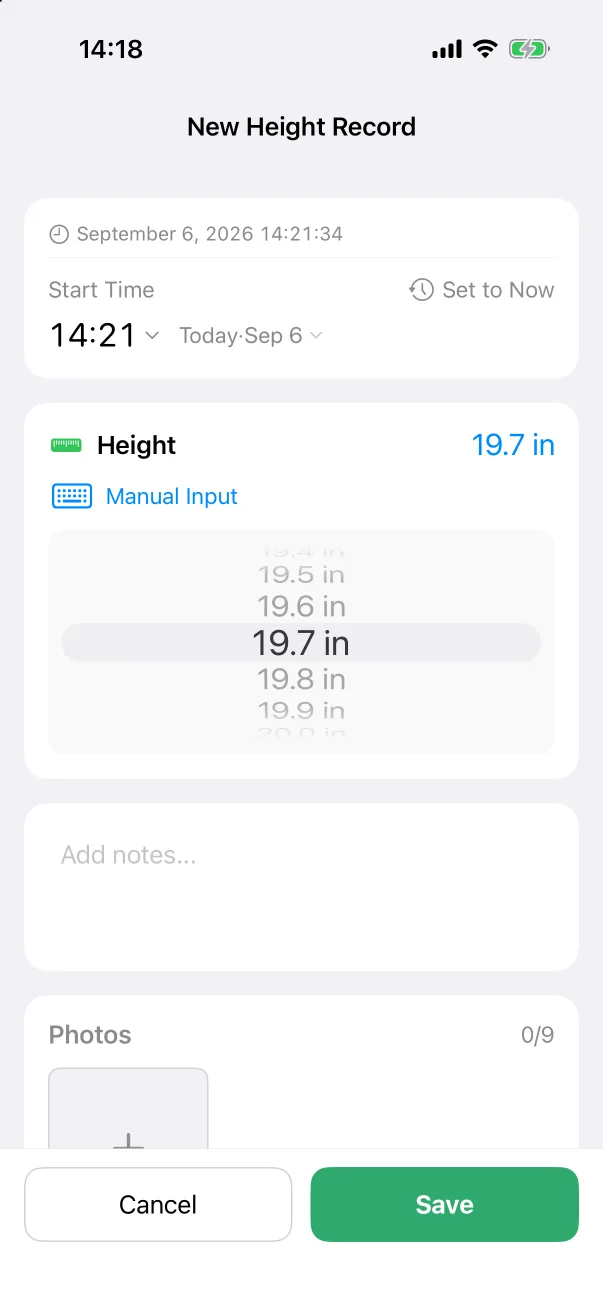
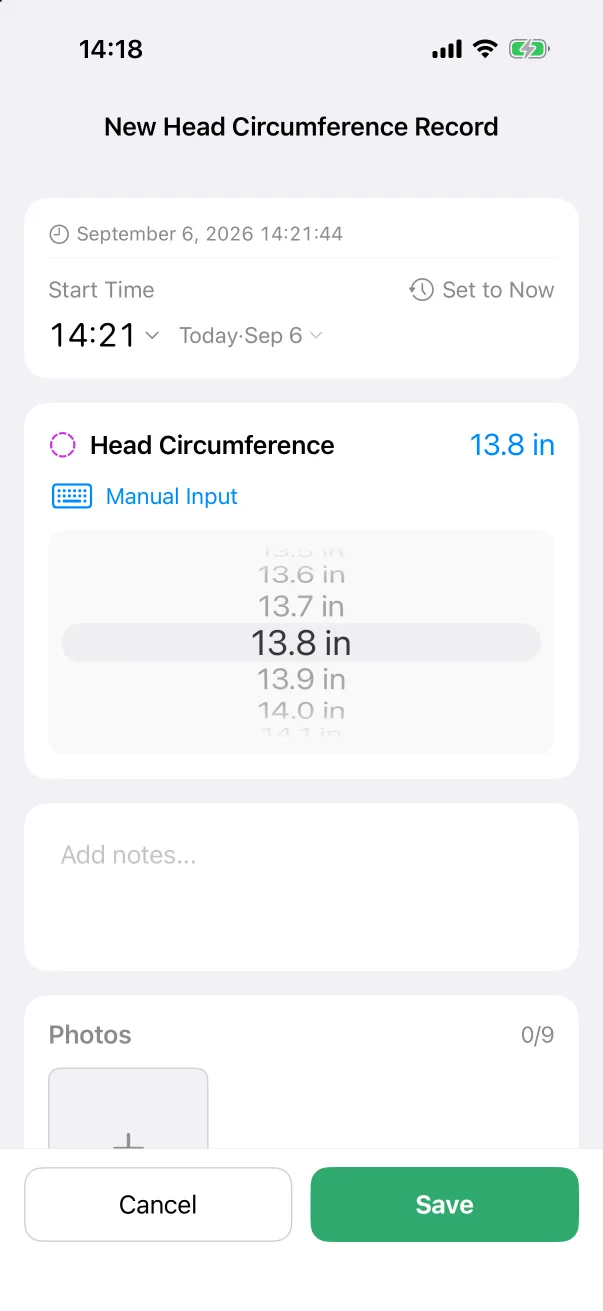
Each is a single measurement on a two-part wheel (whole units and fractions) in your chosen unit. The latest of each shows on the home screen's growth line, and every measurement lands on the growth chart against the WHO standard for the baby's age and sex.
Temperature
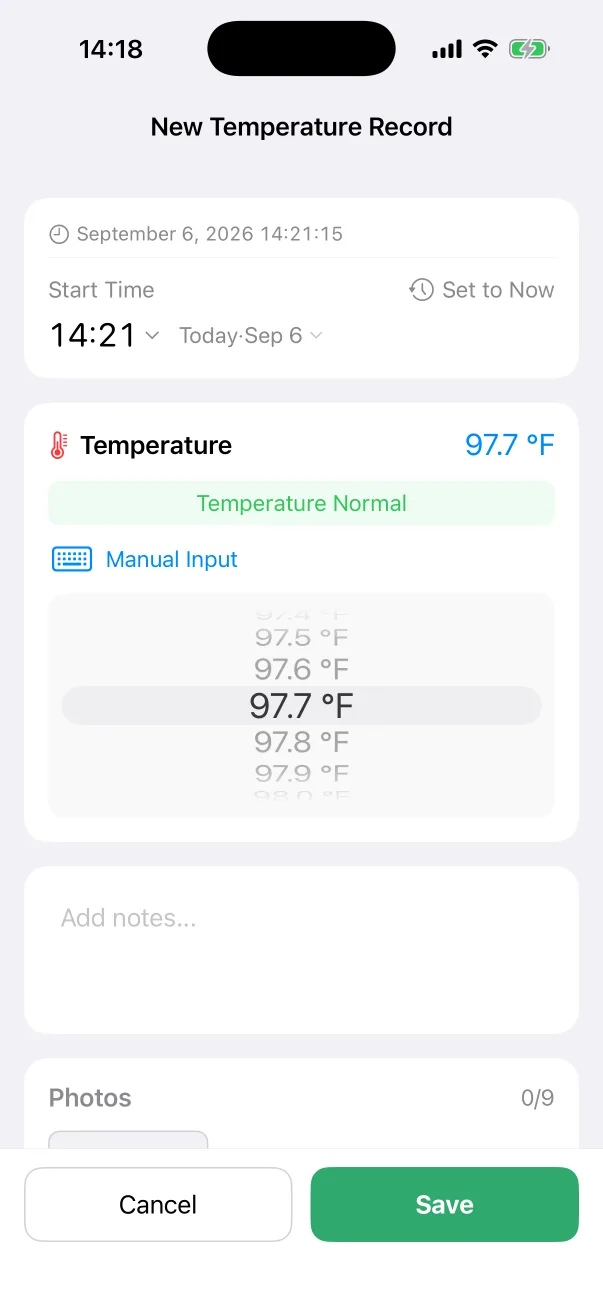
A wheel in 0.1° steps. The pill under the value says Temperature Normal or changes as the value moves out of the normal range.
Bath
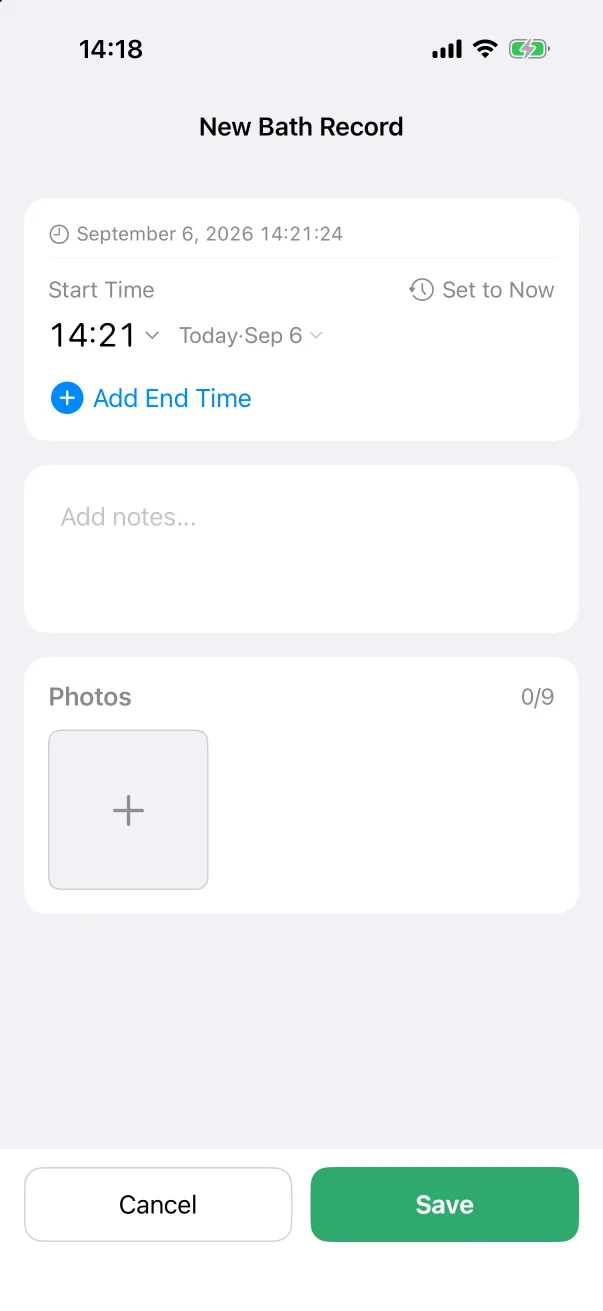
Just a start time, an optional end time, notes and photos.
Note
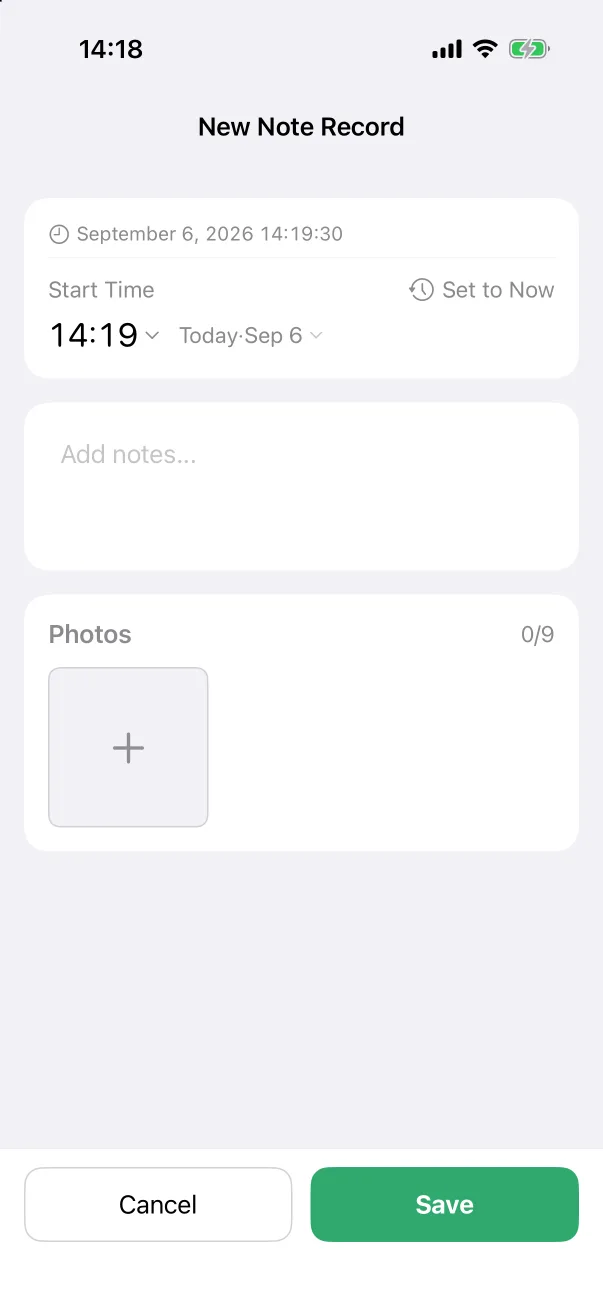
A time, free text and photos. A note is the type for anything that has no other type — a first tooth, a rough evening, a milestone.
Vaccine
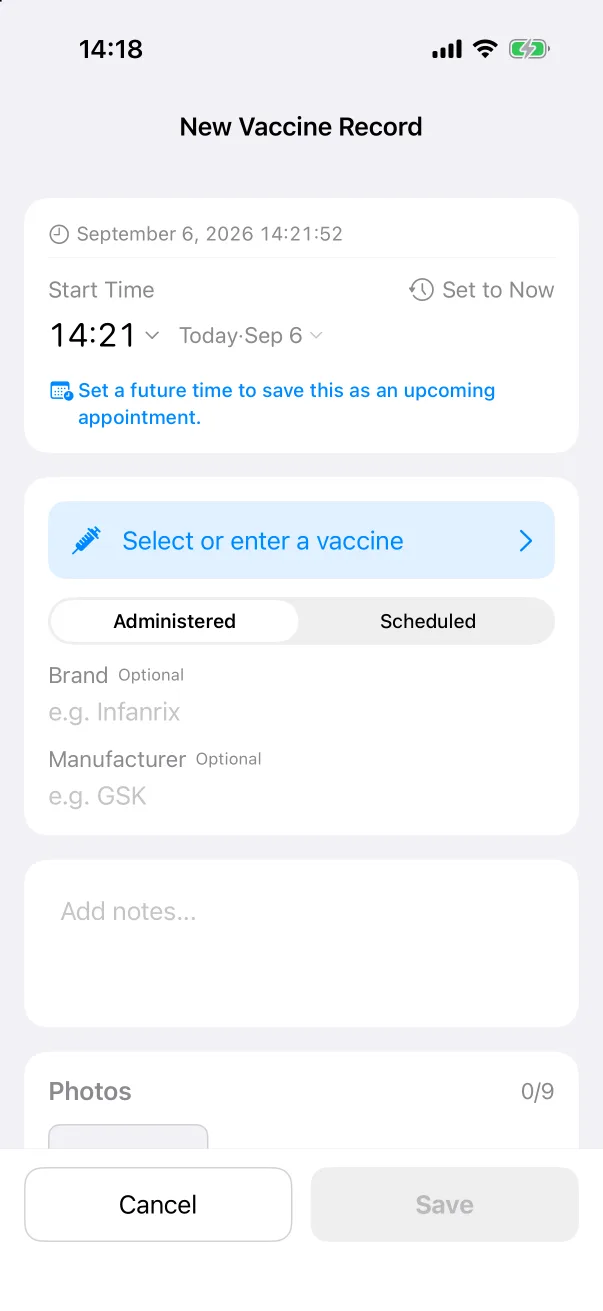
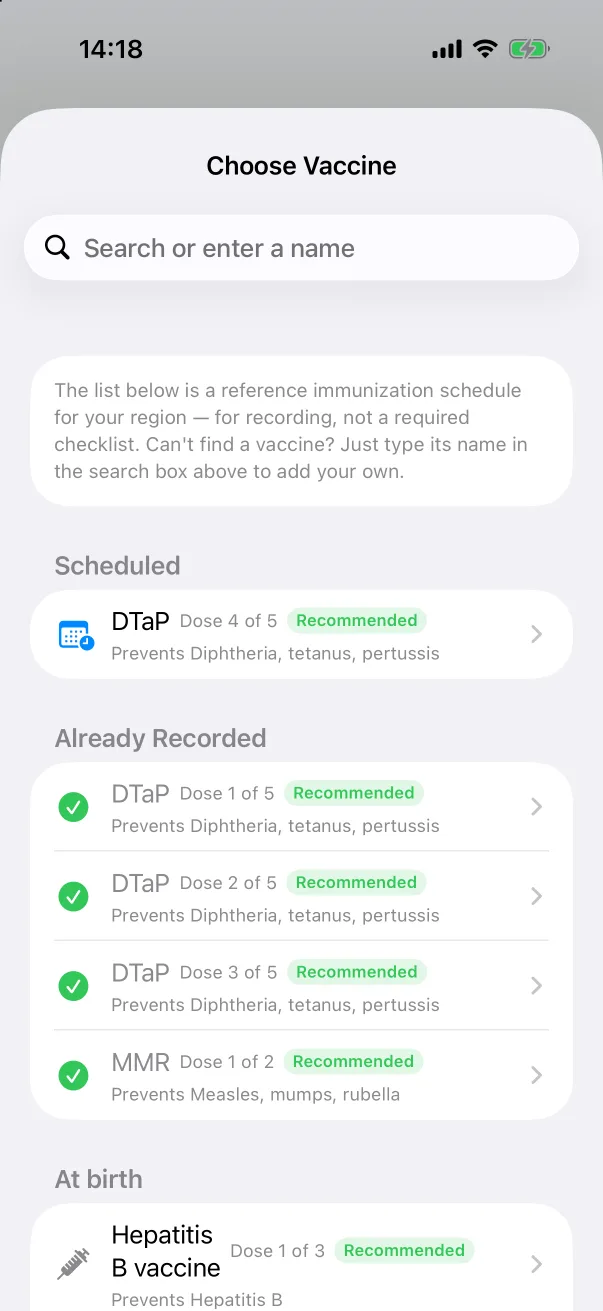
- Select or enter a vaccine (required): the picker lists the reference schedule for your region — the next scheduled doses, the ones already recorded, and the rest by age. Type a name in the search box to record one that is not listed.
- Administered or Scheduled. Set a future time and the record becomes the next appointment.
- Brand and Manufacturer, optional.
See Vaccines for the list and the reference guide.
Your own types
Anything else can be a custom type with its own name, icon and colour. See Custom record types.