

Logging
Batch entry
Log a whole night — several feeds, changes and a sleep — in one screen, without opening an editor for each.
Batch entry is for the morning after: the three night feeds and two changes you did not log at the time. Instead of five editors, you build a list, fill in the numbers on one keypad, and save everything at once.
Opening it
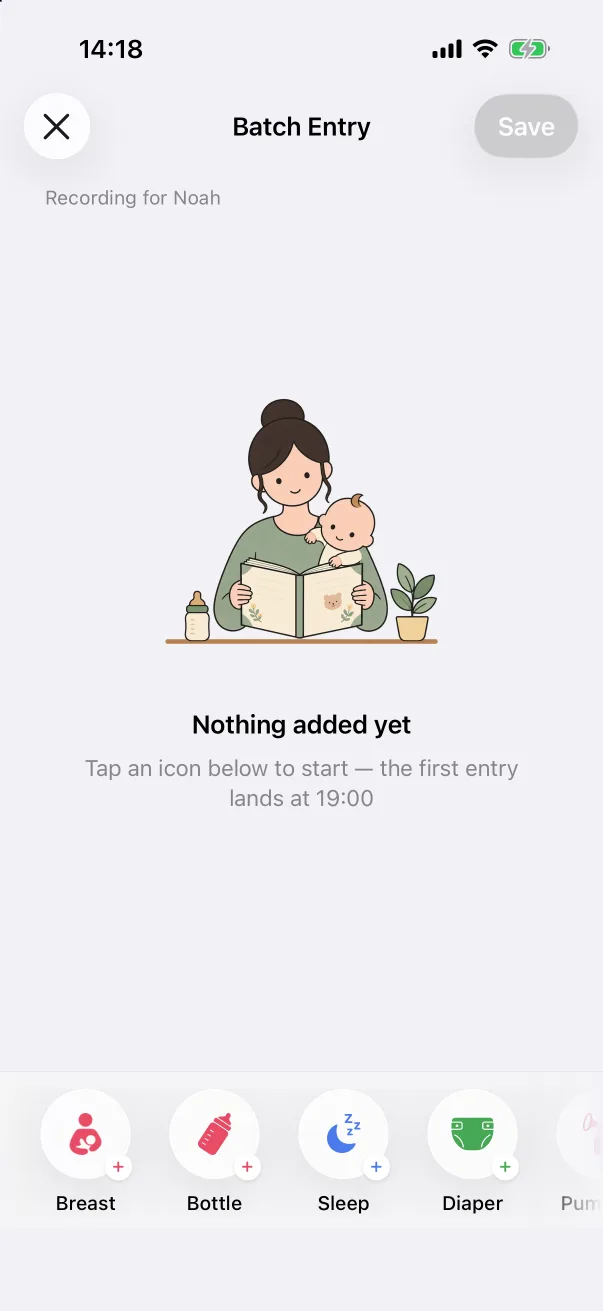
On the Home tab, tap + and then the Batch Entry tile. The screen is titled Batch Entry — Recording for the current baby, with a row of type tiles along the bottom: Breast, Bottle, Sleep, Diaper, Pumping, Solid Food and Bath. Measurements, temperature, supplements, notes and vaccines are not part of batch entry — log those one at a time.
Building the list
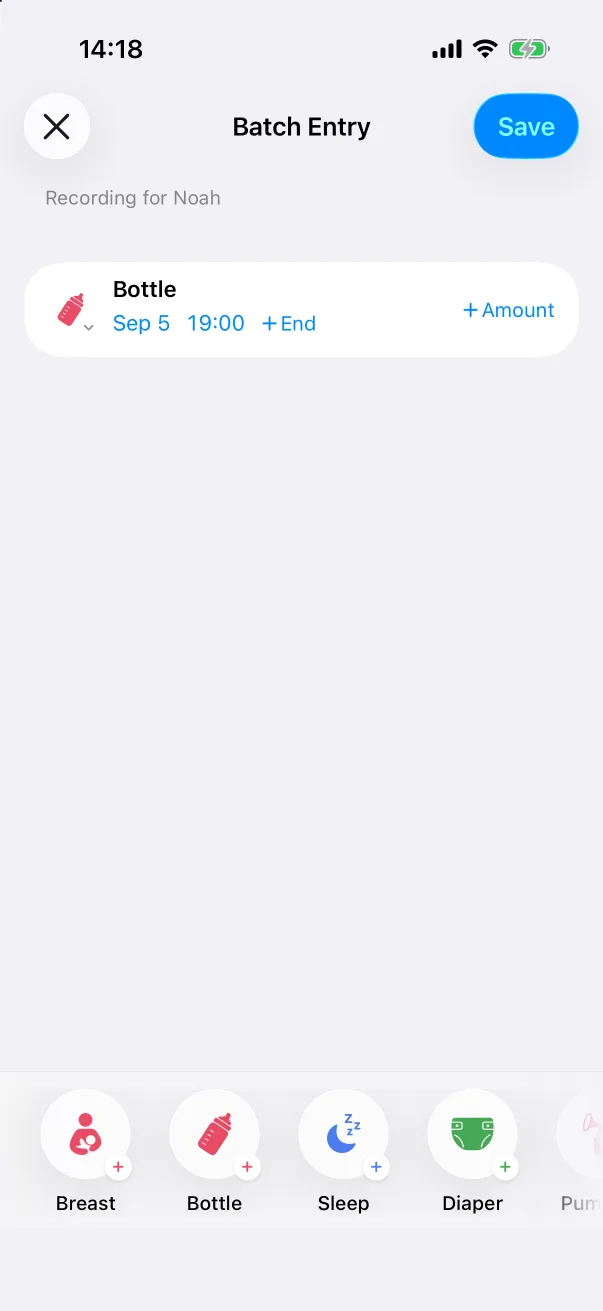
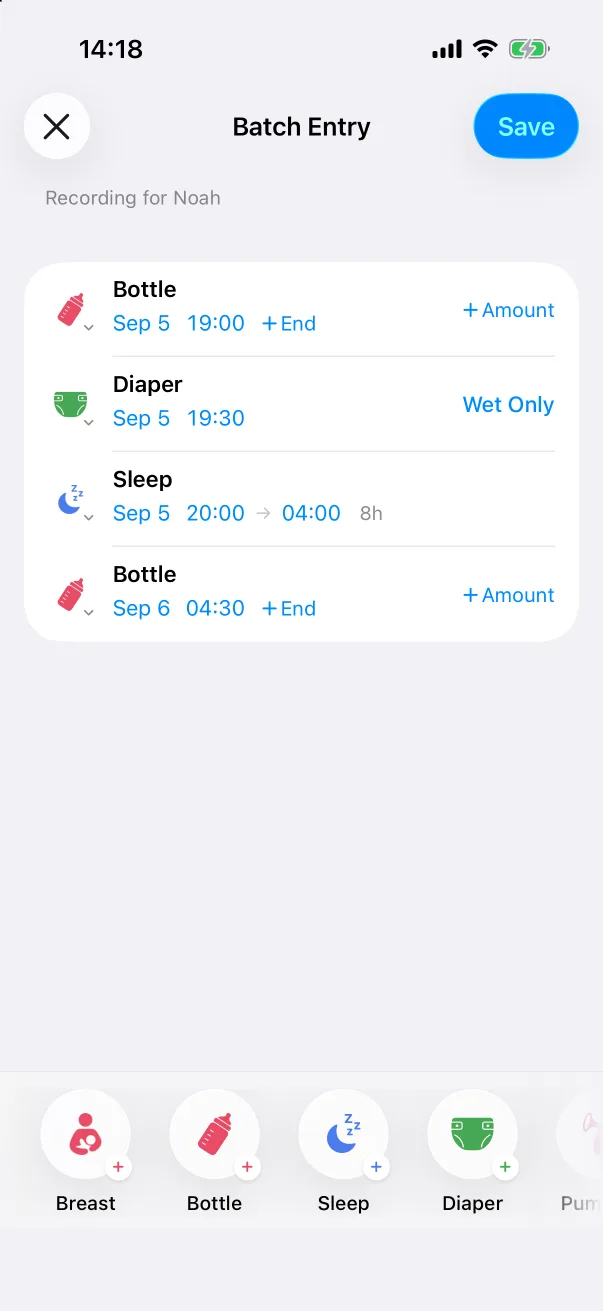
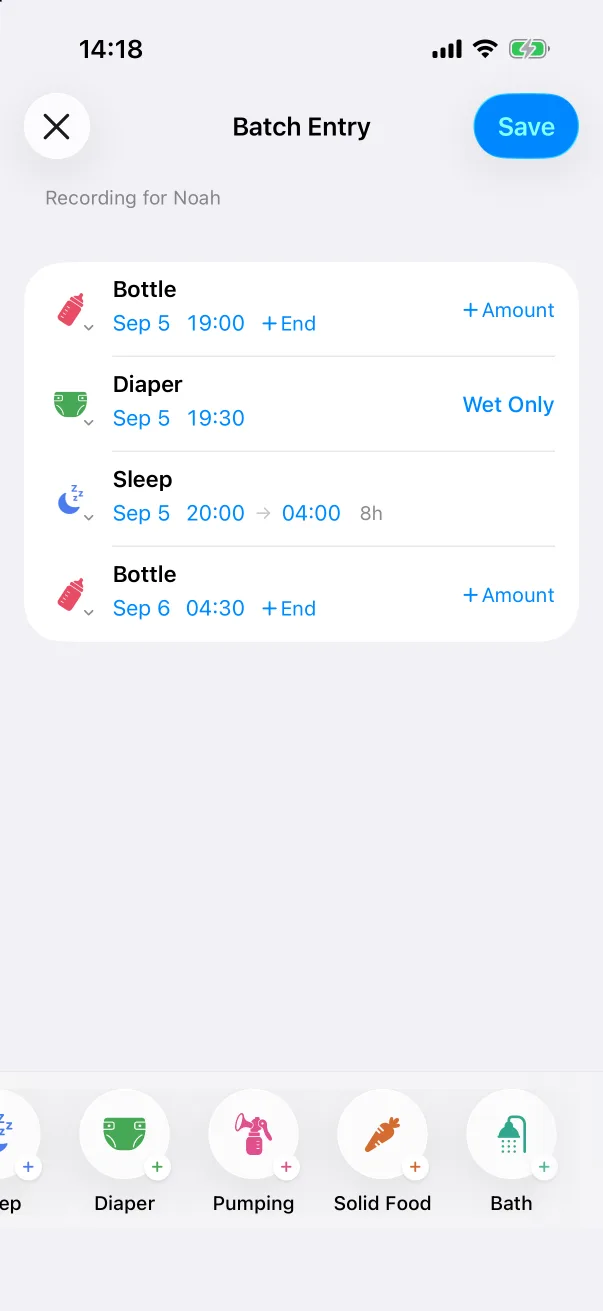
- Tap a type tile. A row appears with the type, a date and a time.
- Keep tapping tiles in the order things happened. The first entry is placed at 19:00 the previous evening; each further entry lands 30 minutes after the one before, and a sleep is pre-filled with an 8-hour end.
- Every blue value on a row is tappable: the date, the time, the end time, the amount, the diaper kind.
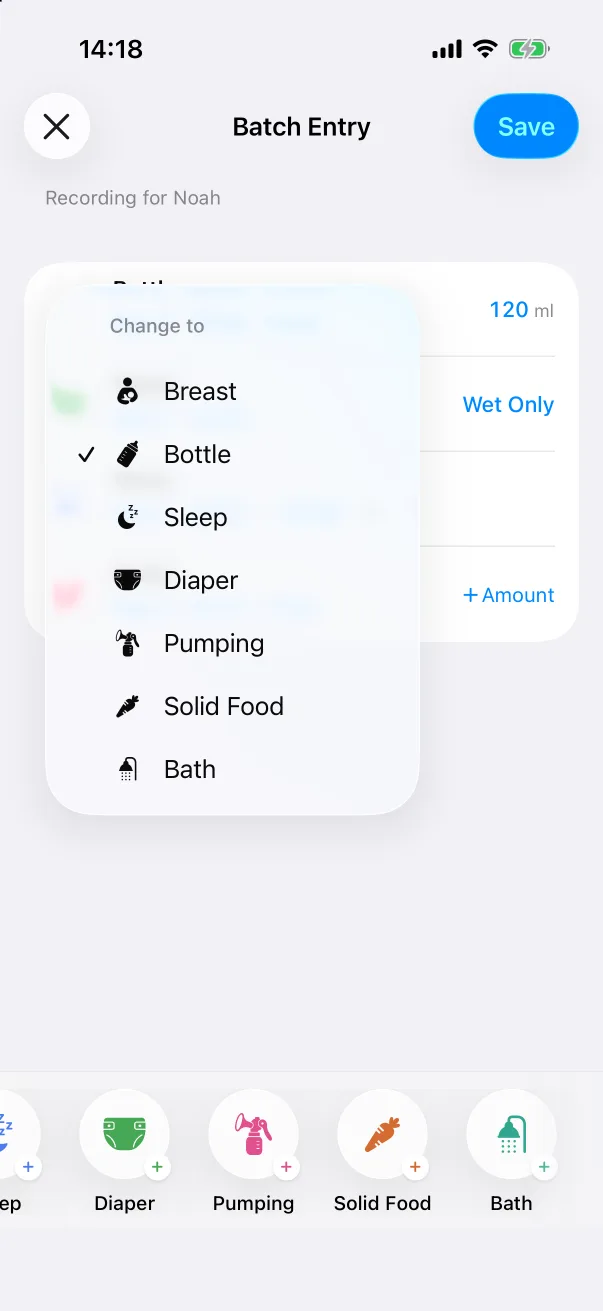
Picked the wrong tile? Tap the row's icon and choose another type from the Change to menu.
Filling in the numbers
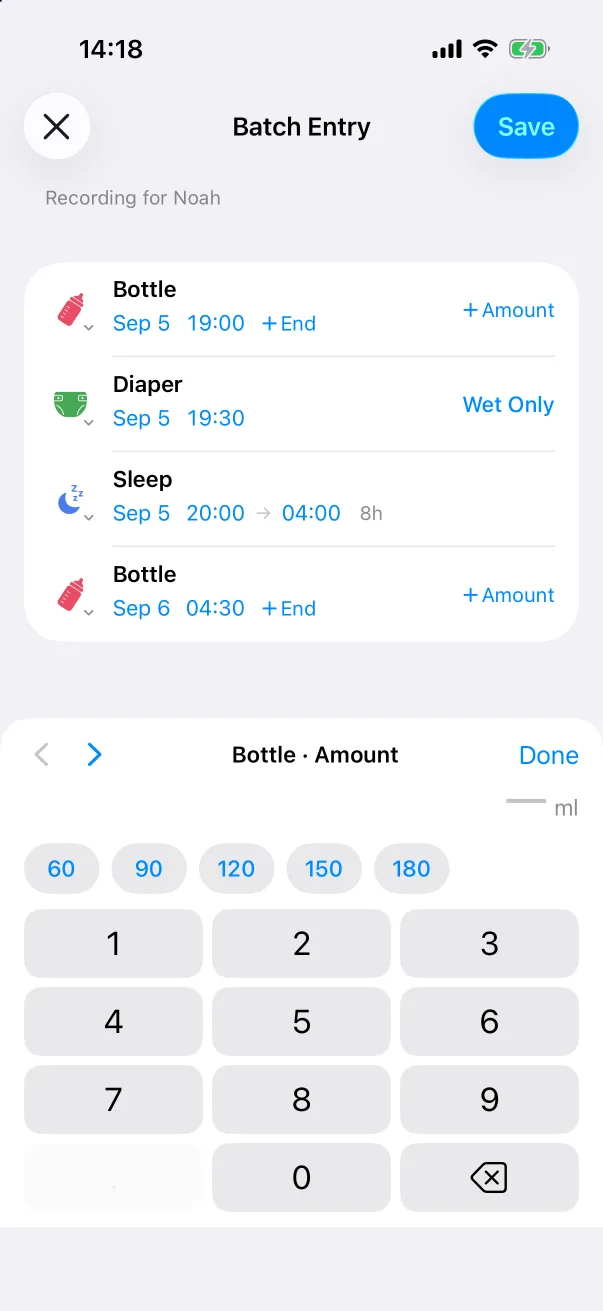
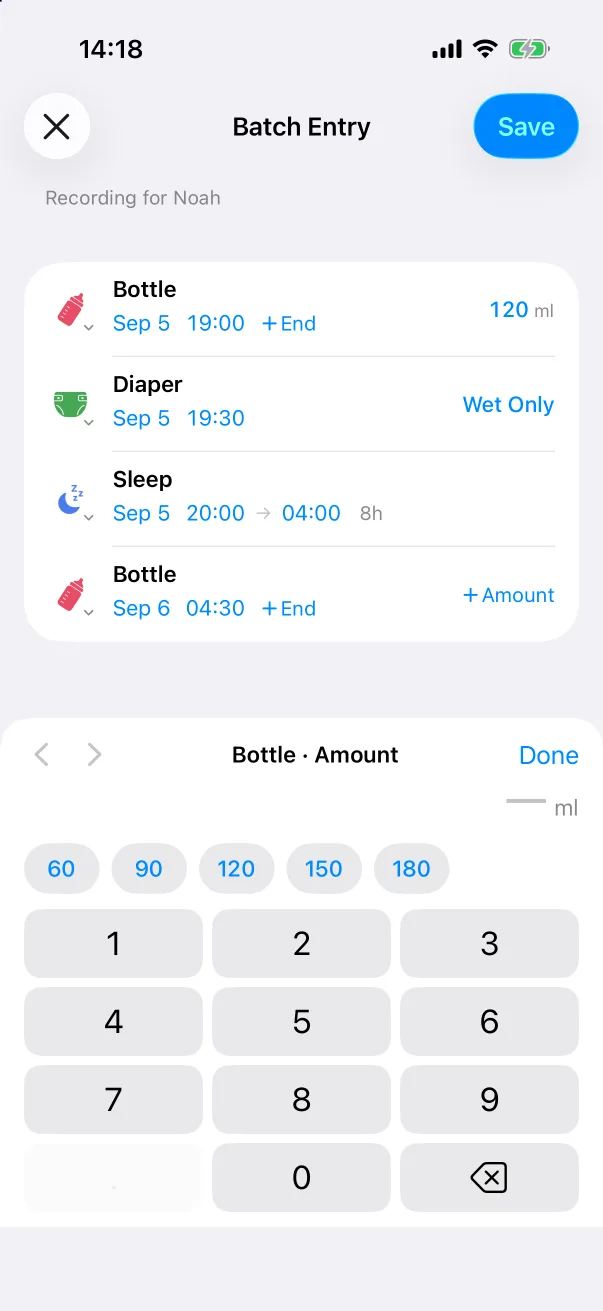
Tap + Amount (or any value) and a keypad slides up with quick chips — 60, 90, 120, 150, 180 for a bottle — a number pad, and ‹ › arrows that move to the previous or next fillable field. You can work through the whole night without leaving the keypad, then tap Done.
Saving
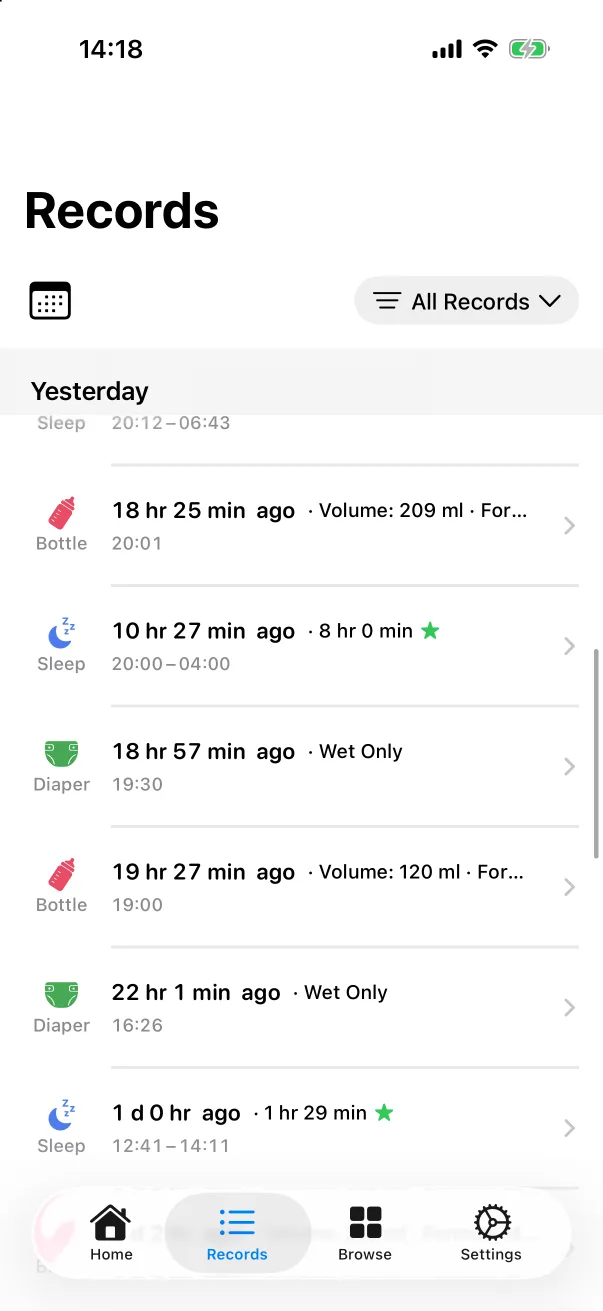
Tap Save in the top-right corner. Every row becomes an ordinary record, mixed into the Records tab, the timeline and the statistics as if each had been logged at the time. Save stays grey until the list has at least one row.