

Settings and extras
Invite friends
Every friend who enters your invite code gives you a month of Premium. No limit, and the months stack.
Baby Memos has no ads and no upsells beyond Premium, so it grows the way most good things do — one parent telling another. The invite program says thank you for that.
Your code
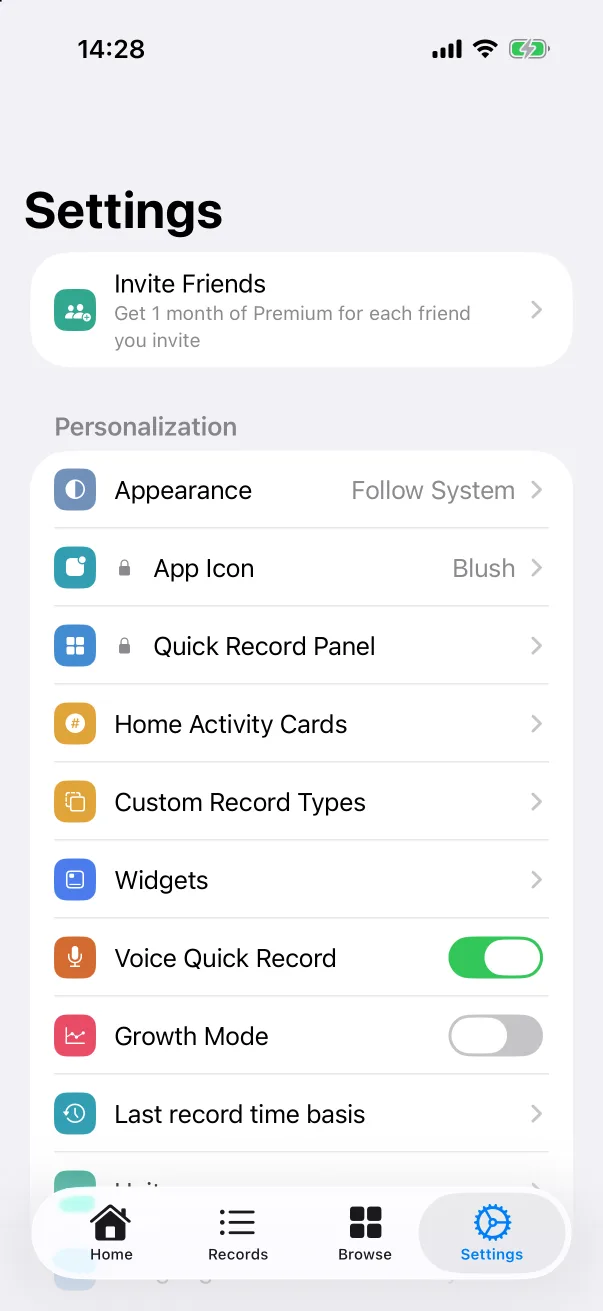
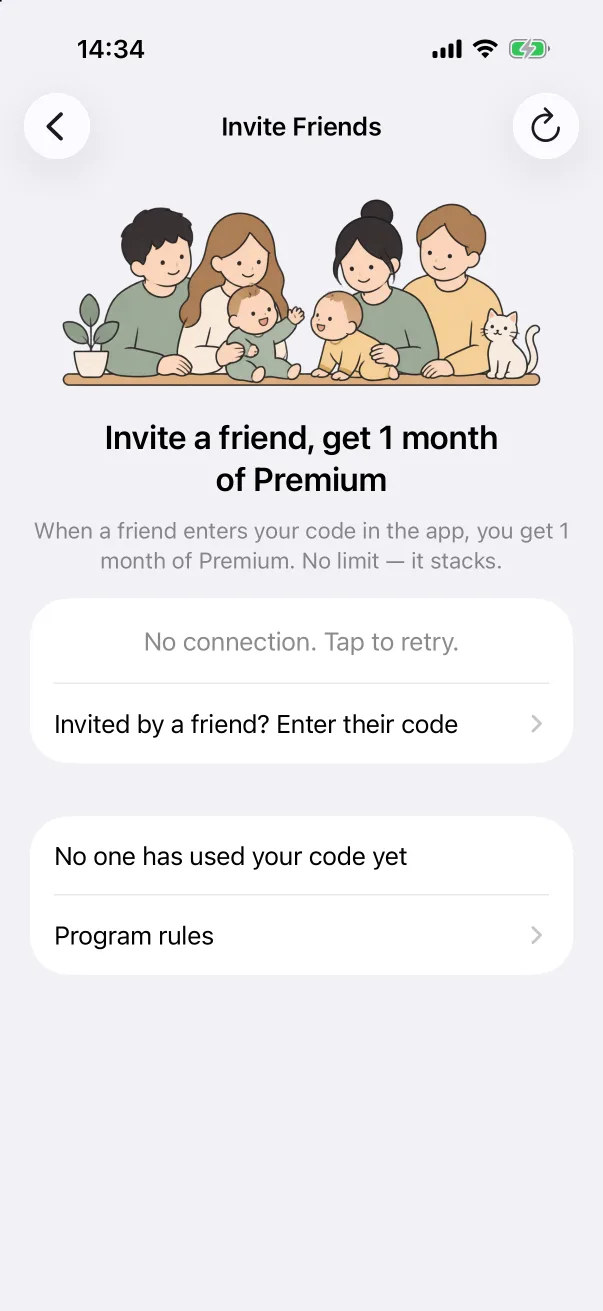
Open Settings and tap the Invite Friends card at the top (it sits at the top of the Premium page too). The screen shows your own six-character code — tap it to copy or share it. Below, the app counts how many friends have used it.
Send the code however you like; there is nothing else to set up. When a friend enters it in their app, you get one month of Premium. Invite five friends and you have five months.
Entering a friend's code
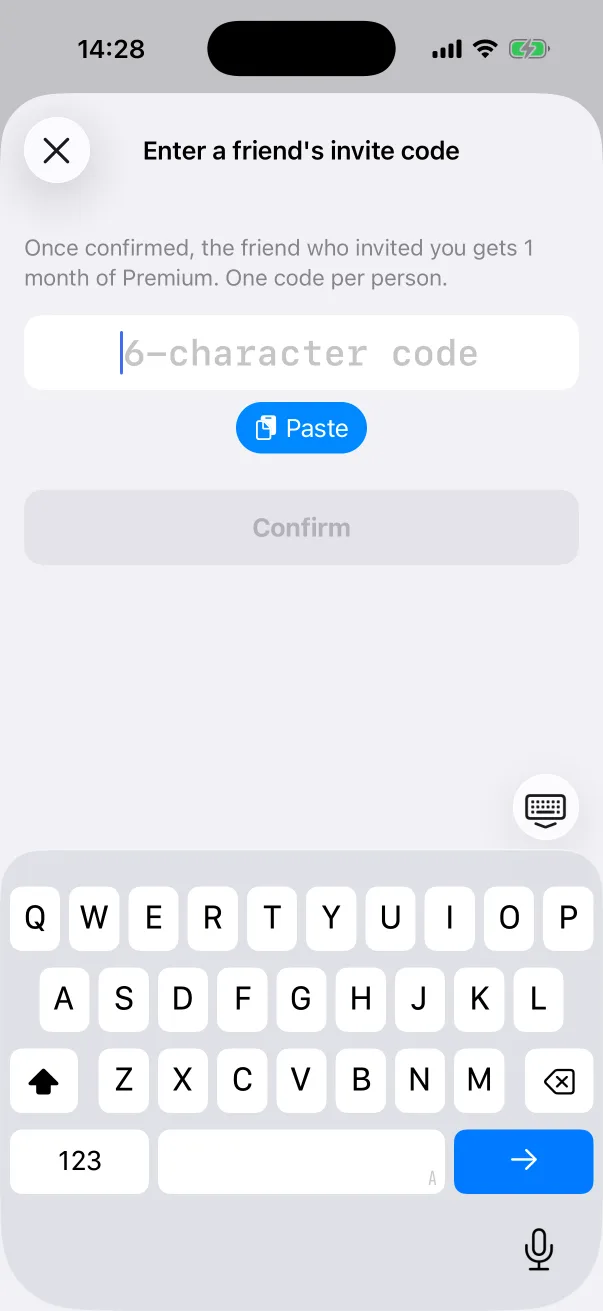
Were you invited? On the same screen tap Invited by a friend? Enter their code, type or paste the code and tap Confirm. The friend who invited you gets their month. Each person can enter a code once, ever.
The rules
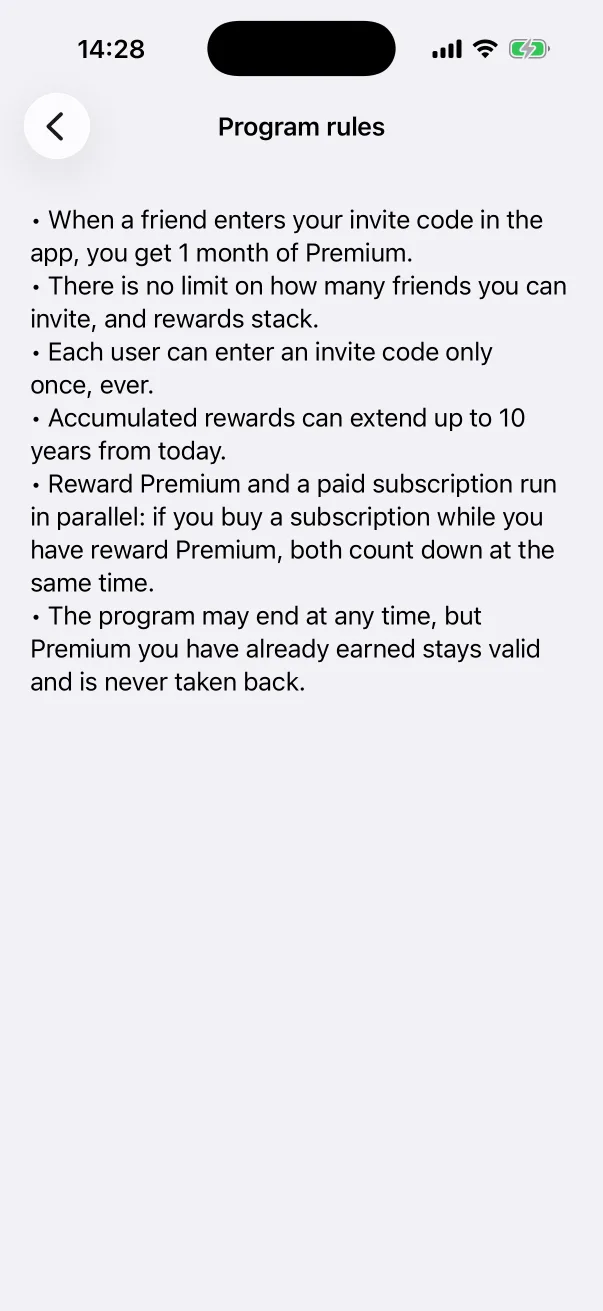
- One month of Premium for each friend who enters your code; there is no limit, and rewards stack.
- Each user can enter an invite code only once.
- Accumulated reward months can extend up to ten years from today.
- Reward Premium and a paid subscription run in parallel — if you buy a subscription while you have reward months, both count down at the same time.
- The program may end at any time, but Premium you have already earned stays valid and is never taken back.