

Logging
Editing and deleting records
Open a record's detail, change any field including the time, or delete it — from the detail screen or with a swipe on the list.
Nothing you log is set in stone. Every record can be reopened, corrected and removed, and the change shows up everywhere the record was — home cards, statistics, the timeline, and every family phone.
The record detail
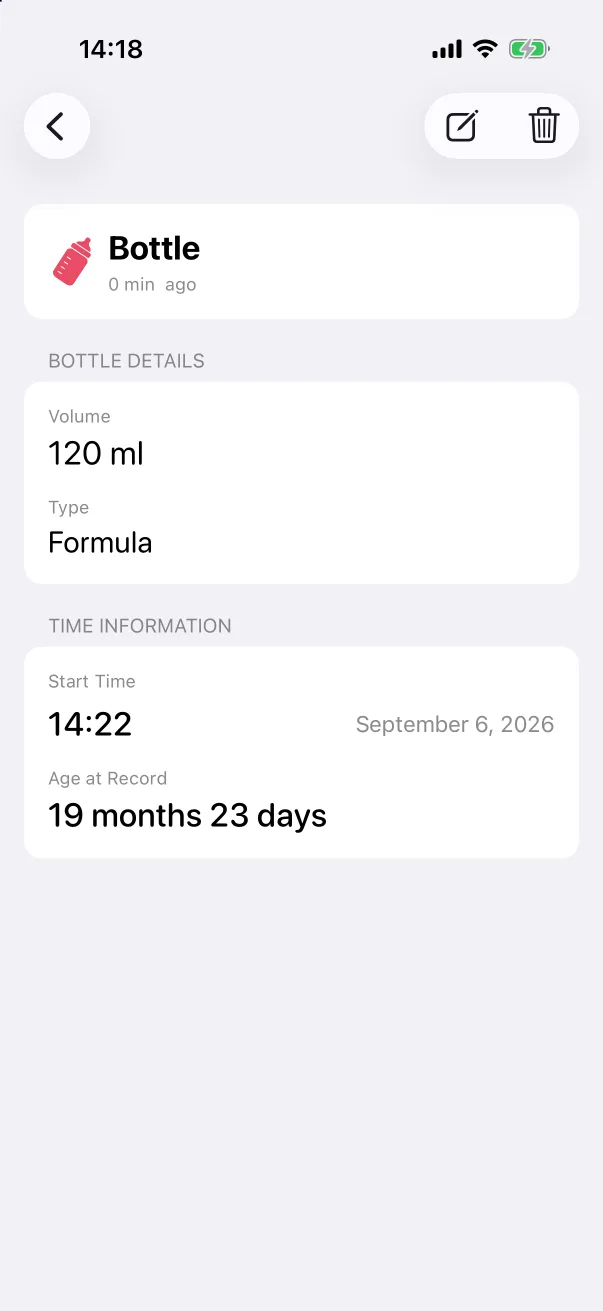
On the Records tab, tap any row. The detail screen shows the type and how long ago it happened, then a section for the type's own fields (volume and type for a bottle, duration and quality for a sleep), Time information with the start time, the date and the baby's age at the time, and — when present — Photos and Notes.
The two icons in the top-right corner are edit (pencil) and delete (bin).
Editing
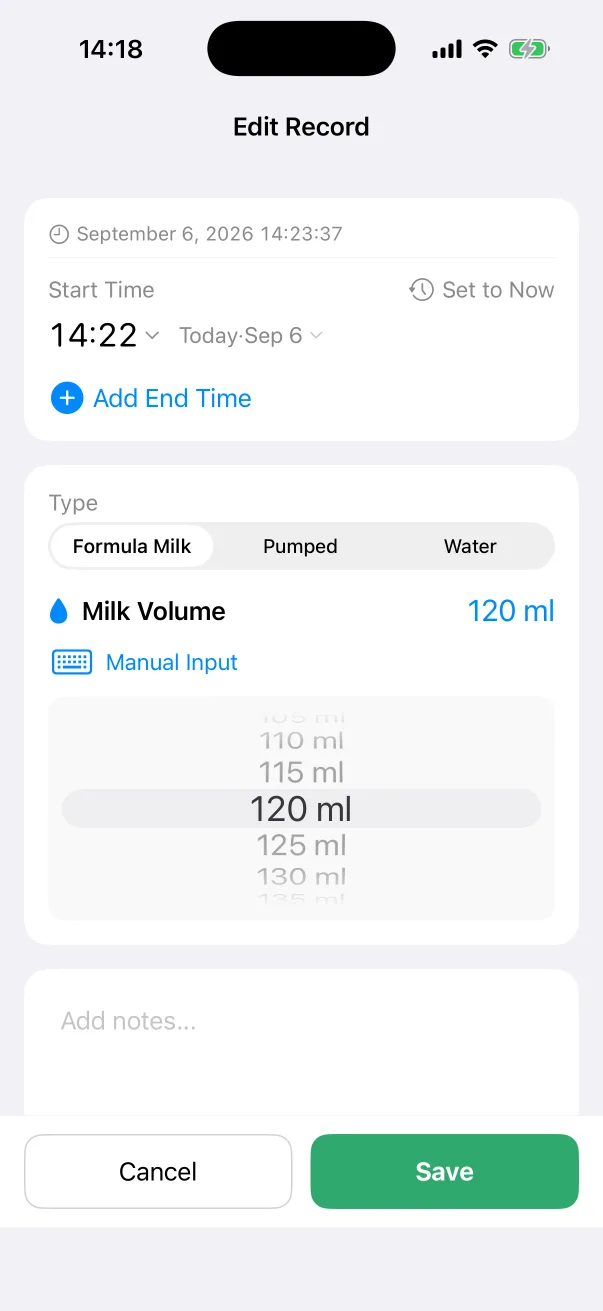
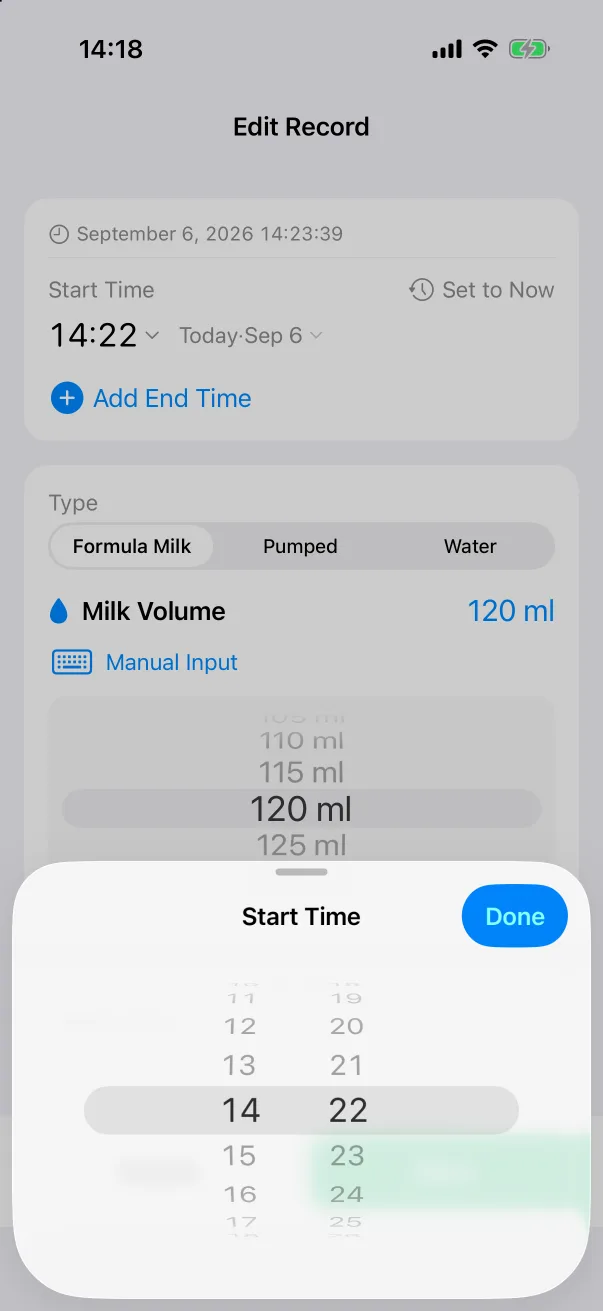
- Tap the pencil. Edit Record is the same form as when the record was created, with every field filled in.
- Change anything — the start or end time on the wheel, the amount, the type, the notes, the photos.
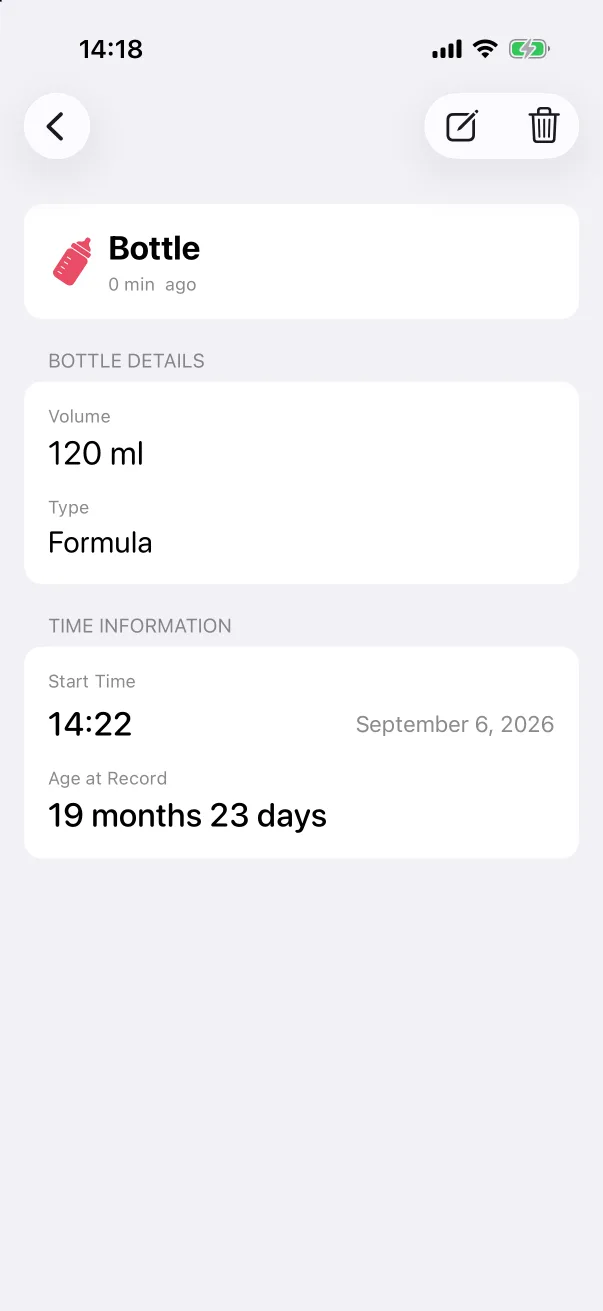
- Tap Save. The detail screen shows the new values.
Long-pressing the header card on the detail screen offers Edit as well.
Deleting
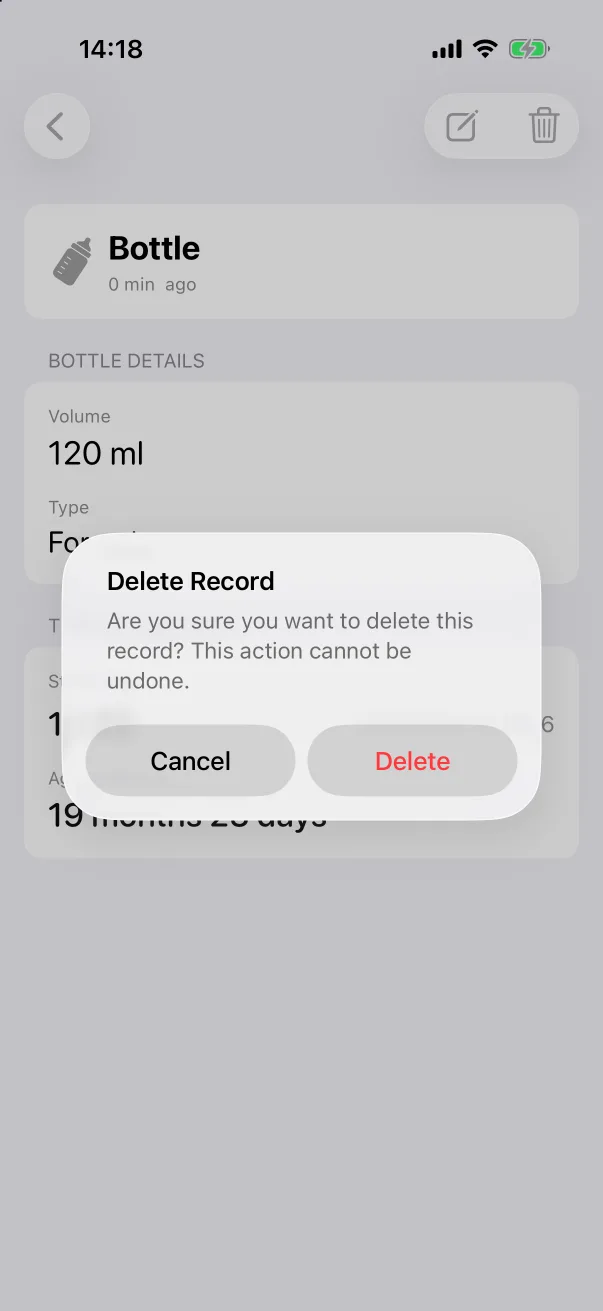
Tap the bin, then confirm. The record disappears from the list at once. With family sharing on, it is removed from the other devices too.
Swipe on the list
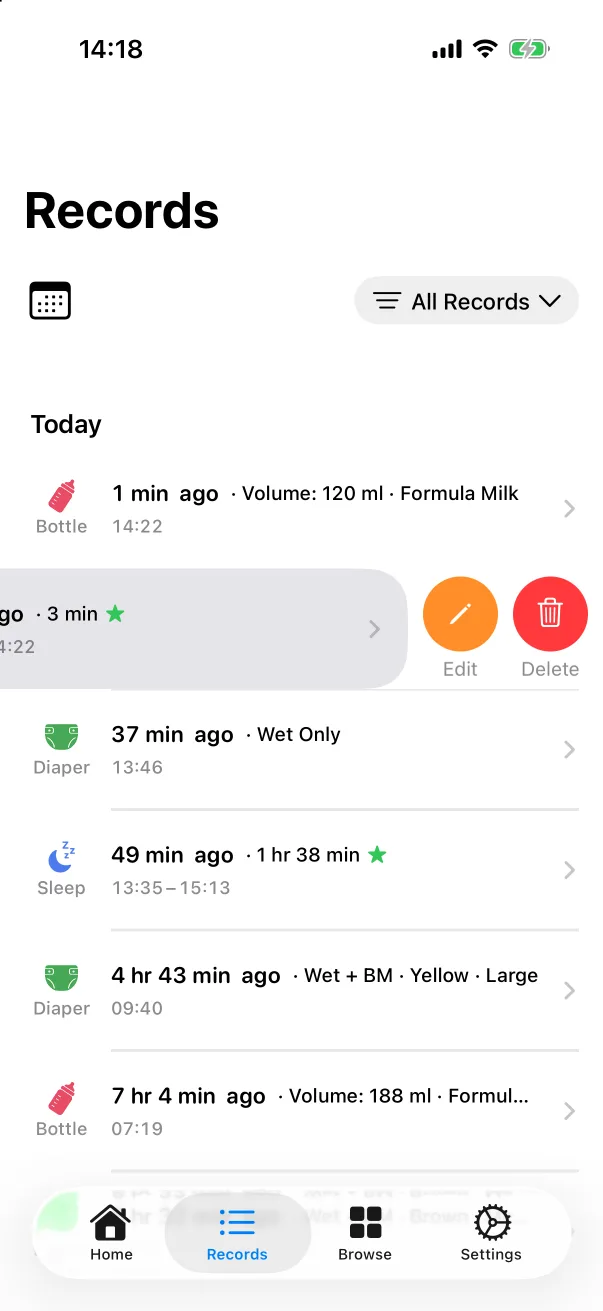
On the Records tab, swipe a row to the left to reveal Edit and Delete without opening the detail first.