

Guides
Baby Memos guides
How each part of the app works, one screen at a time — from the first launch to sharing the log with your family.
Baby Memos is a log for the things that happen in a baby's day: feeds, sleep, diapers, growth and everything in between. These guides walk through every part of the app with screenshots, so you can find the one thing you are looking for at 3 a.m. and get back to what you were doing.
If something is not covered here, use Settings → Contact developer in the app and ask.
Getting started
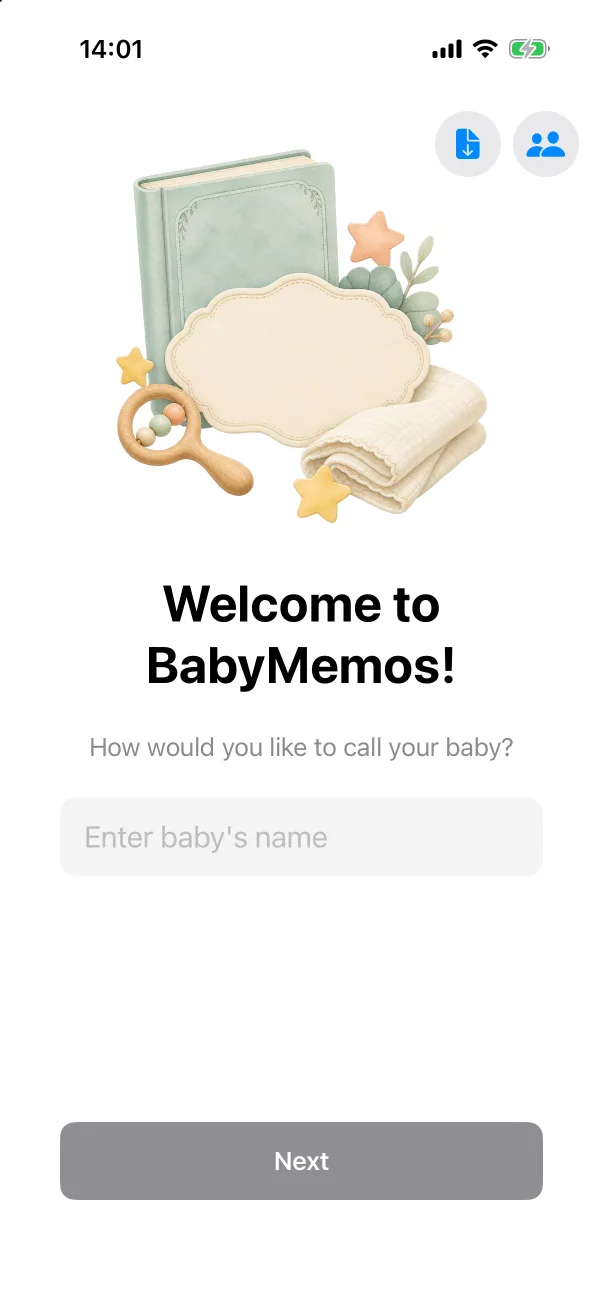 Getting startedThe first launch takes about a minute — a name, a birthday, and you are on the home screen. No account, no sign-up.
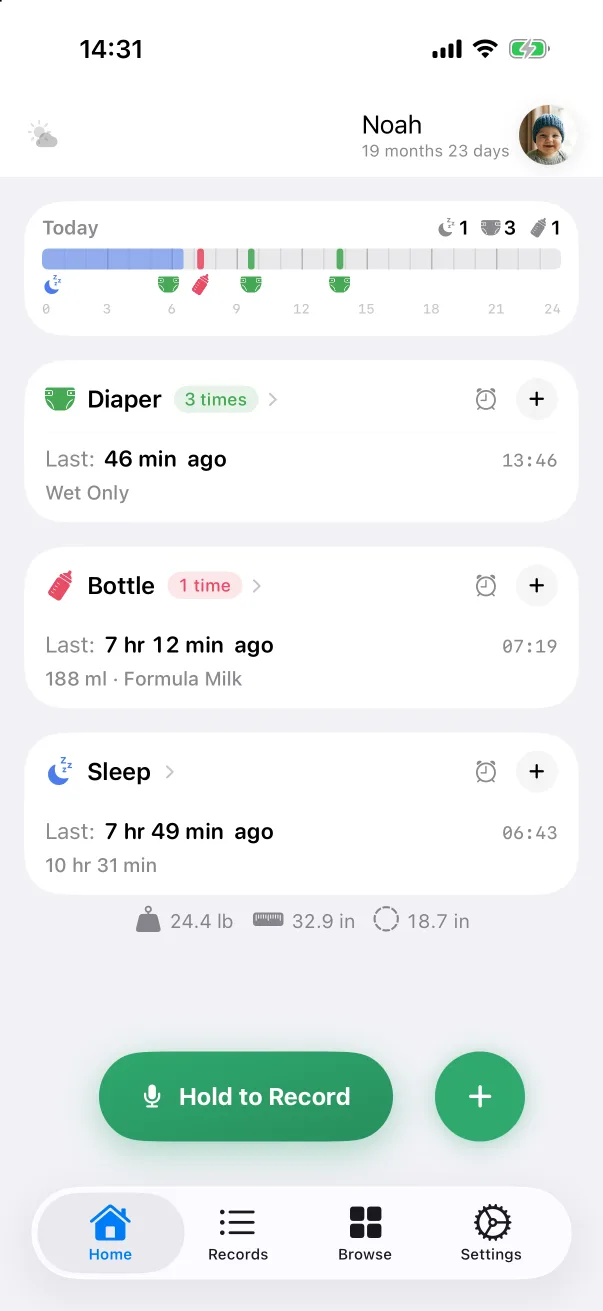 The home screenThe day strip, the activity cards and the two green buttons — what each part shows and where a tap on it goes.
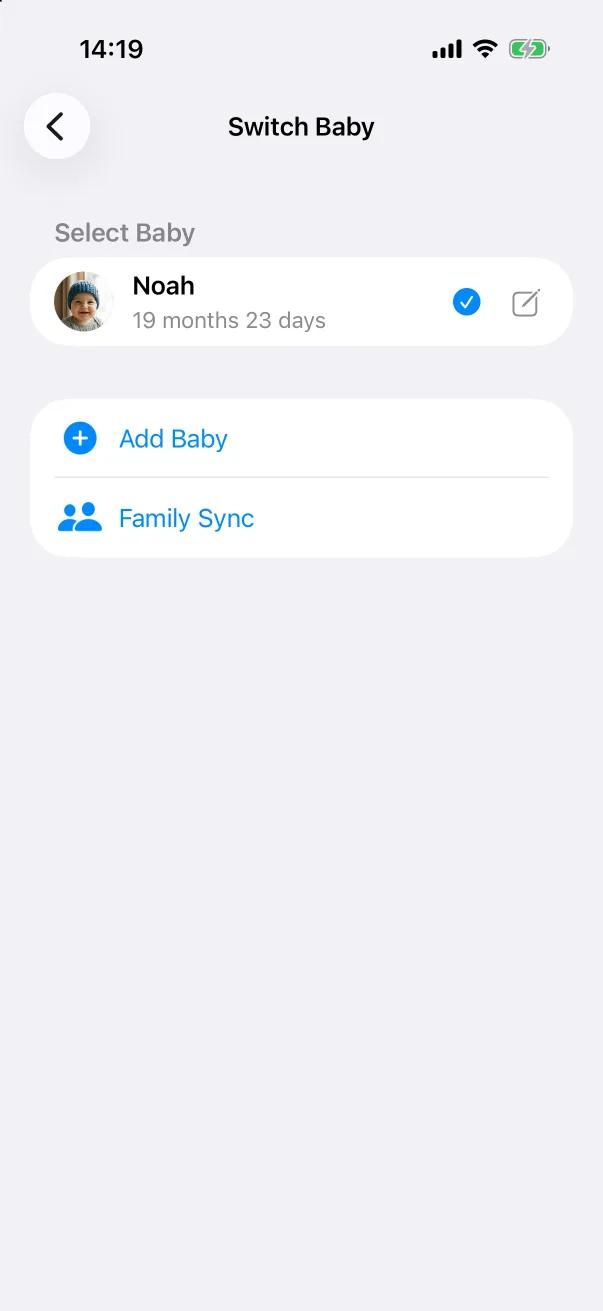 BabiesAdd a second baby, switch between them, edit a profile, and what happens when you delete one.
Logging
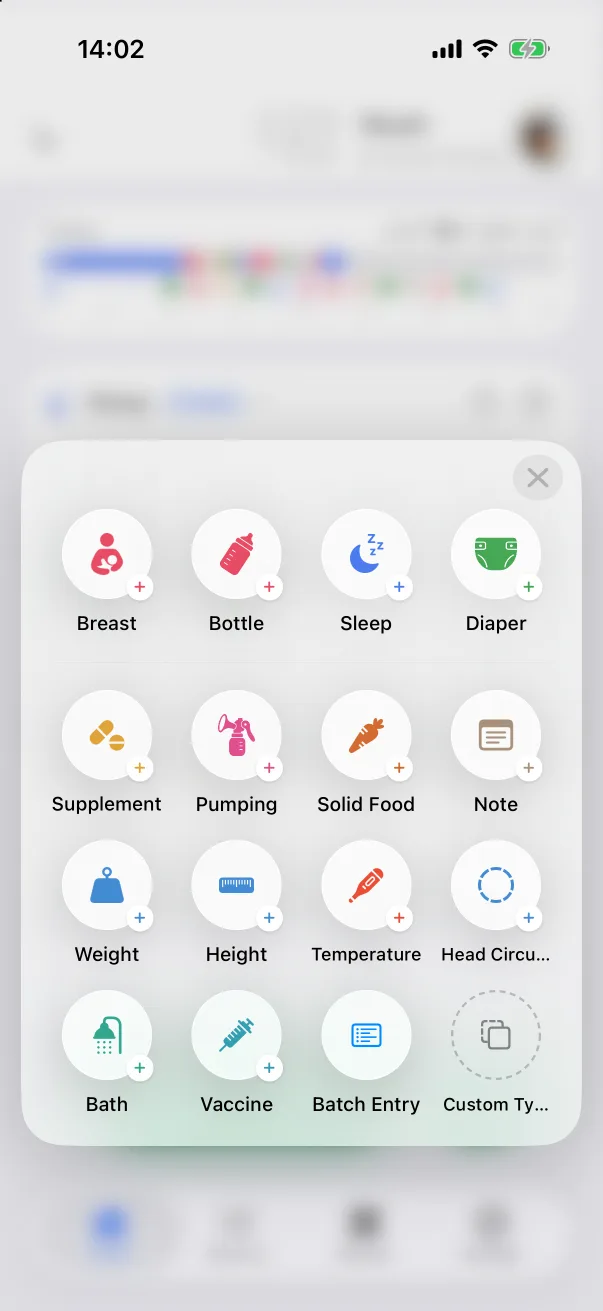 Adding a recordThe quick record panel, what every editor has in common, and the fastest way from the home screen to a saved record.
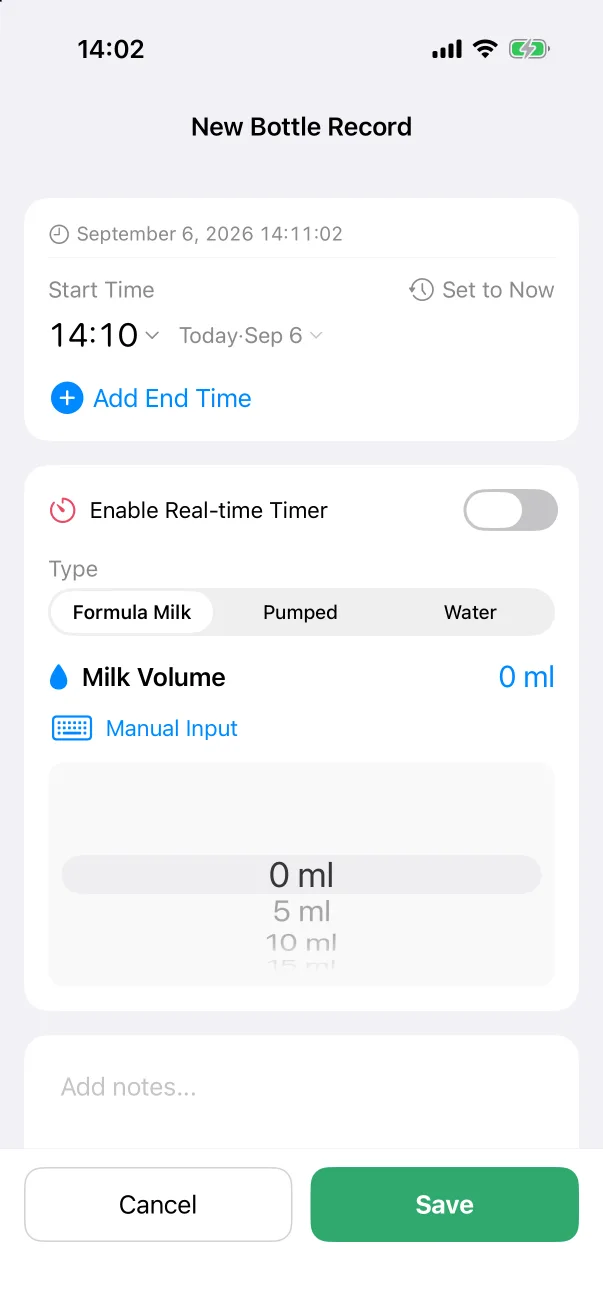 Record typesWhat each of the fourteen built-in types asks for, and what it shows afterwards.
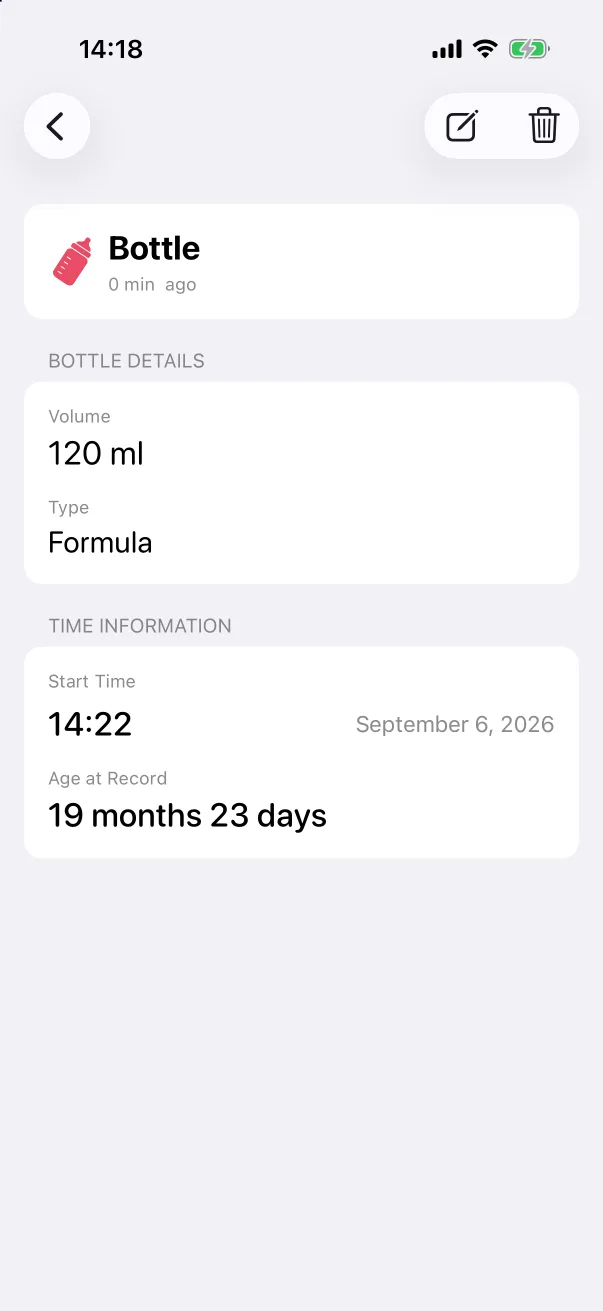 Editing and deleting recordsOpen a record's detail, change any field including the time, or delete it — from the detail screen or with a swipe on the list.
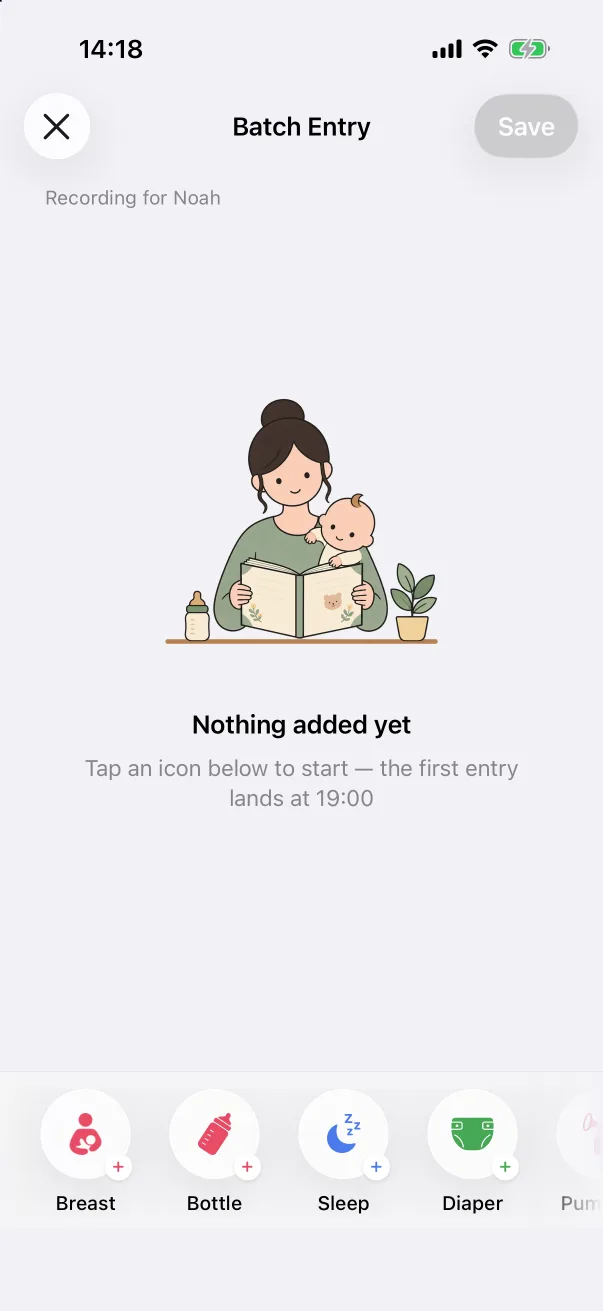 Batch entryLog a whole night — several feeds, changes and a sleep — in one screen, without opening an editor for each.
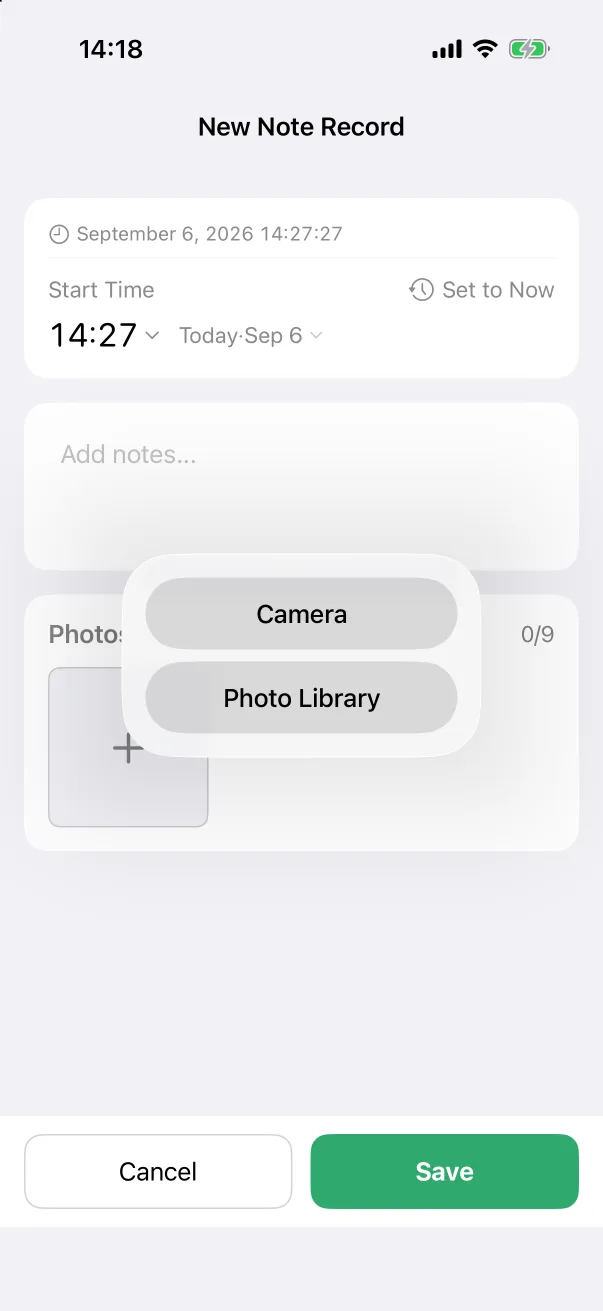 Photos on a recordAttach up to nine photos to any record, see them in the list and the detail, and open them full screen.
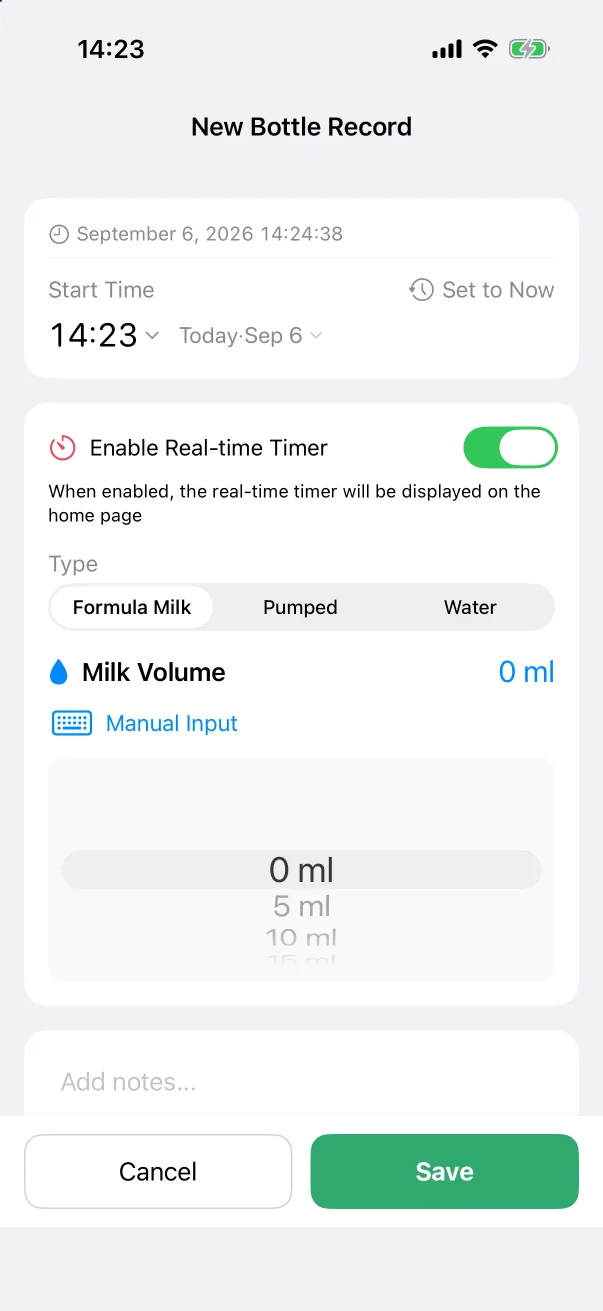 TimersStart a bottle, breast, sleep or pumping timer and let it run on the home screen, in the Dynamic Island and on the Lock Screen. Tap Done when it is over.
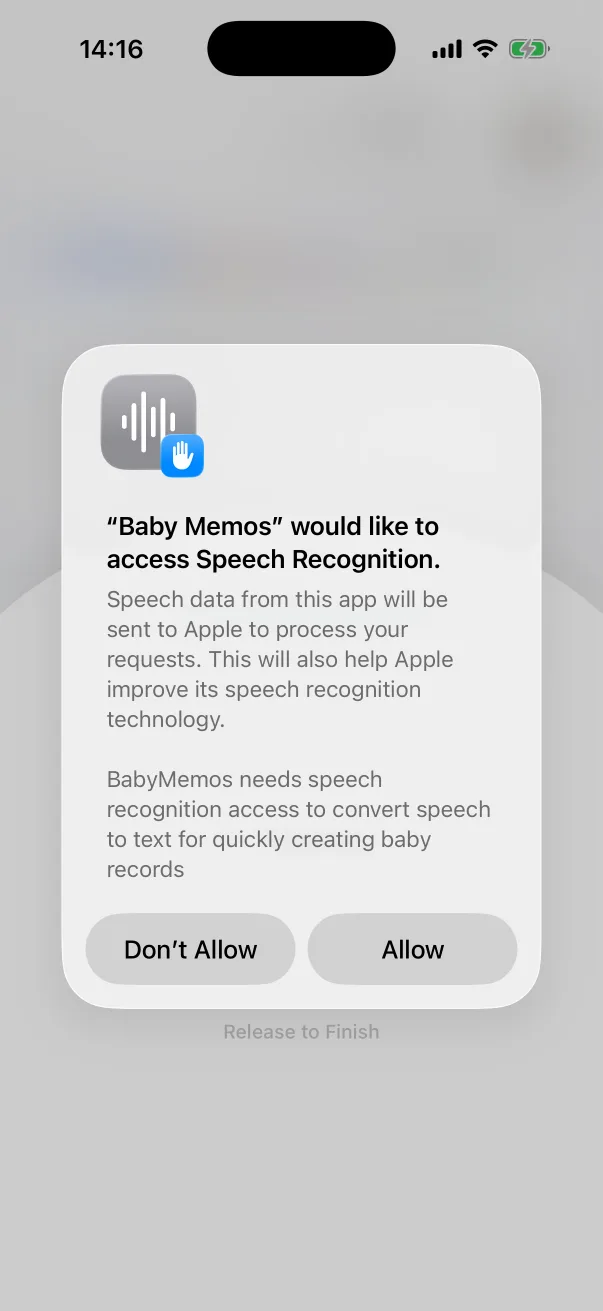 Logging by voiceHold the green button, say what happened, let go. The record fills itself in, in any of the fourteen languages.
Looking back
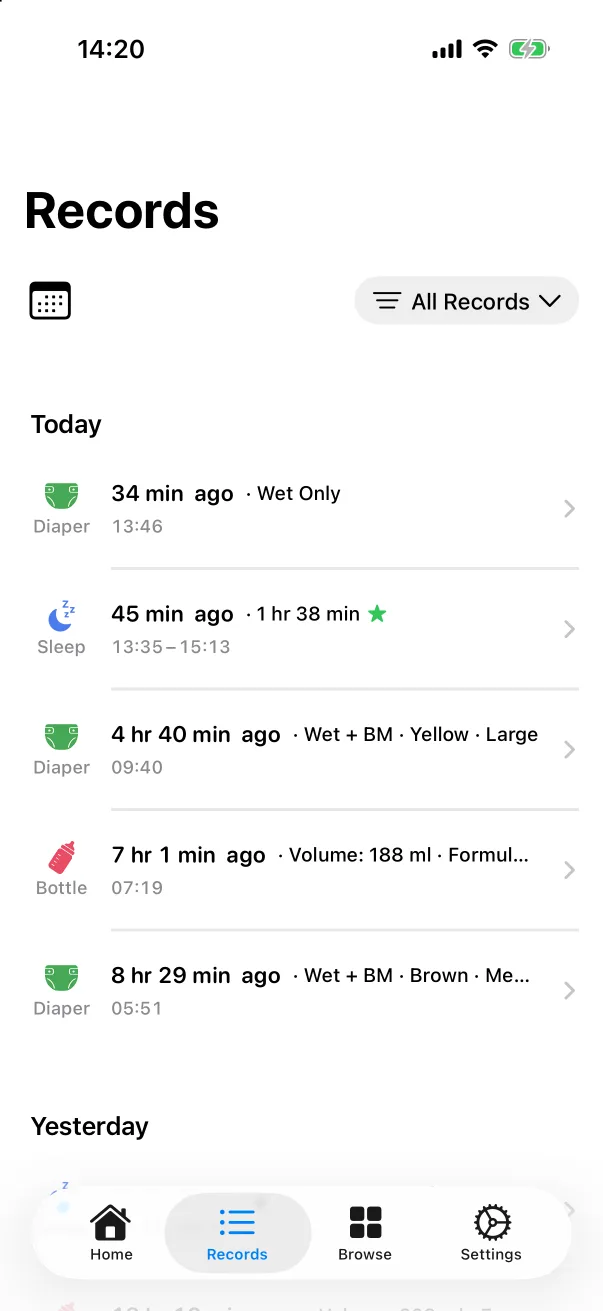 The Records tabEvery record, newest first — filter it to one type, jump to a date, and find an upcoming appointment pinned at the top.
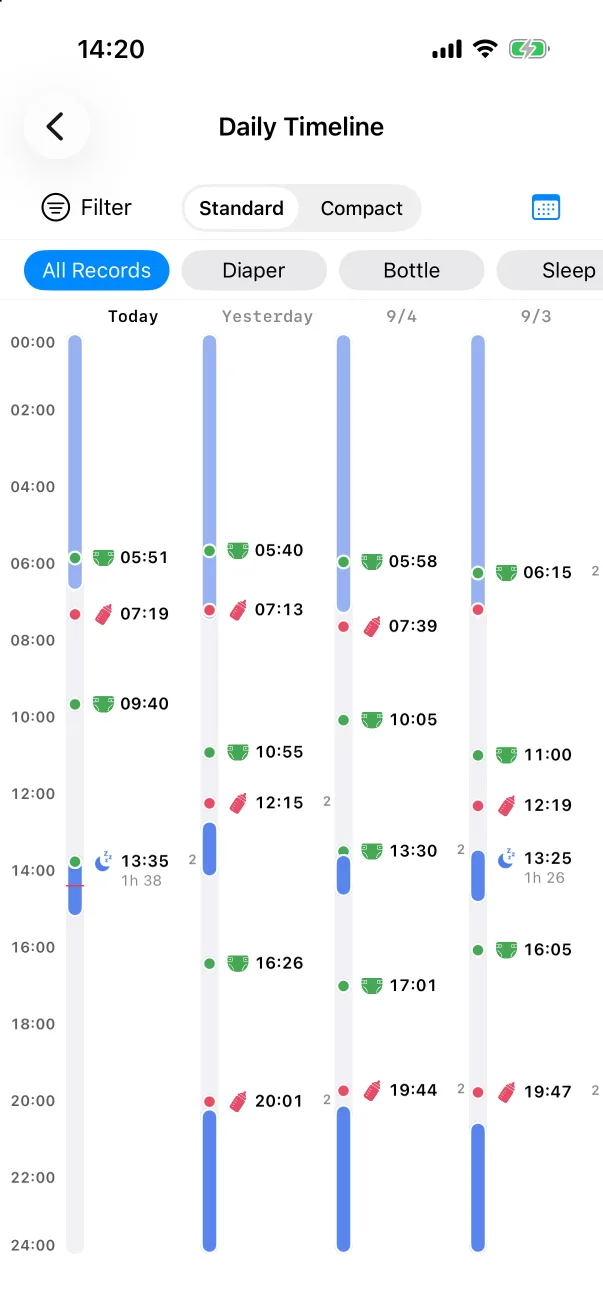 The timelineWhole days stood on end and placed side by side, so the shape of a routine shows up on its own.
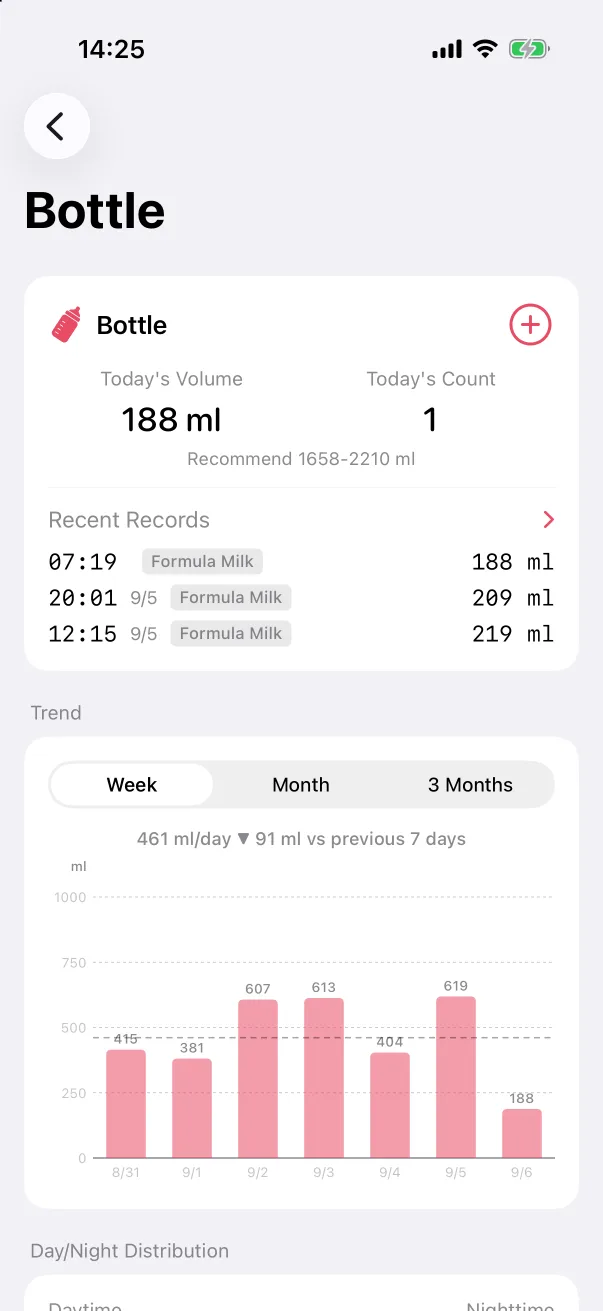 StatisticsEach record type has its own page — today's numbers, a week-by-week trend, day versus night, and the summary figures underneath.
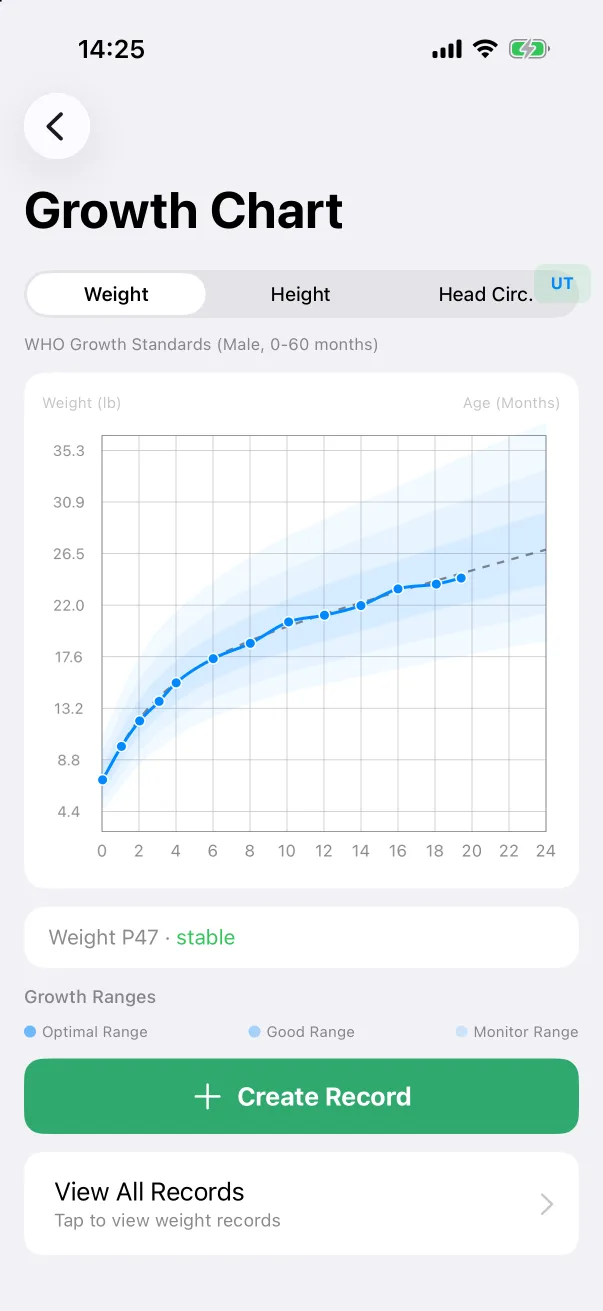 Growth chartWeight, height and head circumference plotted on the WHO growth standards for the baby's age and sex, with the percentile spelled out.
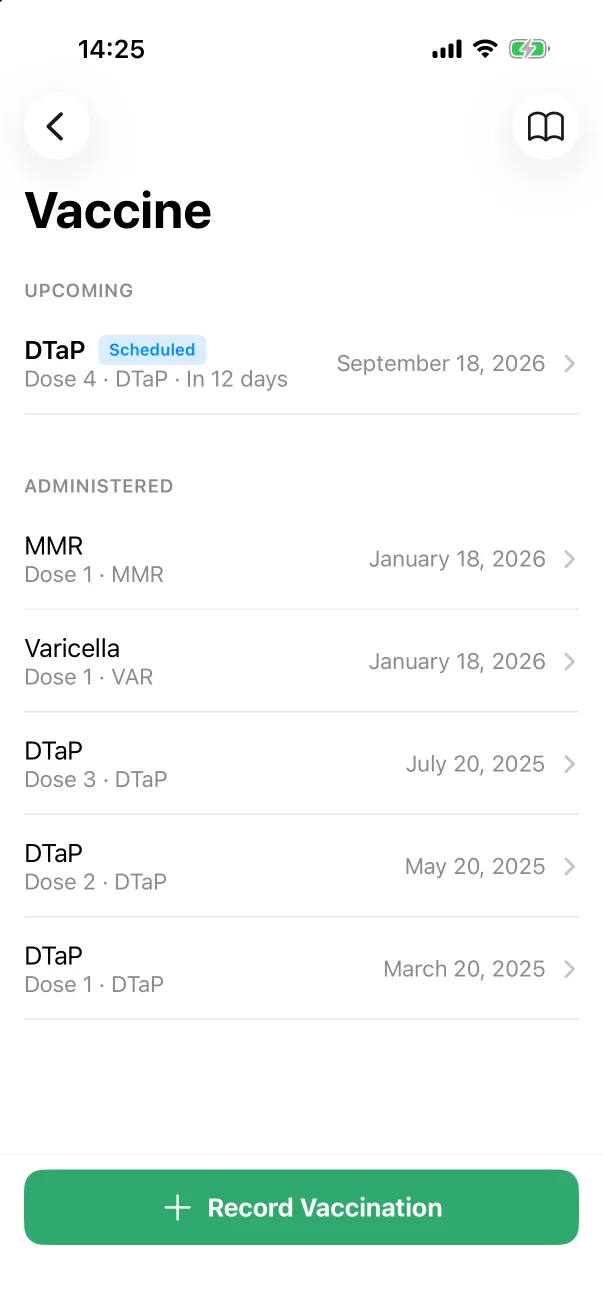 VaccinesRecord the shots the baby has had, put the next appointment in the future so it stays pinned, and read the reference schedule for your region.
Family and your data
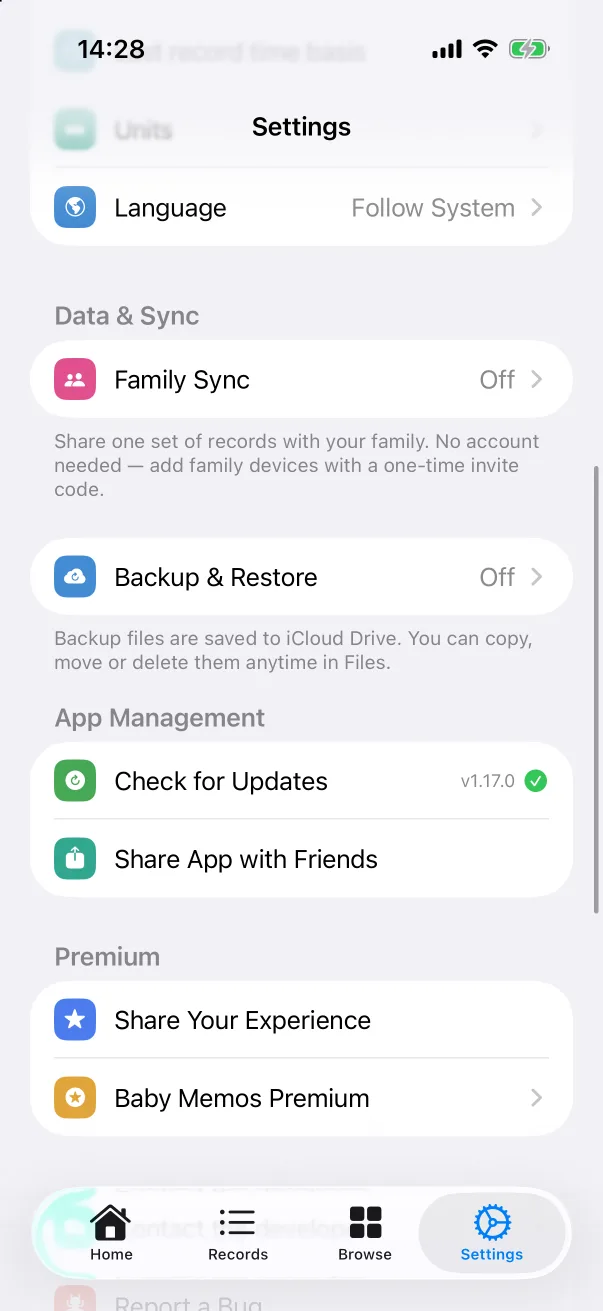
Settings and extras
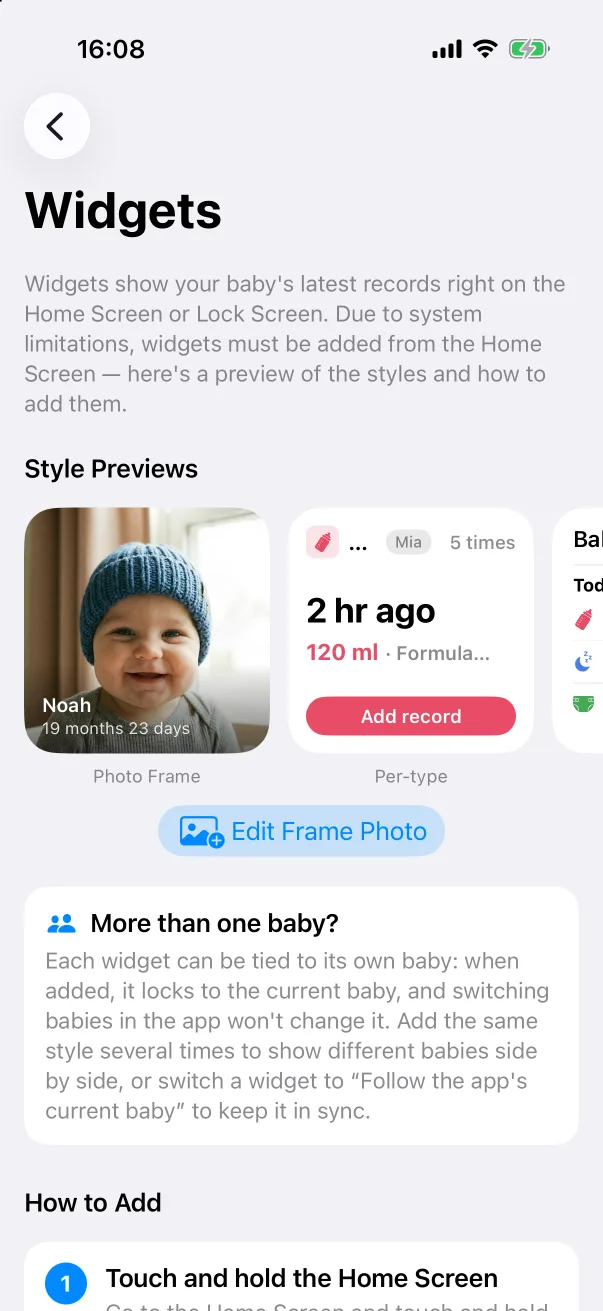 WidgetsSeventeen widgets for the Home Screen and Lock Screen — the latest records at a glance, one-tap logging, and a photo frame — and how to add them.
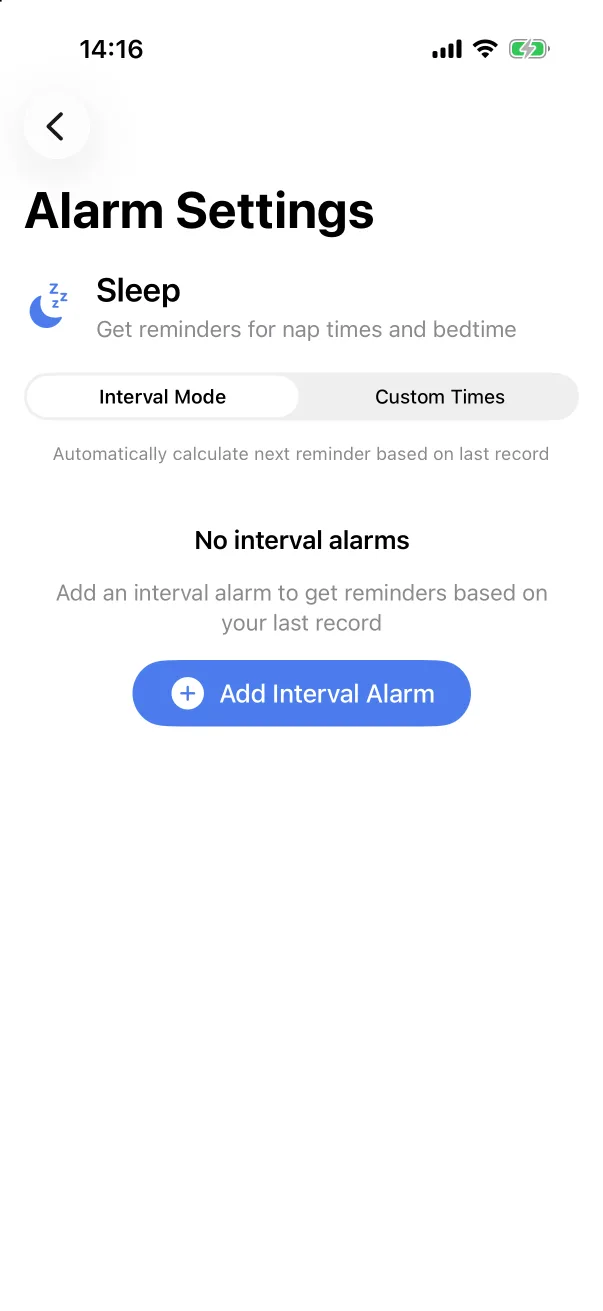 RemindersBe reminded a set time after the last feed or nap, or at fixed times of day — set from the alarm icon on each home card.
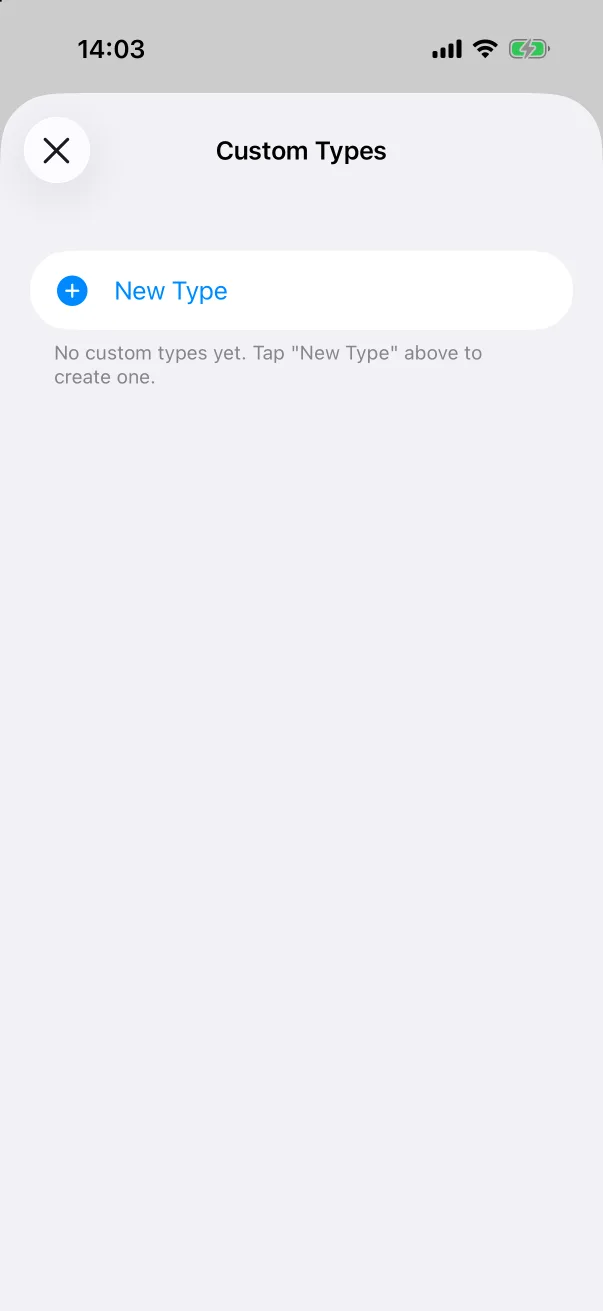 Custom record typesMake a type of your own — tummy time, medicine, a walk — with its name, icon and colour, and log it like any built-in type.
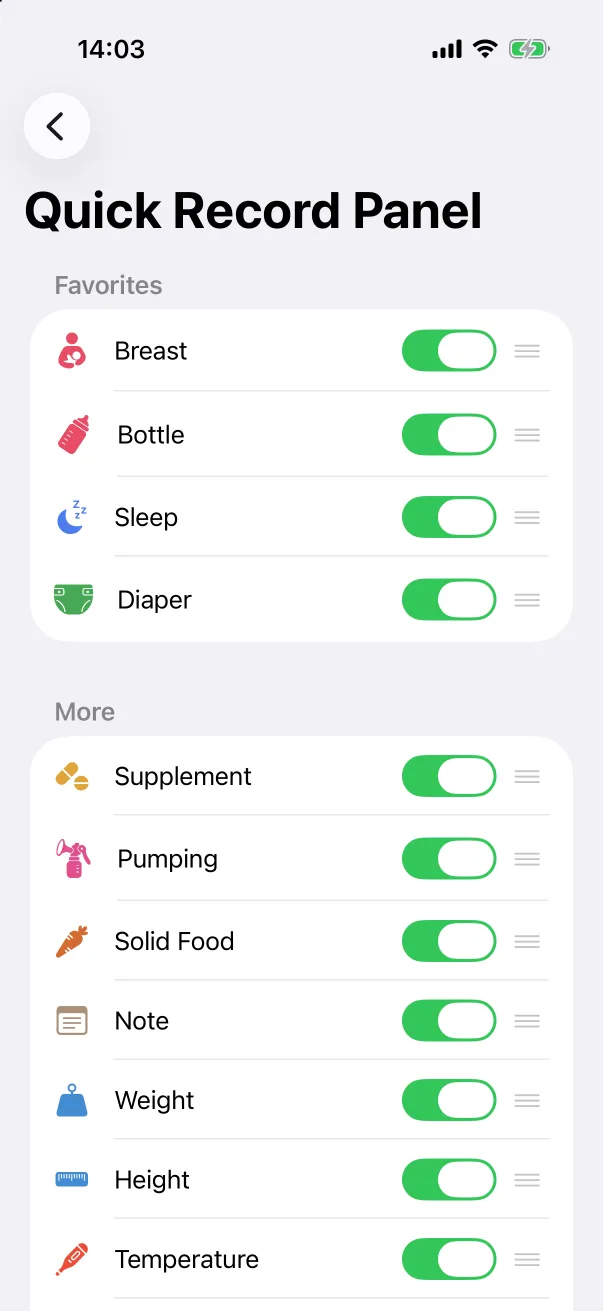 The quick record panelPut the types you log every day in the first row of the + panel, hide the ones you never use, and reset when the routine changes.
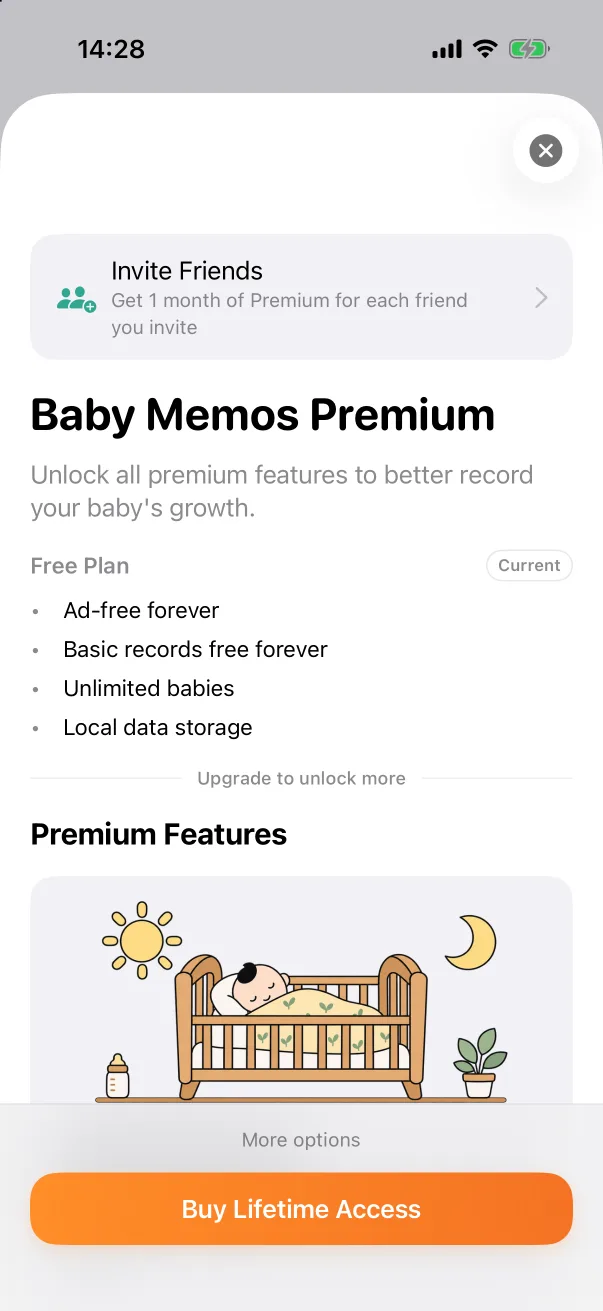 PremiumLogging is free forever. Premium adds family sharing, the full week on the timeline, your own record types and a choice of app icon.
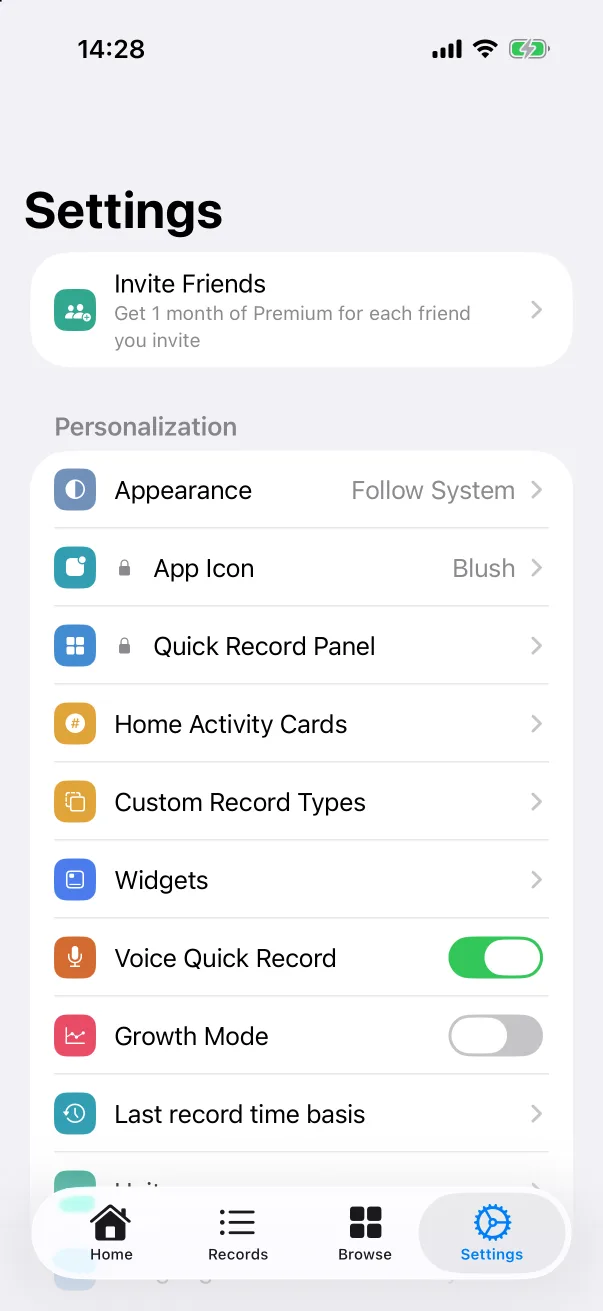 Invite friendsEvery friend who enters your invite code gives you a month of Premium. No limit, and the months stack.
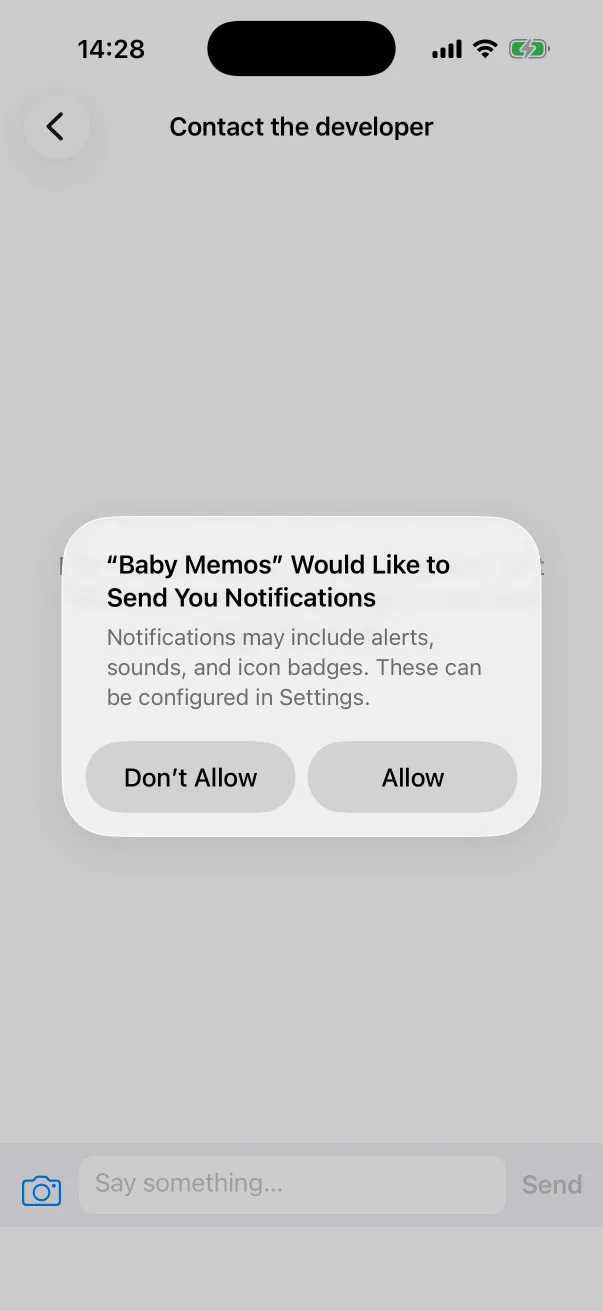 Contact the developerA conversation inside the app — ask a question, report a problem or request a feature, with a screenshot attached, and get a reply.
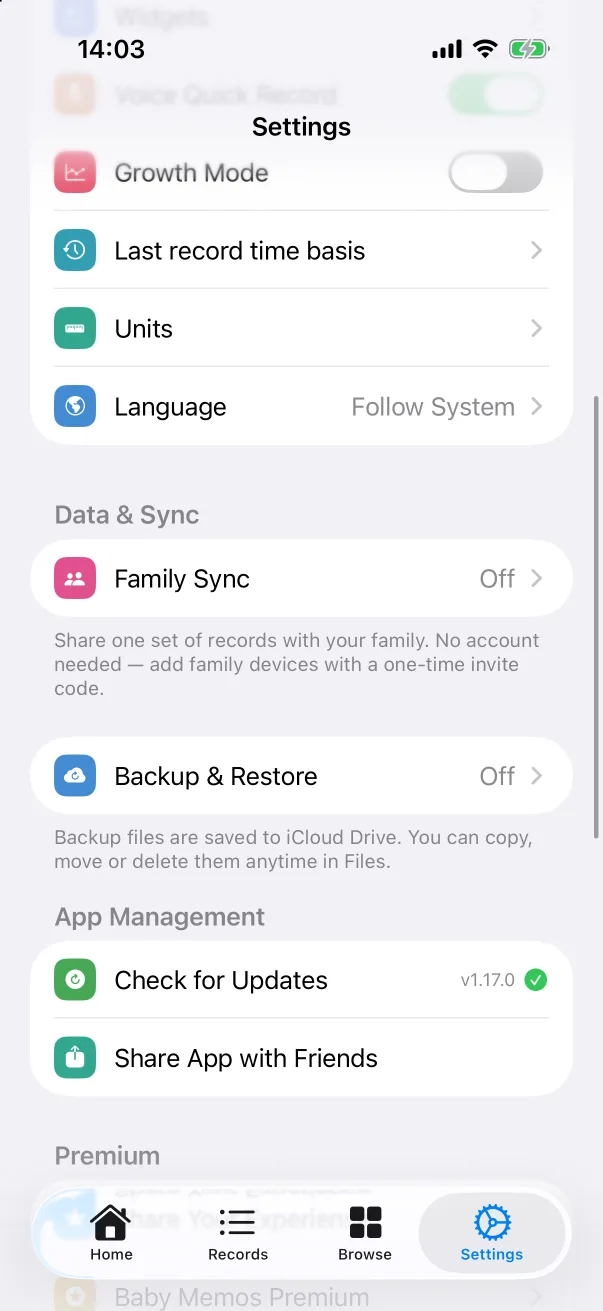
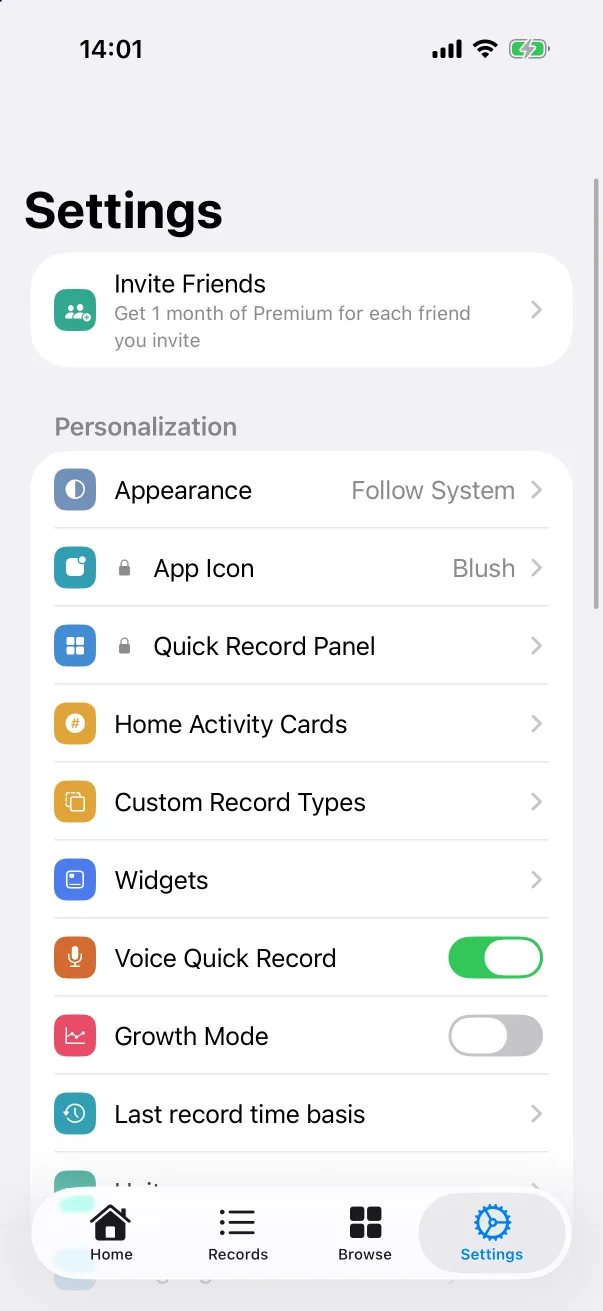 SettingsA tour of the Settings tab — units, language, appearance, app icon, and where every other guide's switch lives.